EasyManua.ls Logo

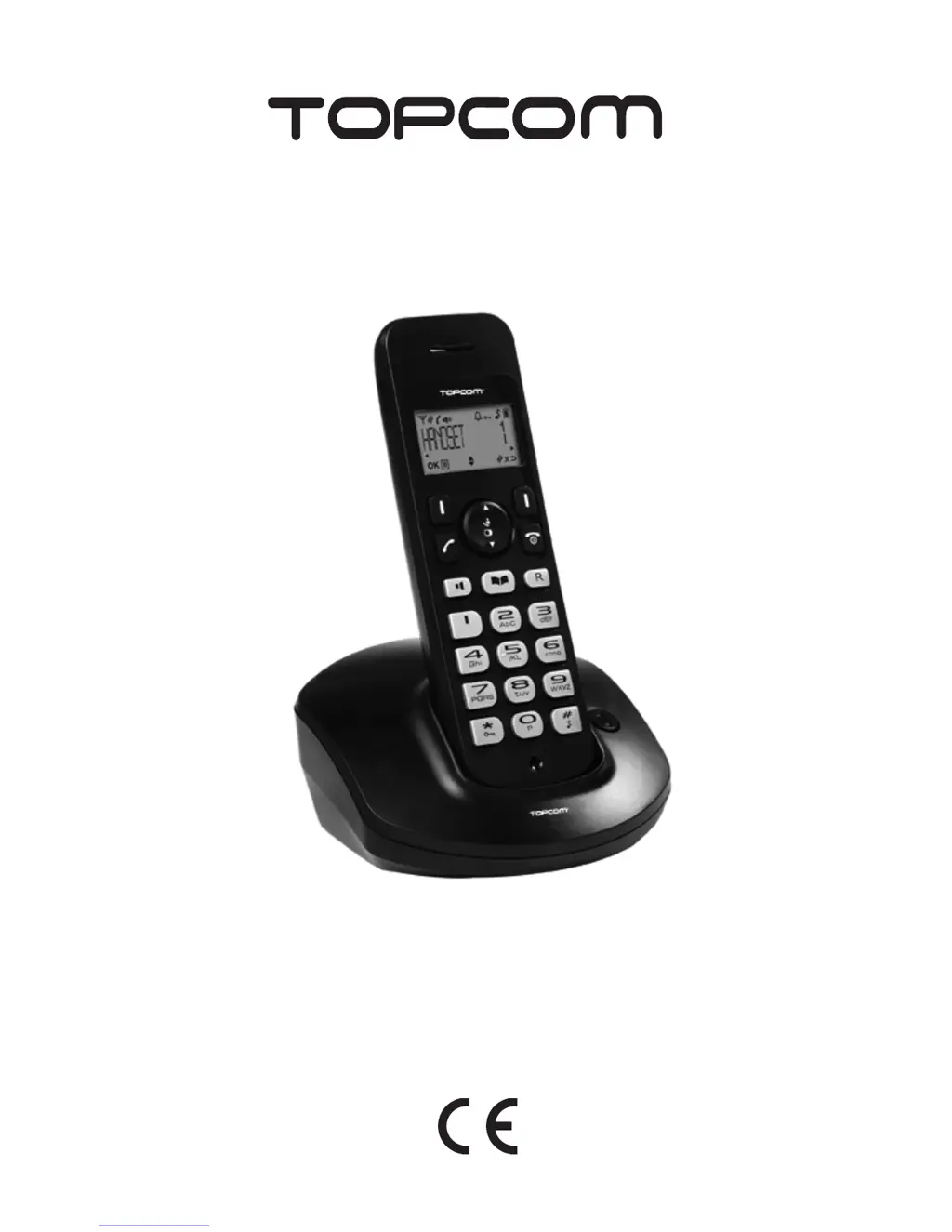
Topcom BUTLER E600 TWIN - User Manual

Topcom BUTLER E600 TWIN
188 pages
Print Icon
To Next Page IconTo Next Page
Loading...
BUTLER E600
TWIN/TRIPLE/QUATTRO
USER GUIDE / HANDLEIDING / MANUEL D’UTILISATEUR
BEDIENUNGSANLEITUNG / MANUAL DE USUARIO
BRUKSANVISNING / BRUGERVEJLEDNING
ANVÄNDARHANDBOK / MANUAL DO UTILIZADOR
  / INSTRUKCJA OBSUGI
V 1.4 - 09/11
®

Table of Contents

Other manuals for Topcom BUTLER E600 TWIN

Questions and Answers

Summary

Getting Started

Installing the Base

Steps to connect the base unit to power and phone line.

Installing the Handset

Steps to insert batteries and charge the handset.

Installing the Charger

Steps to connect the charger for specific models.

Keys and Icons

Keys and LEDs

Identifies handset and base keys and their functions.

Icons Descriptions

Explains icons displayed on the handset screen.

Navigating the Menu

Describes how to move through the phone's menu system.

Using the Telephone

Switching the Handset On;Off

Steps to power the handset on and off.

Changing the Menu Language

How to select the preferred language for the menu.

Receiving a Telephone Call

How to answer an incoming call.

Making Calls and Managing Conversations

Making an External Telephone Call

Various methods to make calls to external numbers.

Making an Internal Telephone Call

How to call another handset within the same system.

Internal Call Transfer

How to transfer an internal call to another handset.

Make a 3-Way Conference Call

How to set up a conference call with multiple participants.

Redial List and Phonebook

Delete a Redial Number or All Redial Numbers

Steps to remove entries from the redial list.

Add an Entry into the Phonebook

How to save new contacts with names and numbers.

Edit a Phonebook Entry

How to modify existing contact information.

View a Phonebook Entry

How to look up saved contact details.

Caller Identification

Personalize the Handset

Adjusting the Ring Volume

How to set the volume for incoming calls.

Silent Mode

How to turn off the ringer for quiet operation.

Choosing the Ring Melody

How to select different ringtones for calls.

Keypad Lock

How to lock and unlock the handset keypad.

Handset Settings

Set the Date, Time and Date;Time Format

How to configure date, time, and their display format.

Set Handset Name

How to change the name displayed for the handset.

Select the Handset Display

How to choose what is shown on the idle display.

Alarm Settings

How to set and manage the alarm clock function.

Tone and Paging Settings

Tone Setup

How to enable/disable various audible tones.

First Ring Tone

How to enable/disable the first ring tone.

Paging

How to locate a missing handset.

Base Settings

Set the Flash Time

How to adjust the flash time for call waiting/transfer.

Setting the System PIN Code

How to change the default system PIN.

Adding a New Handset

Steps to register additional handsets to the base.

Managing Handsets and Reset

Delete a Handset

Steps to remove a handset from the base.

Reset the Phone

How to restore the phone to its factory default settings.

Troubleshooting and Specifications

Troubleshooting

Common problems and their solutions.

Technical Specifications

Detailed technical data about the device.

Warranty and Disposal

Topcom Warranty

Information on the duration and coverage of the warranty.

Warranty Exclusions

Details on what is not covered by the warranty.

Disposal of the Device (Environment)

Guidelines for environmentally friendly disposal of the product.

Cleaning

Topcom BUTLER E600 TWIN Specifications

General IconGeneral
TypeDECT telephone
Answering machineNo
Number of melodies8
Mounting typeDesk
Product colorBlack
Speakerphone-
Phonebook capacity30 entries
Caller IDYes
Backlight colorOrange
Number of handsets included2
Weight and Dimensions IconWeight and Dimensions
Weight920 g
Package depth289 mm
Package width68 mm
Package height172 mm
Package weight1140 g

Related product manuals