English
29
Base settings
7 Base settings
7.1 Set the flash time
Press the flash key R (key 6 - picture 1D Handset) to use certain services on your external line such
as “call waiting” (if your phone company offers this feature); or to transfer calls if you use a
telephone exchange (PABX). The flash key R is a brief interruption of the line. You can set the flash
time to 100ms, 300ms or 600ms (“SHORT”,” MEDIUM” and “LONG”):
7.2 Setting the system PIN code
Certain functions are only available to users who know the PIN code.
By default the PIN code is 0000. To change the PIN code:
8 Managing multiple handsets
8.1 Adding a new handset
You can register new handsets on the base if these handsets support the DECT GAP protocol. The
base can support a maximum of 5 handsets. If you already have 5 handsets, and you wish to add
another one or change one handset, you must first delete a handset, then associate the new handset.
8.2 Delete a handset
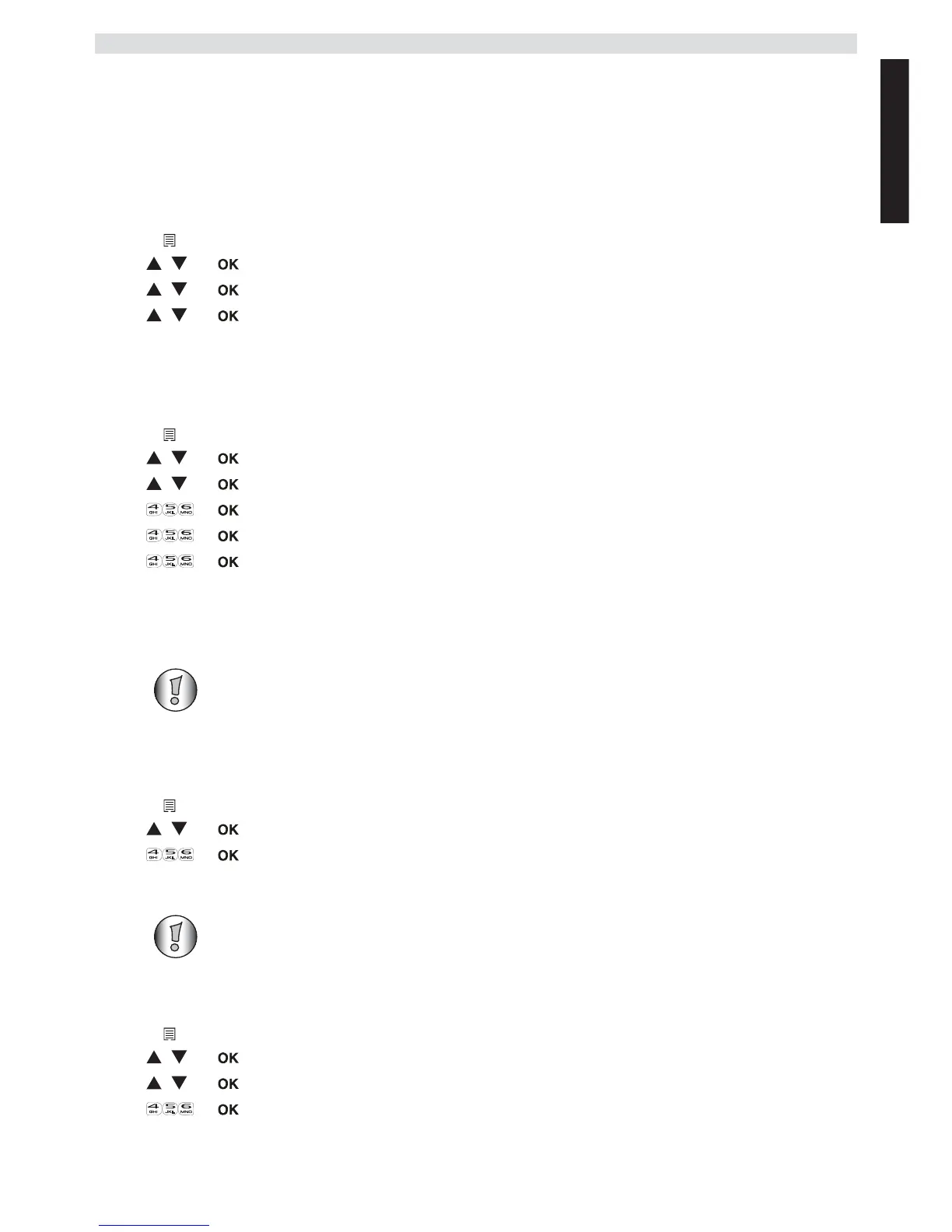
1 Enter the menu by pressing the left menu key.
2 Select “BS SETTINGS” and confirm.
3 Select “FLASH TIME” and confirm.
4 Select “SHORT”, “MEDIUM” or “LONG” and confirm.
1 Enter the menu by pressing the left menu key.
2 Select “BS SETTINGS” and confirm.
3 Select “CHANGE PIN” and confirm.
4 Enter the current PIN code and confirm.
5 Enter the new PIN code and confirm.
6 Enter the new PIN code again and confirm.
Only needed when you have deregistered a handset or when you bought a new one.
1 Enter the menu by pressing the left menu key.
2 Select “REGISTRATION” and confirm.
3 Enter the 4-digit system PIN and confirm.
4 Press and hold the paging-key on the base for 10 seconds.
DECT GAP Profile only guarantees that basic calling-functions will work
correctly between different brands/types. There’s a possibility that certain services
(like CLIP) will not work correctly.
1 Enter the menu by pressing the left menu key.
2 Select “BS SETTINGS” and confirm.
3 Select “DELETE HS” and confirm.
4 Enter the 4-digit system PIN and confirm.
5 Select the handset you want to remove and confirm.



 To Next Page