EasyManua.ls Logo

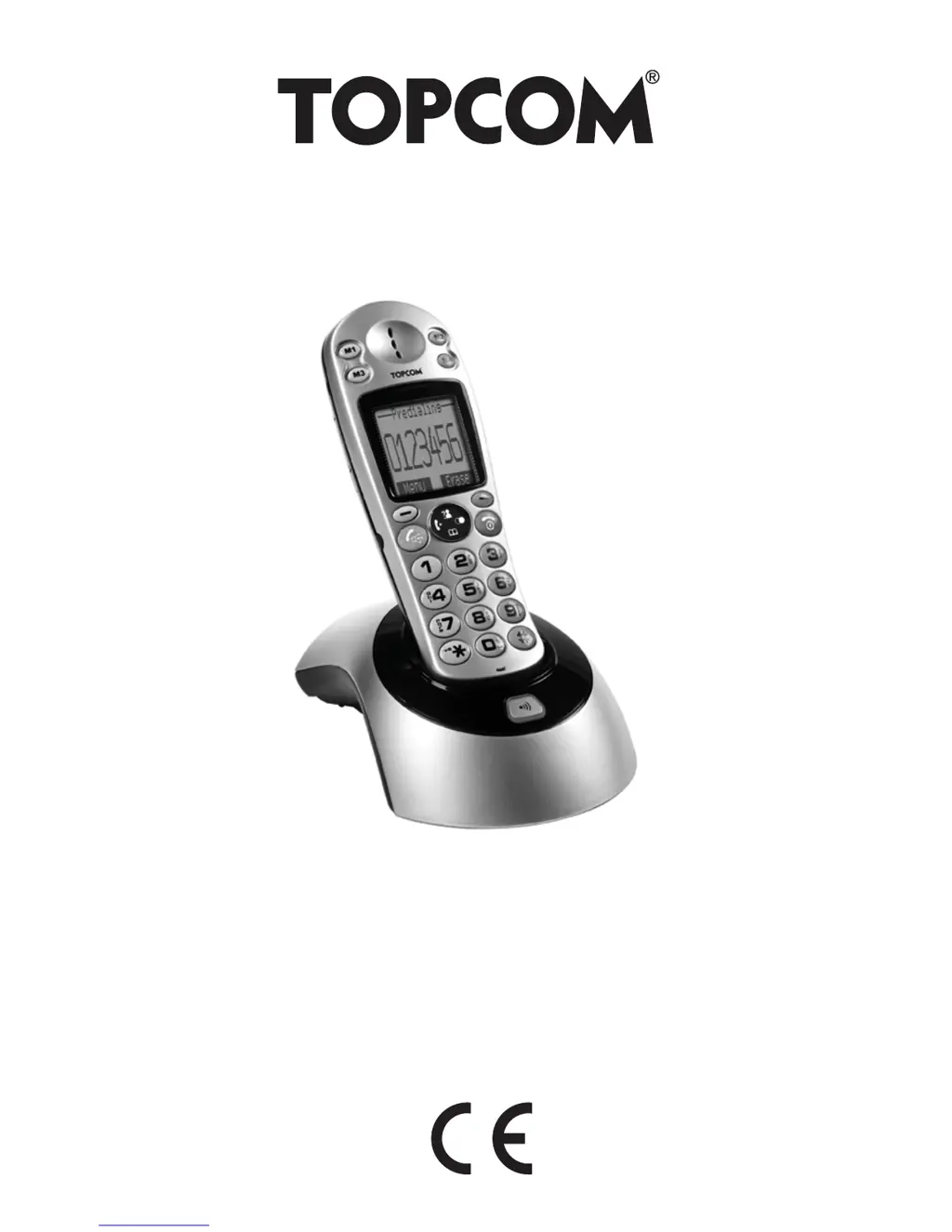
Topcom BUTLER 930 - User Manual

Topcom BUTLER 930
220 pages
Print Icon
To Next Page IconTo Next Page
Loading...
BUTLER 930
USER GUIDE / HANDLEIDING
MANUEL D’UTILISATEUR / BEDIENUNGSANLEITUNG
MANUAL DE USUARIO / BRUKSANVISNING
MANUALE D’USO / MANUAL DO UTILIZADOR
V1.1 - 09/09

Questions and Answers

  • L
    Lindsay JohnsonAug 6, 2025
    Why is there no tone on my Topcom Cordless Telephone?
    • R
      Ryan GrahamAug 6, 2025
      If your Topcom Cordless Telephone displays no tone, first verify the telephone cord connection. If the line is occupied by another handset, wait until the other handset hangs up.
  • S
    sierra50Aug 10, 2025
    What to do if the icon flashes on Topcom Cordless Telephone?
    • T
      tsalazarAug 11, 2025
      If your Topcom Cordless Telephone's icon is flashing, it could be due to the handset being out of range. Try bringing the handset closer to the base. Alternatively, the base might not have a power supply, so check the mains connection to the base.
  • C
    crystal19Aug 15, 2025
    How to fix a Topcom Cordless Telephone when the base or handset doesn't ring?
    • R
      ryan49Aug 15, 2025
      If your Topcom Cordless Telephone base or handset doesn't ring, the ringing volume might be set to zero or be too low. Try adjusting the ringing volume.
  • S
    Sydney DiazAug 19, 2025
    Why does the Topcom Cordless Telephone display stay dark?
    • R
      Richard LarsonAug 19, 2025
      If the display of your Topcom Cordless Telephone stays dark, it could be due to several reasons. Check the position of the batteries and ensure they are correctly placed. Recharge the batteries if they are uncharged. Also, ensure that the handset is turned on.
  • M
    Maria BrooksAug 25, 2025
    What to do if Topcom Cordless Telephone has tone but cannot connect?
    • S
      stephanie38Aug 25, 2025
      If your Topcom Cordless Telephone has a good tone but cannot make any connection, the dialing mode might be incorrect. Adjust the dialing mode (pulse/tone).
  • S
    Sarah MurphyAug 28, 2025
    How to fix a Topcom Cordless Telephone that doesn't react to key presses?
    • P
      parkelizabethAug 28, 2025
      If your Topcom Cordless Telephone does not react to pressing the keys, it might be due to a manipulation error. Remove the batteries for at least 1 minute and then put them back in place.
  • S
    stephanie49Aug 31, 2025
    Why can't I transfer a call on PABX with my Topcom Cordless Telephone?
    • L
      Lynn FranklinSep 1, 2025
      If you cannot transfer a call on PABX with your Topcom Cordless Telephone, the Flash Time might be too short. Try changing the Flash Time.

Summary

Safety Advice and Precautions

Electrical Safety and Protection

Guidelines for safe operation and protection against electrical hazards.

Fire Safety

Precautions to prevent fire hazards related to equipment operation.

Danger of Explosion

Warning about the danger of battery explosion and safe disposal.

Installation Guide

Installing the Base Unit

Step-by-step guide for connecting the telephone base unit.

Installing the Batteries

Instructions for inserting and charging the handset batteries.

Getting to Know Your Telephone

Navigating the Menu System

Instructions on how to navigate through the handset's menu system.

Handset Operations

Turning the Handset On;Off

Procedure for powering the handset on and off.

Making Calls

Detailed instructions on how to make calls and redial numbers.

Receiving Calls

How to receive incoming calls and adjust ring volume.

Handsfree Function

Instructions for using the handsfree communication feature.

Handset Reset Procedure

Clock and Alarm Settings

Setting the Date and Time

Procedure for manually setting the current date and time on the handset.

Using the Alarm Feature

Guide to setting and using the alarm function for reminders.

Setting the Alarm

Detailed steps to set the alarm on the handset.

Phonebook Management

Adding Contacts

Steps to save new contacts with names and numbers in the phonebook.

Looking Up Contacts

How to search for and retrieve contacts from the phonebook.

Editing Contacts

Procedure to edit existing contact details in the phonebook.

Deleting Contacts

How to remove single or multiple contacts from the phonebook.

One-Touch Memories

Base Operation Settings

Changing PIN Code

Procedure for changing the base unit's PIN code for security.

Base Reset

Restoring the base unit's settings to their original factory defaults.

Additional Handsets and Bases

Adding a New Handset

Steps to register a new handset with the base unit.

Removing a Handset

How to cancel the subscription of a handset from the base unit.

Caller ID; CLIP Service

Troubleshooting Common Issues

Topcom BUTLER 930 Specifications

General IconGeneral
Answering machineYes
GAP compatibleYes
Caller IDYes
DisplayLCD
Handset SpeakerphoneYes
IntercomYes
Number of Handsets1
TypeCordless Telephone
Maximum indoor range50 m
Maximum outdoor range300 m
Frequency1.9 GHz
Answering Machine Recording Time15 minutes
Power SupplyAC

Related product manuals