Butler 930 11
Butler 930
ENGLISH
6.7 Menu overview
7 Handset operation
7.1 Turning the handset on/off
• To turn the handset on, press the on/off key or put the handset inside the base.
• To turn the handset off, press and hold down the on/off key
, till the handset
switches off.
7.2 Setting the language
The telephone has 9 display languages.
To set the language, do the following:
• Press the Left menu button under ‘Menu’ .
• Press the up or down key
/ repeatedly until ‘HS Setting’ is selected.
•Press ‘Select’ to confirm.
• Press the up or down key
/ repeatedly until ‘Language’ is selected.
•Press ‘Select’ to confirm.
• The language set appears on the display.
• Press the up or down key
/ repeatedly to select the language you would
like to use.
•Press ‘Save’ to confirm your selection or press ‘Back’ to leave the menu without
saving.
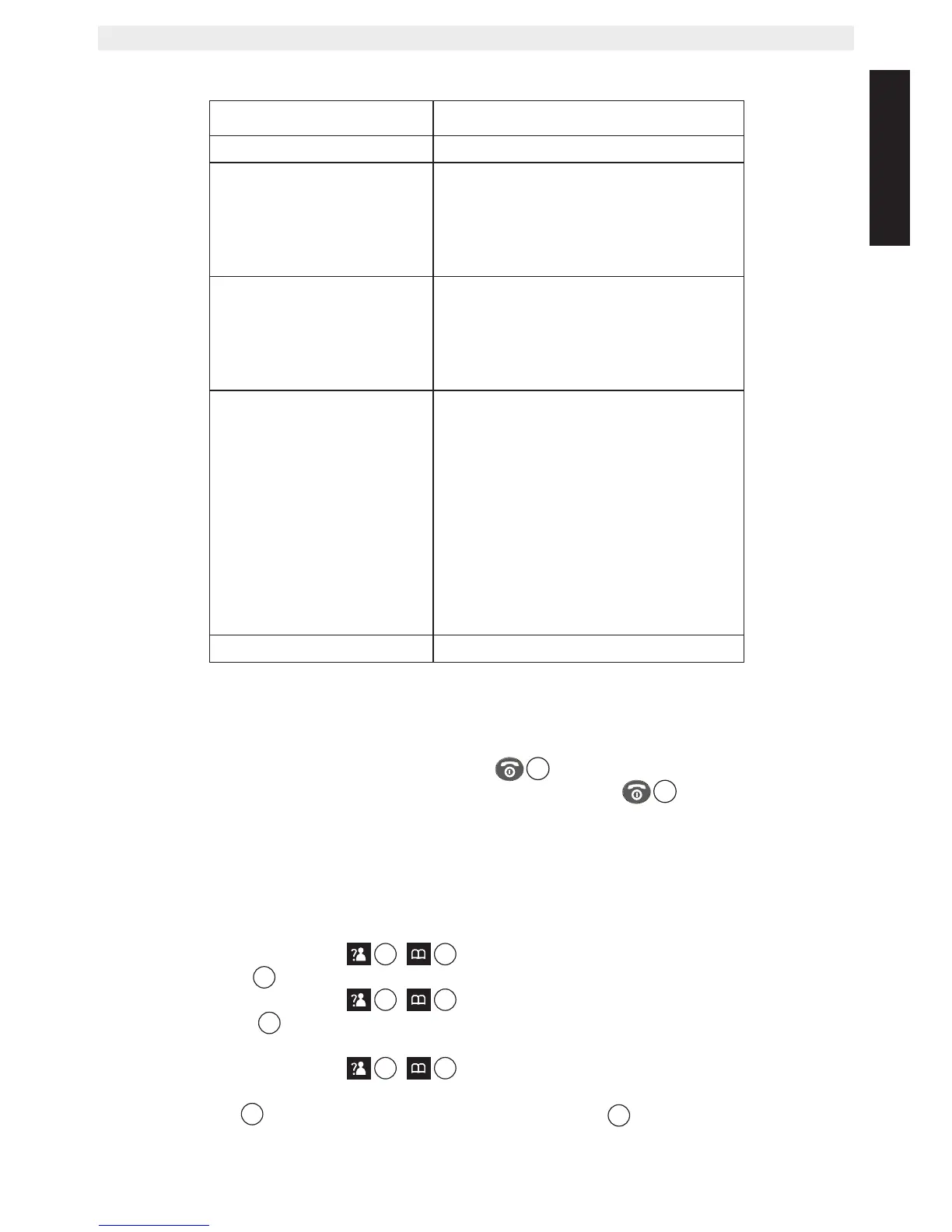
Menu Submenu items
CID Book
Phonebook
New
Edit
Delete
Delete All
PB Status
BS Settings
Terminate HS
Dial mode
Flash Time
Modify PIN
BS Reset
HS Settings
Alarm
Audio Setup
Ring Setup
Tone Setup
Language
HS Name
Auto Answer
LCD Contrast
Date & Time
Select base
HS Reset
Registration Base 1 - 4



 To Next Page