14
First steps
3.10 Navigating through the menu
The Sologic B901 has an easy-to-use menu system. Every menu
consists of a series of options.
A summary of the menus on the handset and base station can be
found below.
3.11 Using the alphanumeric keys
You can use the alphanumeric keys to enter text. Press the
appropriate alphanumeric key to select a letter . For example , if you
press the 5 numeric key, the letter 'j' appears in the display first. Press
the key several times to select the other letters.
Press the 2 key once to select the letter "a". If you want to enter the
letters "a" and "b" in succession, first press the 2 key once to select
the letter "a". Wait 2 seconds until the cursor has moved to the next
position. Now press the 2 key twice to select "b". You can use the
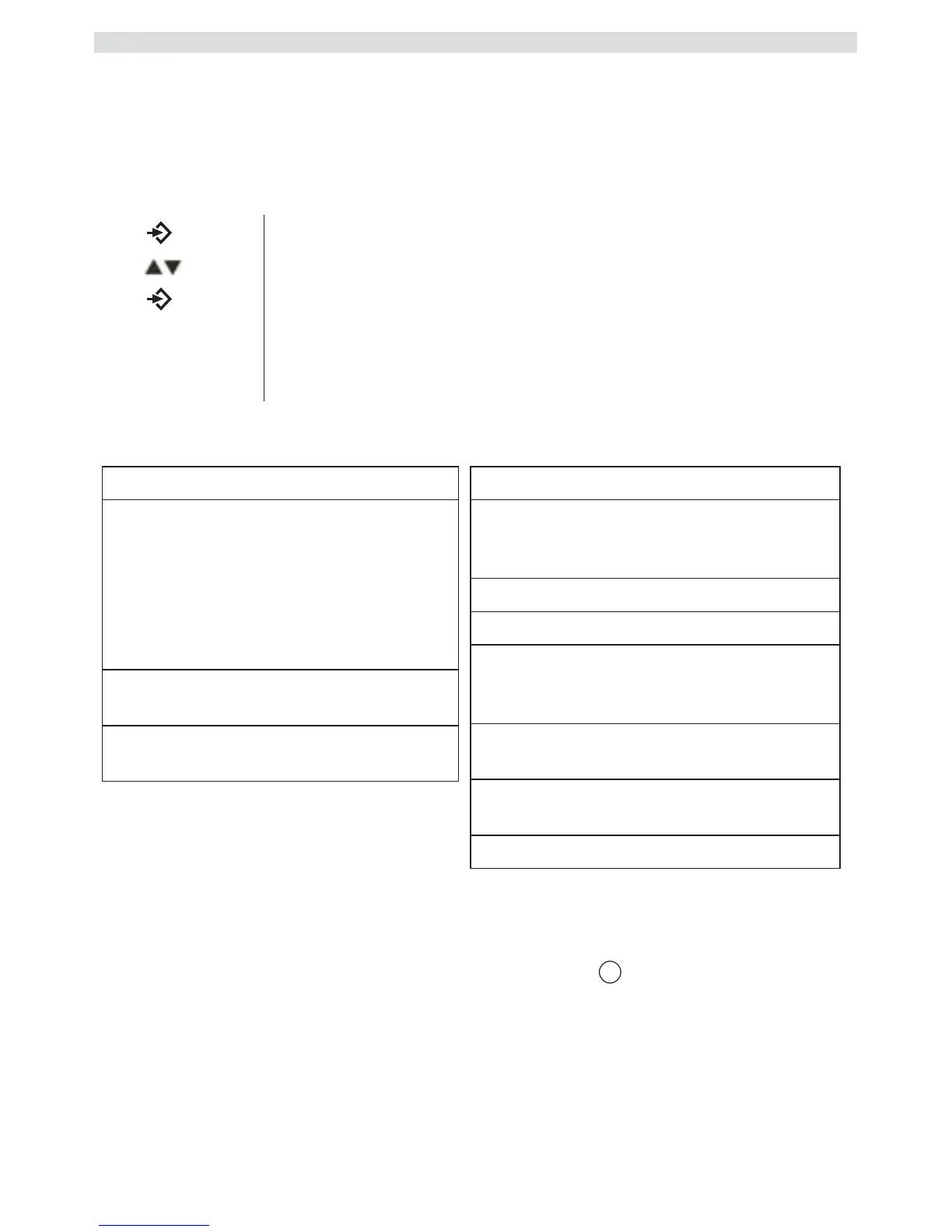
1 Press the Menu/OK key to open the main menu.
2
Scroll to the required menu option.
3
Press the Menu/OK key to open more options or to
confirm the displayed setting.
4
Press the Escape key to go back to the previous
menu level



 To Next Page