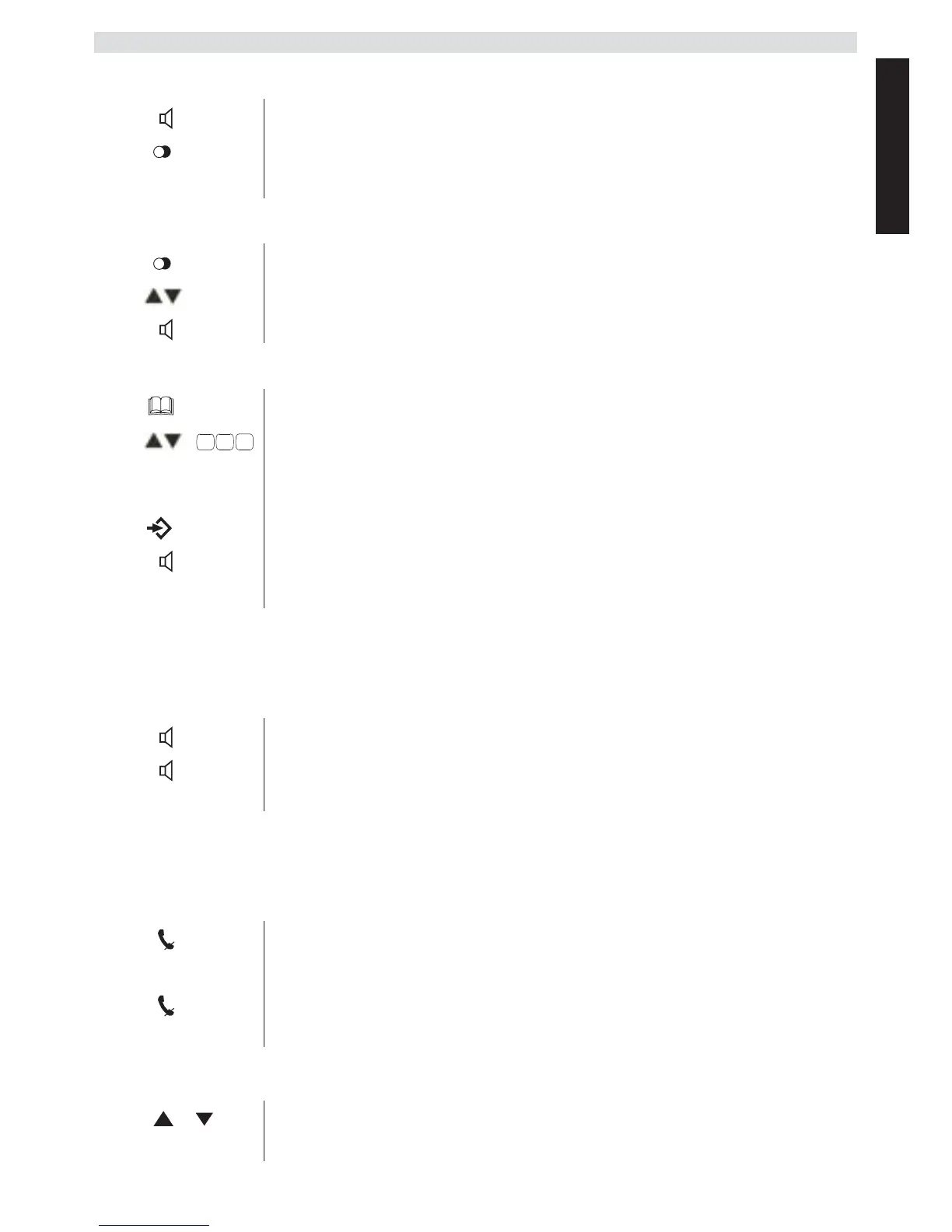
Redialling the last telephone number called
Redialling one of the last 3 telephone numbers called
Calling a number in the phone book
4.5 Activating/deactivating hands free mode
You can use this function to answer a call without having to lift the
receiver or if the receiver has already been lifted.
4.6 Mute
The microphone can be muted during a call so that you can talk without
being overheard by the person on the other end of the line.
4.7 Setting the speaker and receiver volume
1 Lift the receiver or press the hands free key.
2
Press the redial key.
The last telephone number is automatically dialled.
1 Press the redial key.
2
Select one of the last 3 numbers dialled.
3
Lift the receiver or press the hands free key.
1 Press the phone book key.
2
Scroll to the required name or enter the initial
letters of the name.
3
Press the Menu / OK key to display the telephone
number.
4
Lift the receiver or press the hands free key.
The telephone number is automatically dialled.
1 Press the hands free key to activate the function.
2
Press the hands free key again to switch the call
back to the receiver.
1 Press the mute key.
The microphone is muted.
2
Press the mute key again to reactivate the
microphone.
1 Press the volume key during a call.
2
You can set the volume to levels 1 to 5.



 To Next Page