EasyManua.ls Logo

Topcom SOLOGIC B901 COMBO - Troubleshooting; Troubleshooting Guide

Topcom SOLOGIC B901 COMBO
470 pages
Print Icon
To Next Page IconTo Next Page
To Previous Page IconTo Previous Page
Loading...
36
Troubleshooting
9 Troubleshooting
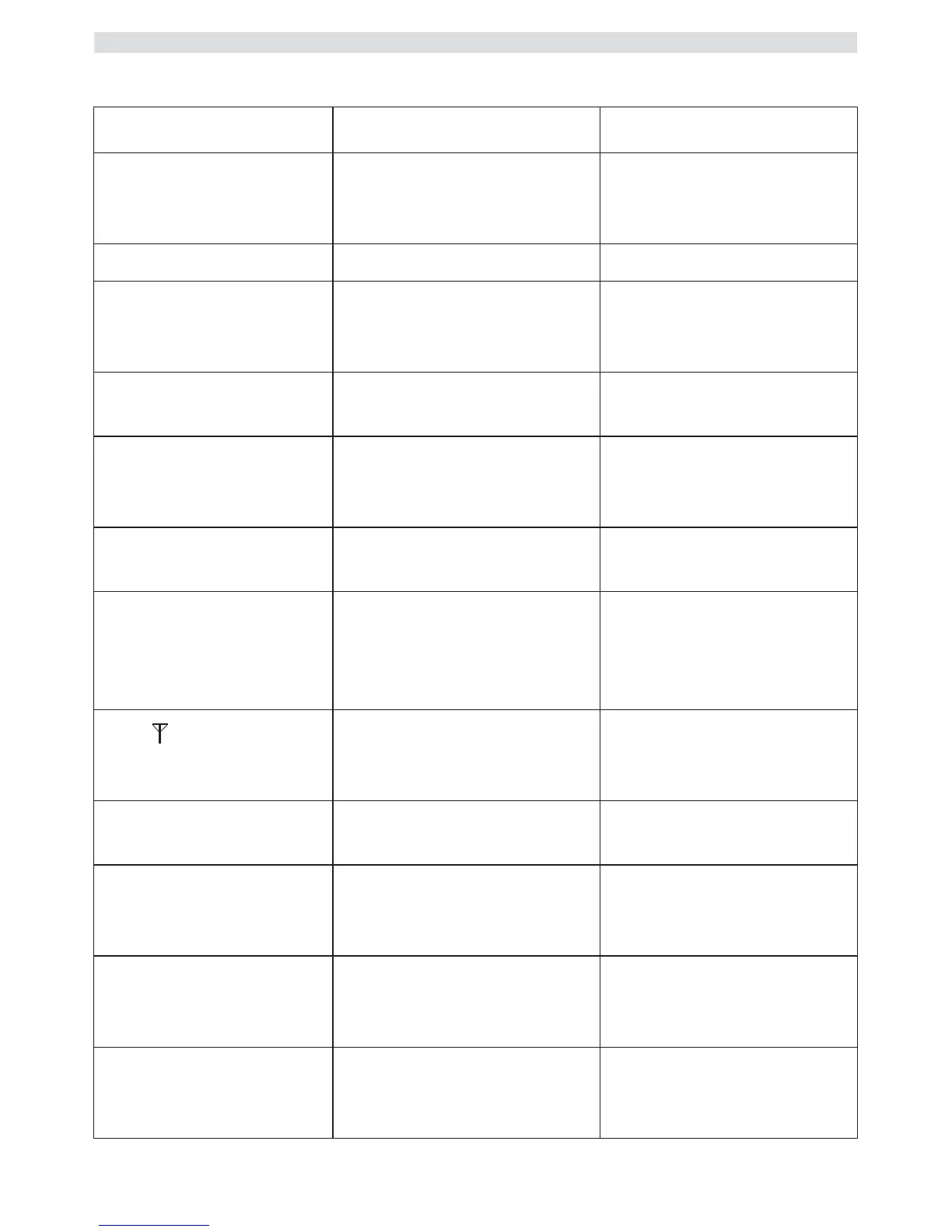
Problem Possible cause Solution
No display The batteries are not
charged
Check that both
batteries have been
inserted correctly
Charge the batteries
No sound The telephone cable is
not connected
correctly.
Check the cable
connection.
The line is engaged by
a different handset
Wait until the other
handset hangs up
The caller is too
quiet.
Adjust the volume
during the call using
the volume key
The handset ring
tone is too quiet.
Adjust the ring tone
volume
A number cannot be
dialled.
The dialling mode is
incorrectly set.
See „4.13 Setting the
dialling mode“ to set
the correct dialling
mode
The symbol is
flashing
Handset is out of range Move the handset
within range of the
base station.
The base station has
no power
Check the mains
adapter and cable.
The handset is not
registered to the base
station
Register the handset
to the base
The base station or
handset does not
ring
The ring tone volume is
off or too low
Adjust the ring tone
volume
A call cannot be
forwarded to an
extension.
The flash time is too
short
Set the device to a
long flash time

Other manuals for Topcom SOLOGIC B901 COMBO

Related product manuals