21
1 NOMENCLATURE AND FUNCTIONS
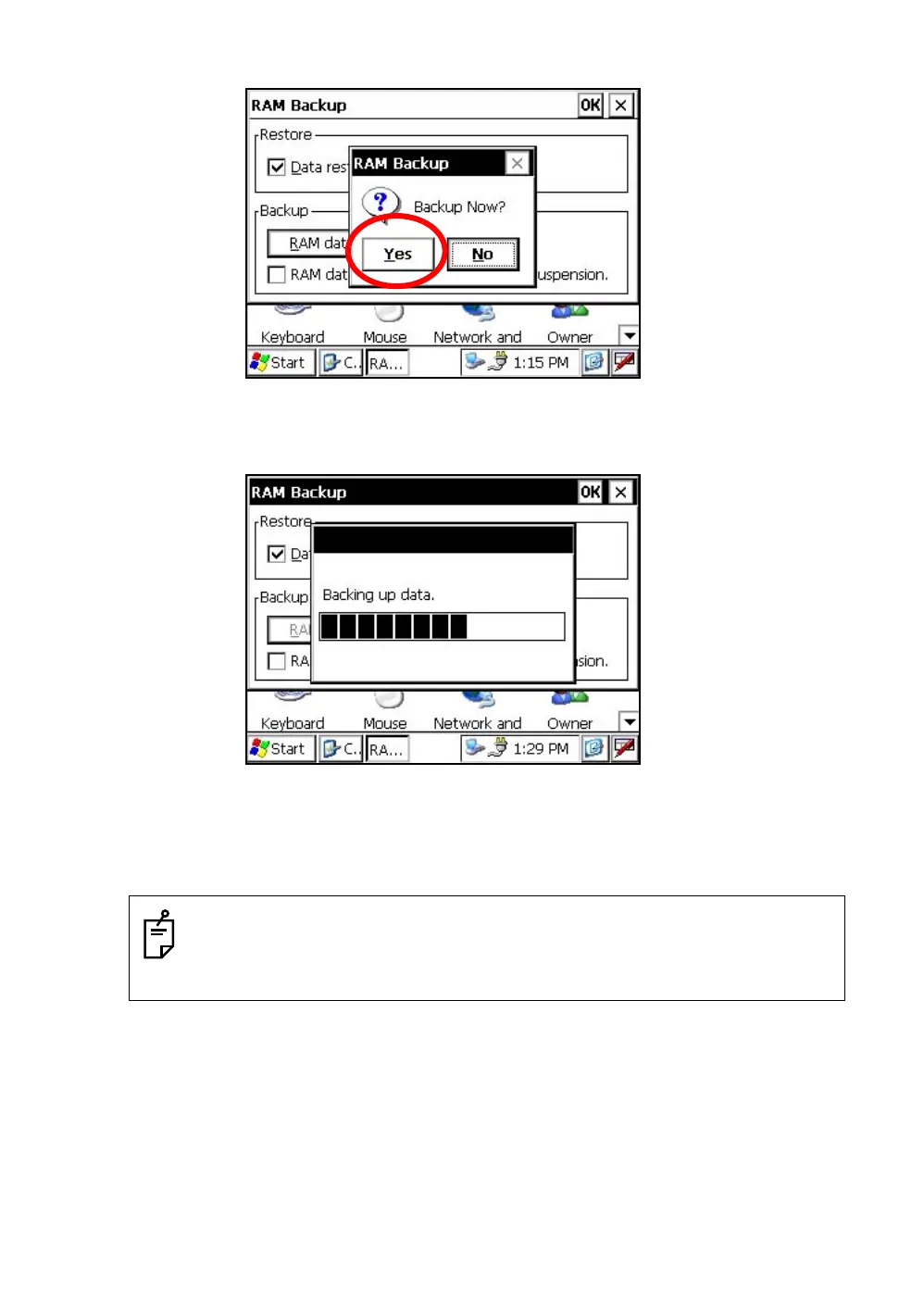
3 Press the [YES] key.
4 Press the [OK] key on title bar. After that "RAM Backup" screen will close automatically.
• Backing up data may be incomplete if remaining capacity of "Internal Disk" is not enough.
Please make sure the remaining capacity of "Internal Disk" before proceeding to the data
back up.
• Restoration will be impossible if you delete the "Backup" folder in the "Internal Disk".
Backup function will start.
Return to "RAM Backup" screen automatically, when the data back up has been completed.


 To Next Page
 Loading...
