11
Basic Operation
1
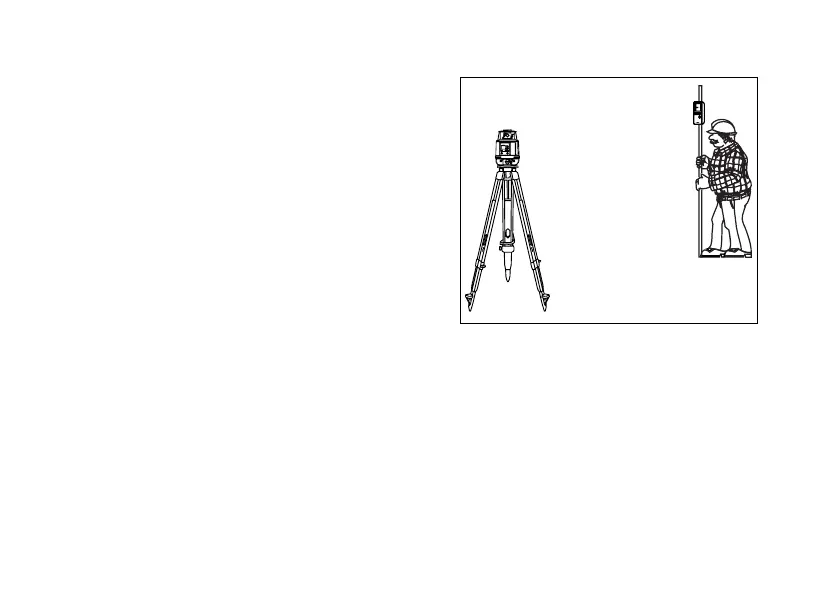
Set the RL-H1Sa on a tripod or flat surface.
(See "Instrument Set-up Procedure " on page
12.)
2
Turn the instrument ON and enter a grade if
desired. (See "Entering Grade " on page 18.)
3
Set beam rotation to the desired speed.
(See "Changing rotation speed " on page 16.)
4
Set the electronic beam shutter (mask) for spe-
cific quadrants if desired. (See "Masking
(Laser beam shutter) " on page 20.)
5
Turn on LS-70 laser sensor. If high-precision
detection is desired, select that setting on the LS70.( See "Standard / Optional Accesso-
ries " on page 34 for more information.)
6
Use the LS-70 to intercept the rotating laser beam to check a specific elevation.
X
rpm
100
MANU
×
POWER
%
ON
ENT



 To Next Page