27
SETUP
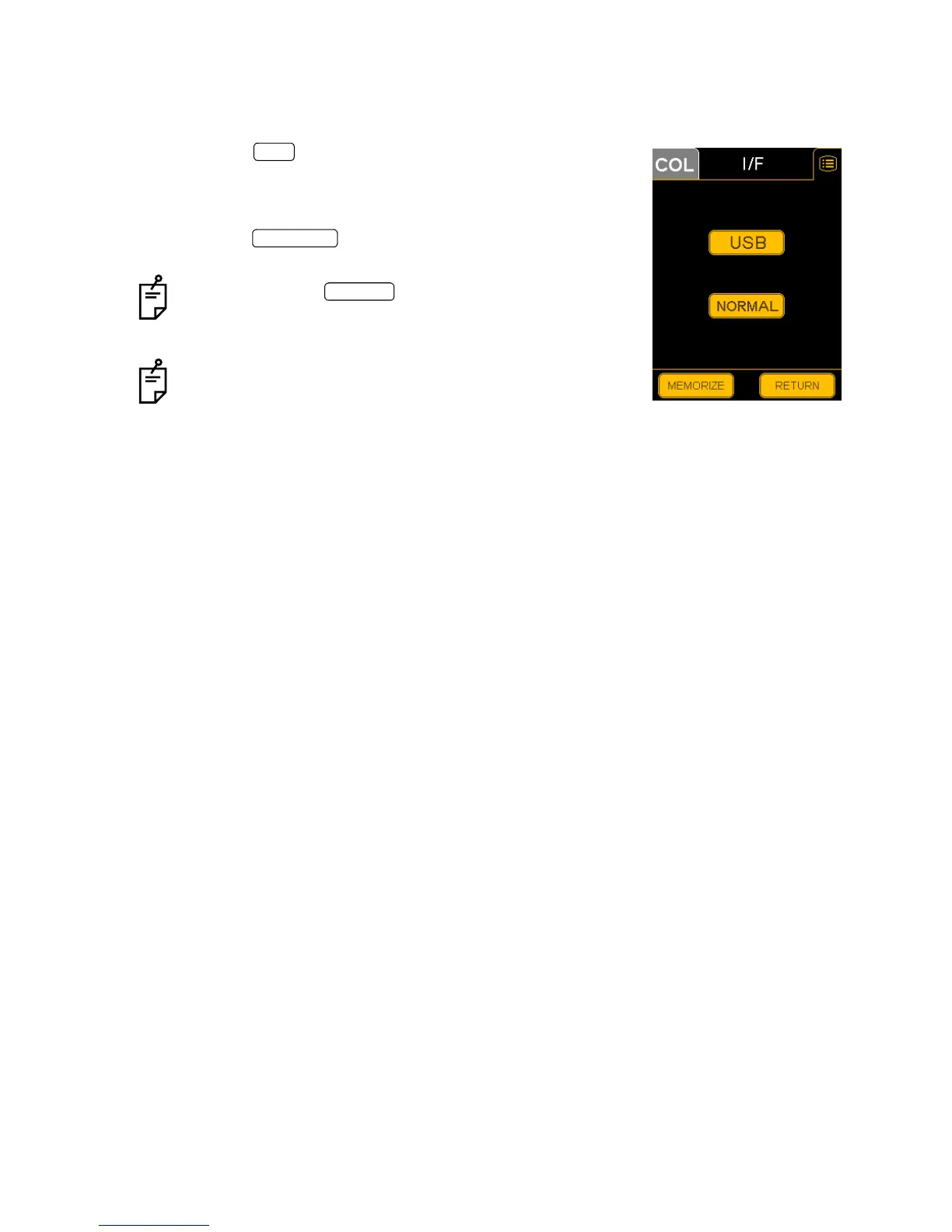
I/F
Set the interface to "USB" or "NORMAL".
"NORMAL" is the factory default.
1 Press the switch on the "SET MENU" display. The
"USB/NORMAL" selection display will appear.
2 Press and select "USB" or "NORMAL".
3 Press the switch, to store the data. The "SET
MENU" display will appear again.
If you press the switch, the data will not be
stored. The data is reset as before and the "SET MENU"
display will appear again.
Refer to "CONNECTING THE EXTERNAL DEVICE" on
page 21. Select "USB" for the connecting method 1, and
"NORMAL" for the connecting method 2.
I/F
MEMORIZE
RETURN


 To Next Page