8 9
EN
1.2 Steps
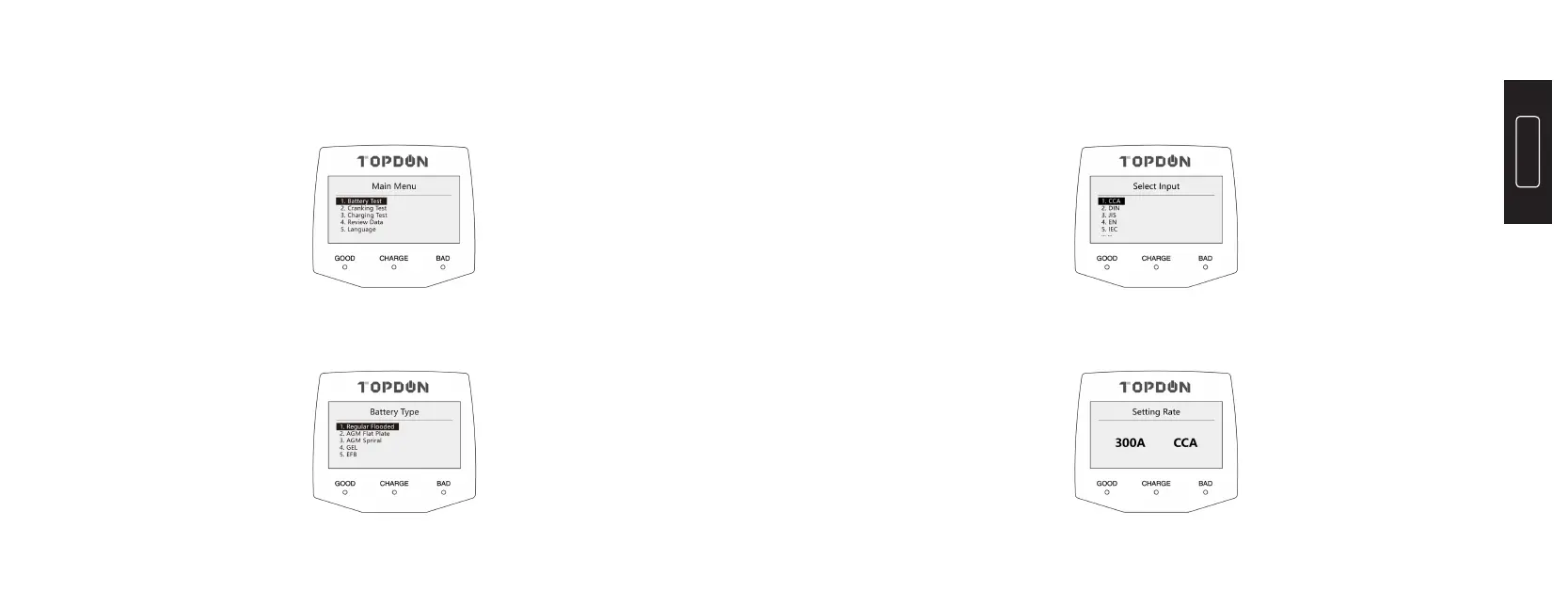
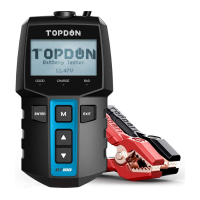
1) Press the “M” button to display the main menu and select the “1.
Battery Test”:
2) Press and hold the “
▲
” or “
▼
” button to select the “Battery Type” (
specied on the battery rating label ) , then press “ENTER” to continue.
3) Press and hold the “
▲
” or “
▼
” button to select the correct testing
standard ( specied on the battery rating label ), then press “ENTER” to
continue.
4) Press and hold the “
▲
” or “
▼
” button to select the battery rating
values ( specied on the battery rating label ).


 To Next Page