10 11
EN
5) Press “ENTER” to start the battery test.
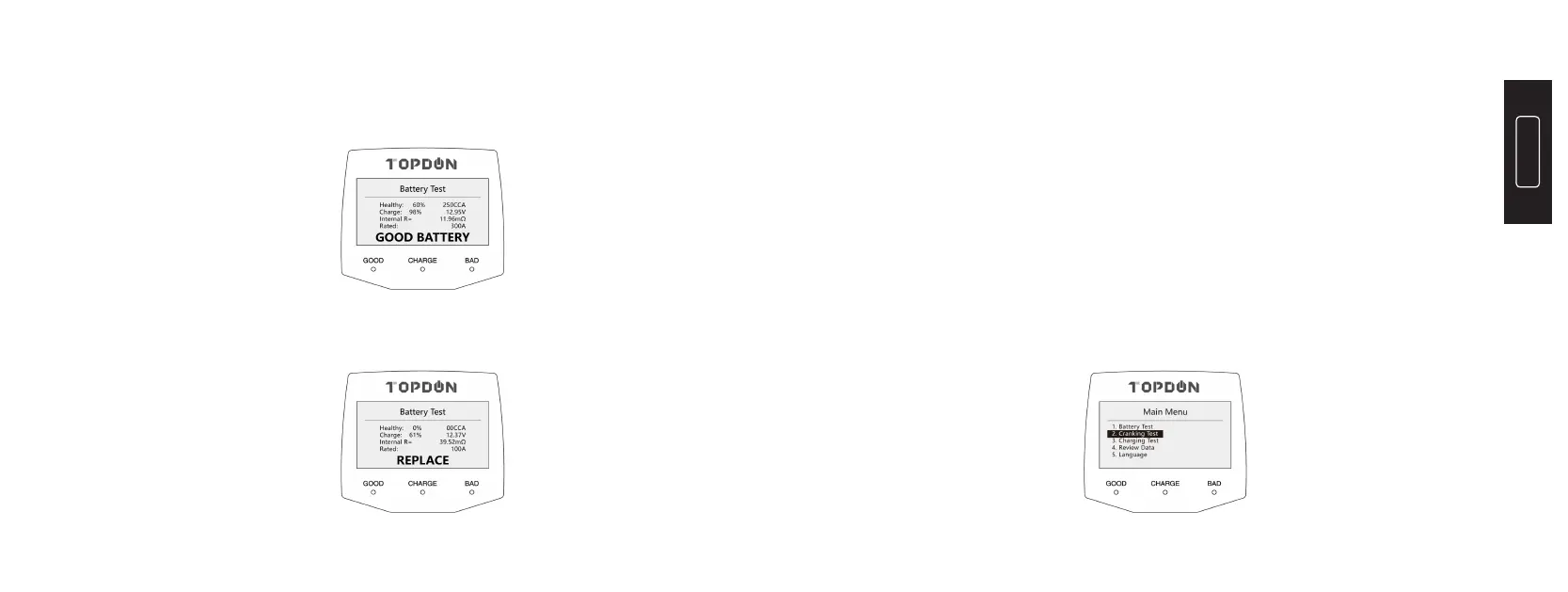
6) The test result will display as follows:
7) Replace battery if test result as depicted below displays:
2. Cranking Test
2.1 Before Test
The engine and all other accessory loads must be OFF during test in order
to have accurate results.
2.2Steps
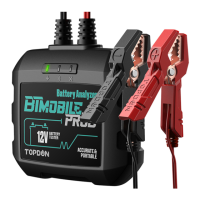
1) Connect the RED (+) Positive Battery Clamp to the (+) positive battery
terminal, and connect the BLACK (-) Negative Battery Clamp to the (-)
negative battery terminal. Ensure that the clamps are securely attached to
the correct terminals.
2) Press the “M” button to display the Main Menu, and select the “2.
Cranking Test”:


 To Next Page