12 13
EN
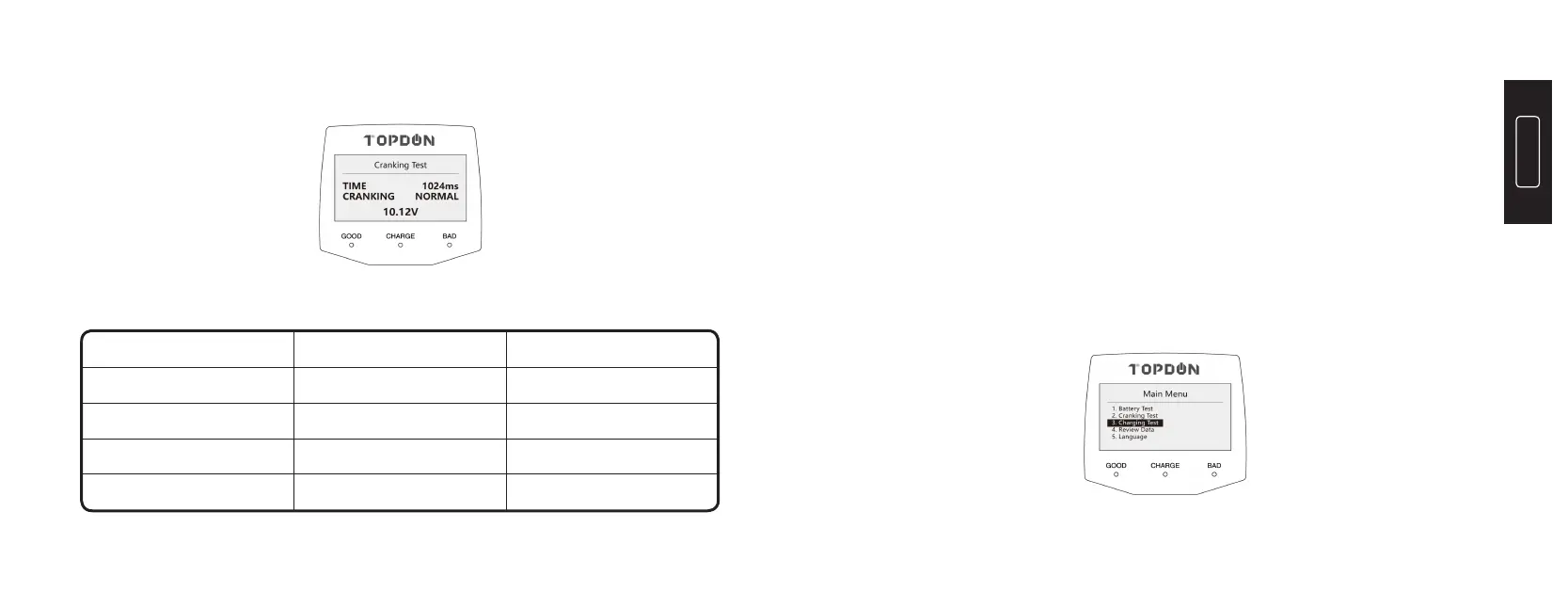
3) Press “ENTER” to initiate “Cranking Test” interface:
Good No Action Needed
Not Bad Recharging
Bad Replace
Very Bad Replace ASAP
9.2V~10V
<9.2V
>10.5V
10V~10.5V
Discharge Performance ActionsCranking Voltage
3. Charging Test
3.1 Before Test
The engine must be ON during test.
3.2 Steps
1) Connect the RED (+) Positive Battery Clamp to the (+) positive battery
terminal, and connect the BLACK (-) Negative Battery Clamp to the (-)
negative battery terminal. Ensure that the clamps are securely attached to
the correct terminals.
2) Press the “M” button to display the Main Menu, and select the “3.
Charging Test”:
Reference Table (for 12V battery)



 To Next Page