31
Chapter 7
Recording and Playback
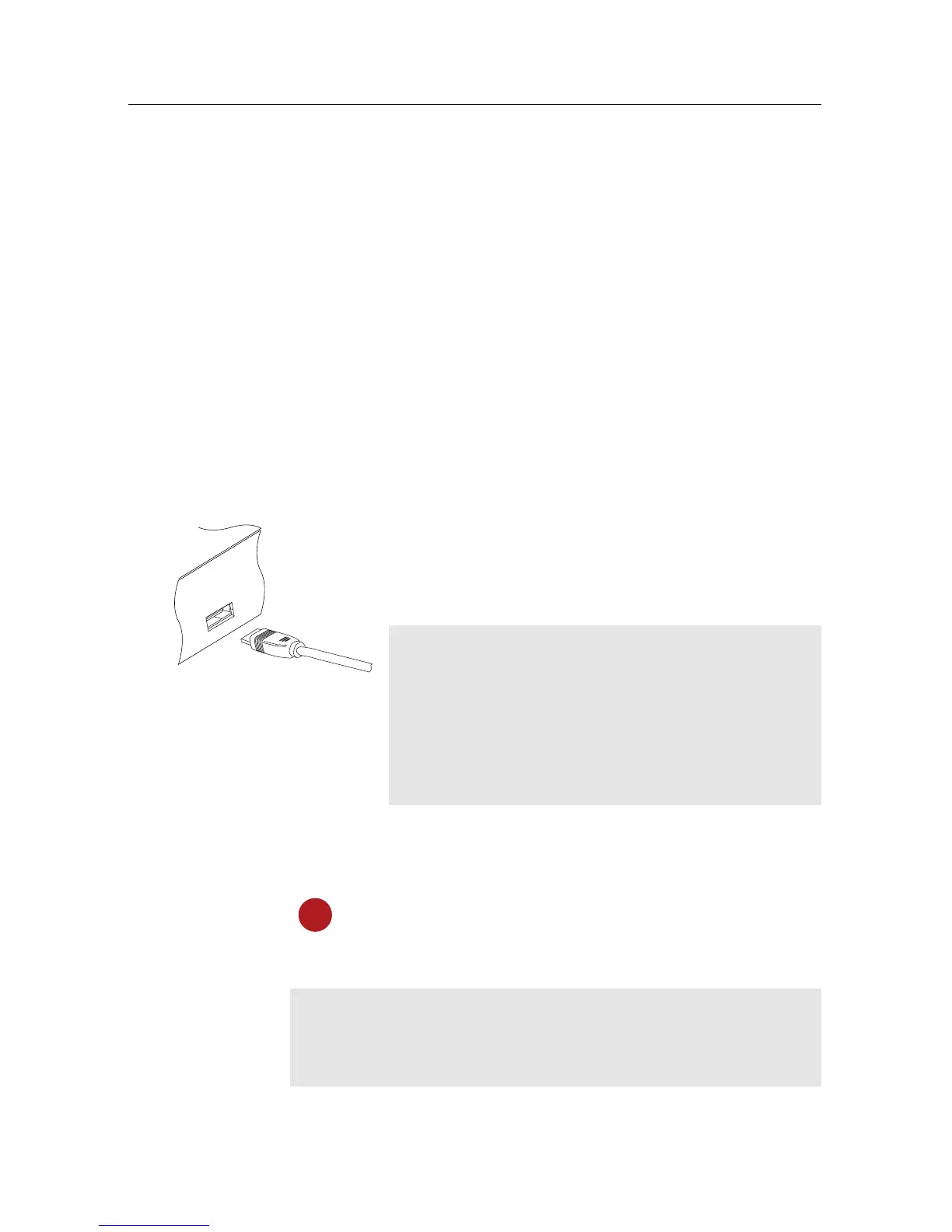
If you want to record TV programmes, you have to
connect an external hard drive or a USB memory
stick to the USB port of the digital receiver.
NOTE
The external hard drive or USB memory stick
should be formatted in NTFS or FAT file system.
It is also recommended to use an external power
socket to have the external hard drive supplied
by its own power.
7.1 Recording a programme
Once a recording gets started, a symbol like the
left figure will be displayed at the top left of the
screen for a few seconds.
CAUTION
Do not move the digital receiver nor pull out the power
plug while it is running. It may cause damage to recorded


 To Next Page