39
Chapter 6
Listing Services
6.1 Editing the services list
You would have got the services list after service search. You
can rename, move, lock or delete service entries on the services
list.
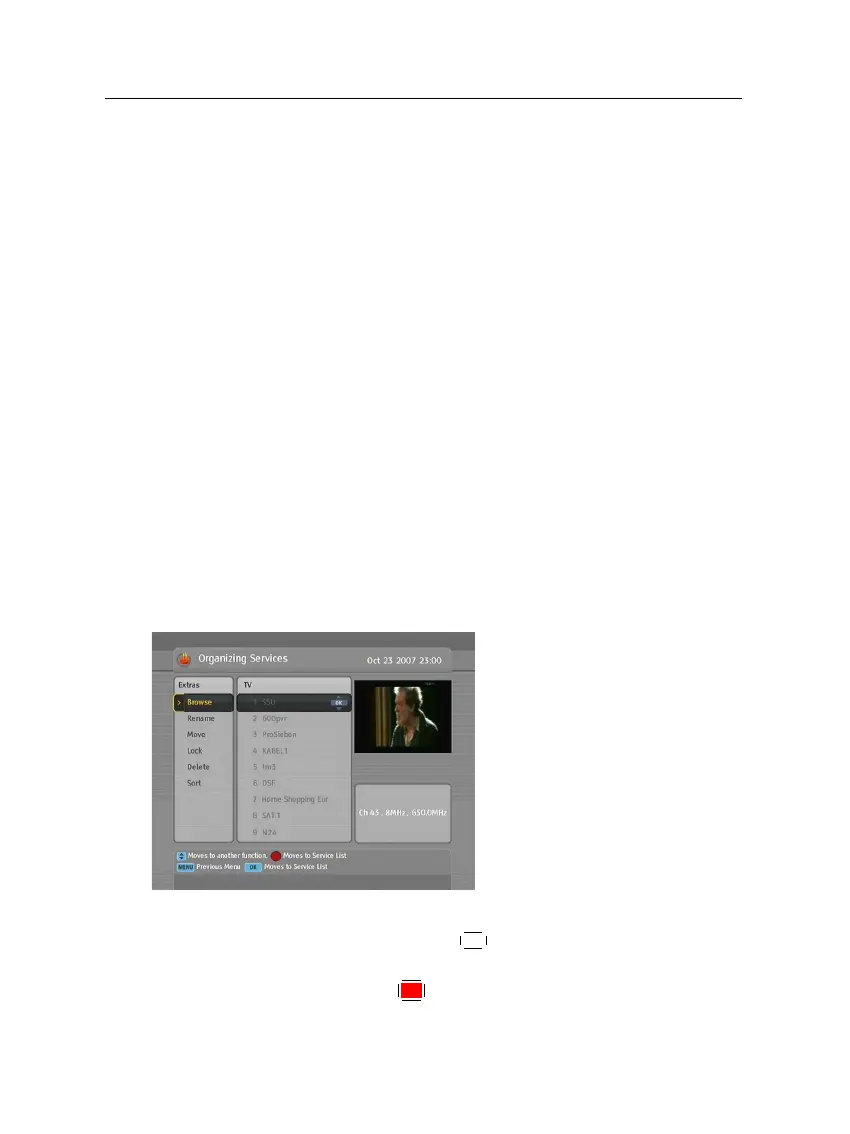
Select the Organizing Svc/Fav >
Organizing Services menu. You
should see a screen like the left
figure.
There are editing options on the
left column and service entries
on the right column.
Once you put the highlight bar on a desired option on the
left column and press the
OK
button, you can select a desired
service to edit on the right column. To go over to the other
column, press the
F1
button.














 To Next Page