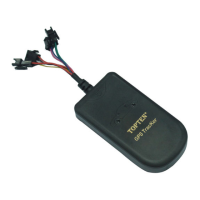
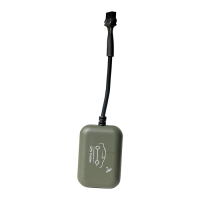
TK108 GPS Vehicle Tracker
(For example: 111111SPD:120, if the car speed is over 120KM/H, it will
send alert SMS to warn you).
to disable the over-speed alert. It is the default setting.
to check the setting of over-speed alert.
Remark: this function is just for reference, because there might be some
time delay or error in detecting the running car’s real speed by GPS. Default
speed limitation is 150KM/H.
Upgrade
111111UPG
This instruction is used to upgrade the equipment firmware.
Reply:Upgrade successfully!
Upgrade fail! Network error
Upgrade fail! No upgrade files
Upgrade fail! Upgrade files error
This is the latest version
Disable power save mode
GPS on when ACC is on
Close GPRS connection, GPS module
After setting 111111PWR:2, if there is no vibration & SOS alarm and ACC is
OFF, the tracker will go into power save mode after 5 minutes.
Once there is vibration or SOS alarm, or ACC is ON, the tracker will wake
up from the power save mode immediately.


 To Next Page