- 34 -
3.5 Printout module:
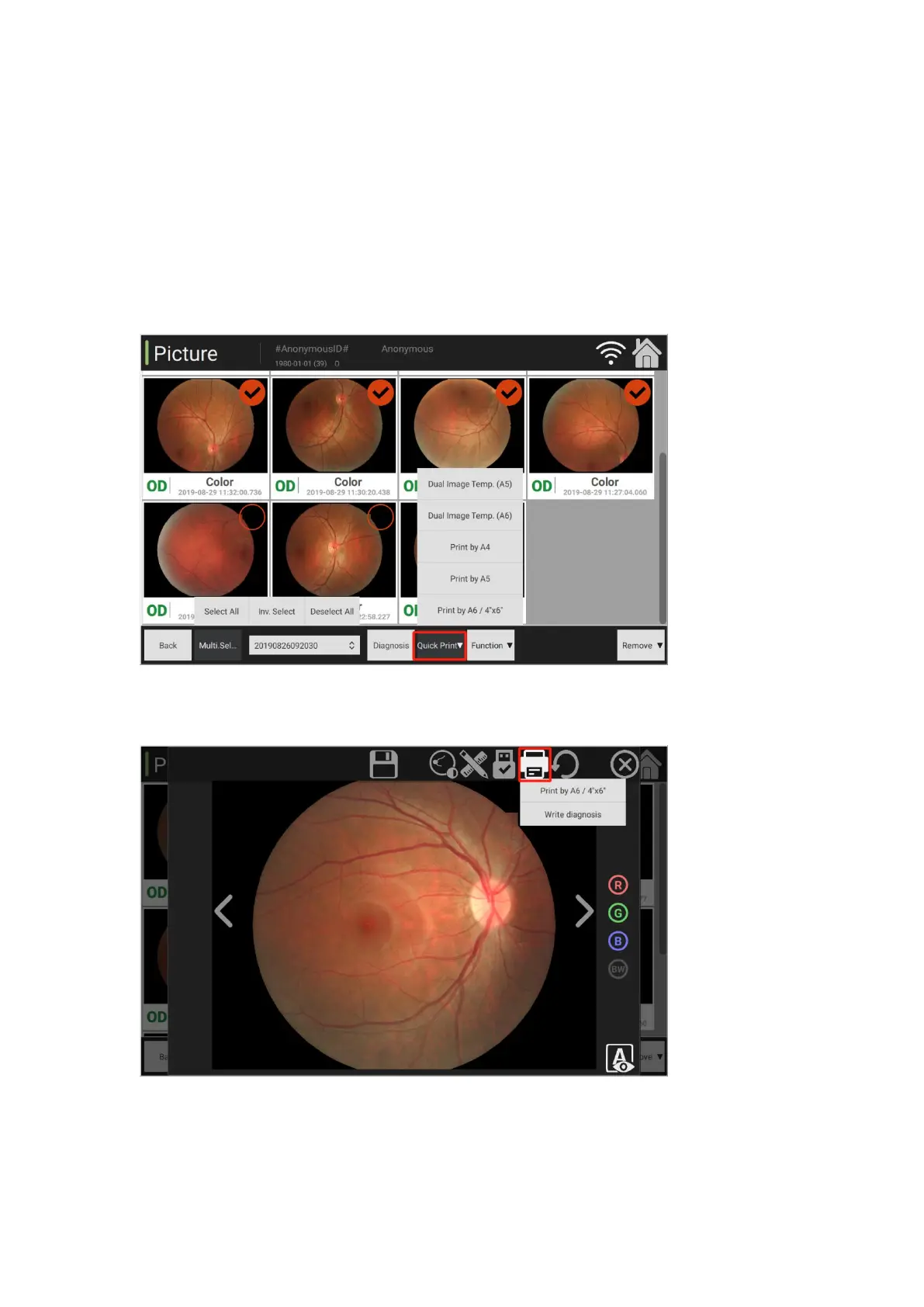
Enter the image management interface, click [Multi-selection Mode] button at the bottom to check
the print function among the function options.
Quick print: Click [Quick Print] button to print reports as needed.
Dual image template (A5): Use A5 paper to print 2 images.
Print with A4: Print and export the report on A4 paper.
Print with A5: Print and export the report on A5 paper.
Print with A6/4"*6": Print and export the report on A6 paper.
Image printing tool: Two options: Export and write diagnosis information with A6/4"*6".
Connect to printers, and then directly print images.



 To Next Page