- 35 -
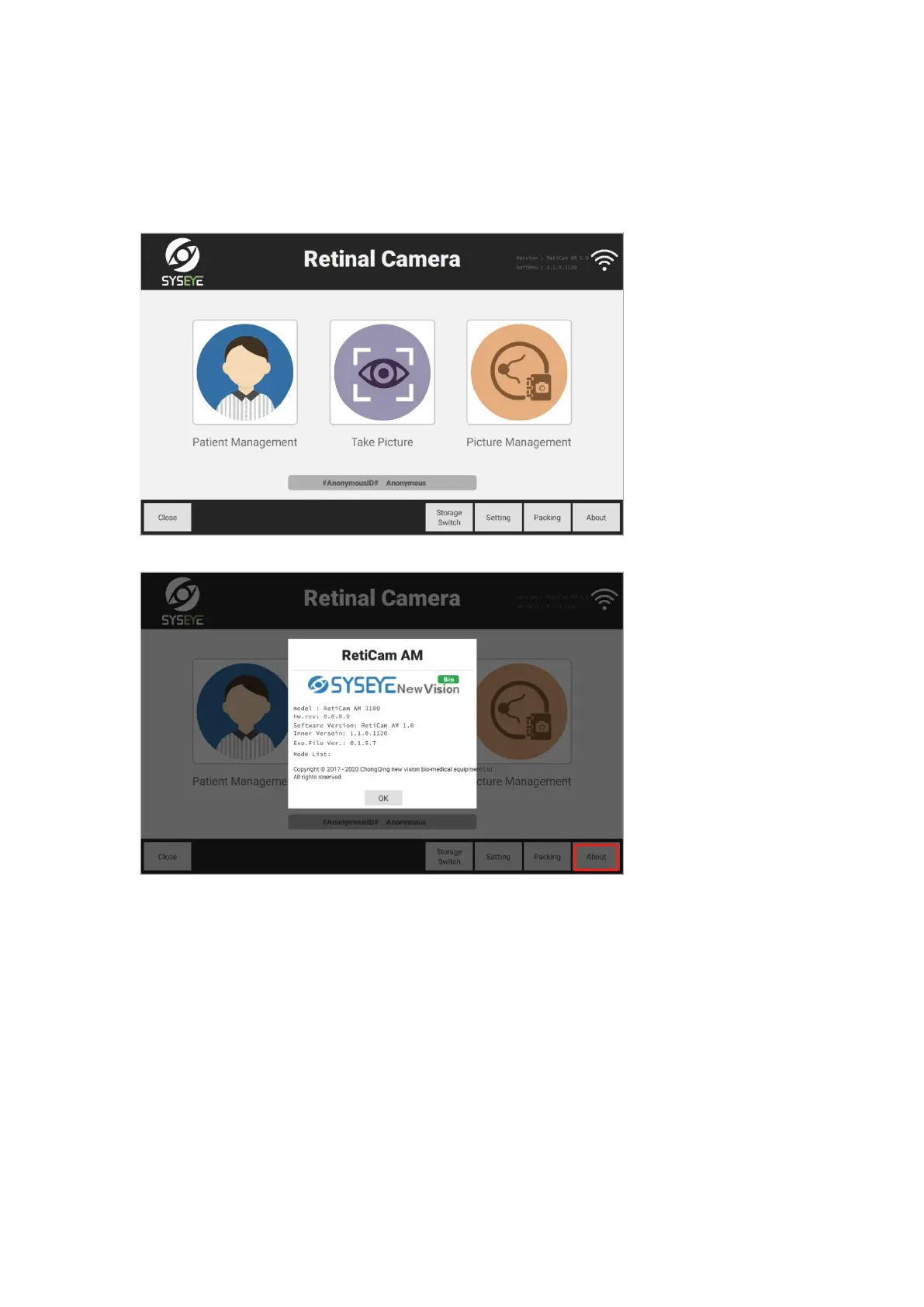
3.6 Information of software version
Main interface: Enter the main interface of the system, click [About] button at the right bottom to
check the information about software version.
About the version: Detailed information of the product is as below.
Storage switch: Click [Storage Switch] button at the right bottom to switch among local storage
and external USB storage. Local storage by default



 To Next Page