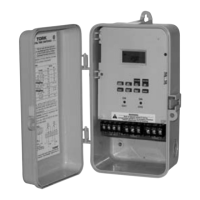
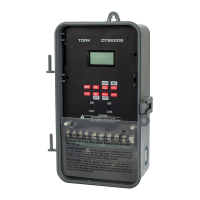
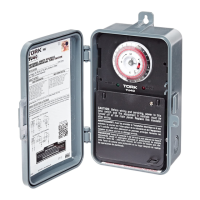
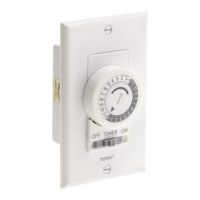
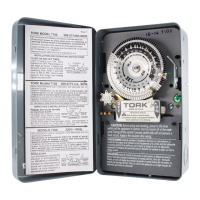
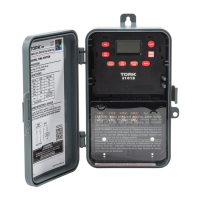
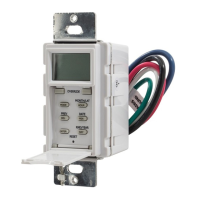
TORK MODEL DZM200A
2 CHANNEL DIGITAL TIME SWITCH
WITH MOMENTARY CONTACT
INSTALLATION & OPERATION
CAPABILITIES
365 Day Advance Single Holiday and Seasonal
Scheduling.
ON and OFF set points:
Combined total for both channels - 99 per week
Minimum setting - 1 minute
Capable of different schedules each day of the week.
Astronomic for automatic ON at sunset, OFF at sunrise
of outdoor lighting.
FEATURES
Holidays 1 to 24 individual dates.
Seasons 1 to 4 with different daily
schedules which wrap around
into the new year.
Daylight Saving Automatic adjustment (can be
omitted).
Leap Year Automatic compensation.
Display LCD
Manual Override Until the next regularly sched-
uled ON or OFF. Automatic
operation then resumes.
Clock Format AM/PM only (although 24HR may
flash, it is not available at present).
Power Outage Permanent schedule retention
for up to 40 years.
Snap-in lithium battery maintains
real time.
Operating
Temperature 4° to 140°F (-20° to 60° C).
MLI 136(A)
TABLE OF CONTENTS
Section Description Page
Instructions For Installation........................4
1.0 To Set The Clock .......................................5
1.1 To Modify Clock (After Previously Set) ......6
2.0 To Set Date................................................6
2.1 To Modify Date (After Previously Set)........6
3.0 Daylight Saving Time.................................7
4.0 Season Duration Settings ..........................7
5.0 Holiday Dates.............................................8
6.0 Scheduling ON’s, OFF’s ............................9
7.0 To Set Astronomic ...................................11
7.2 Astronomic ON, Time OFF and/or Time
ON, Astro OFF.........................................12
8.0 Review, Modify, Delete Schedules ..........13
9.0 Manual Override ......................................14
Note 4 Clear All Memory .....................................15
Blank Schedule Sheets............................16
Astronomic Latitude Zones ......................19
Flow Chart................................................20

 Need help?
 General

 To Next Page