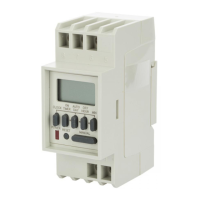
Press MONTH, DATE, and YEAR key to advance to
the desired Month, Date and Year, then press
ENTER.
NOTE: The day of the week will be automatically set
once the date is set.
2.1 TO MODIFY DATE
Press MODE until the display shows DATE. Press
MONTH, DATE and YEAR to modify present set-
tings and then press ENTER.
3
3.0 DAYLIGHT SAVING TIME
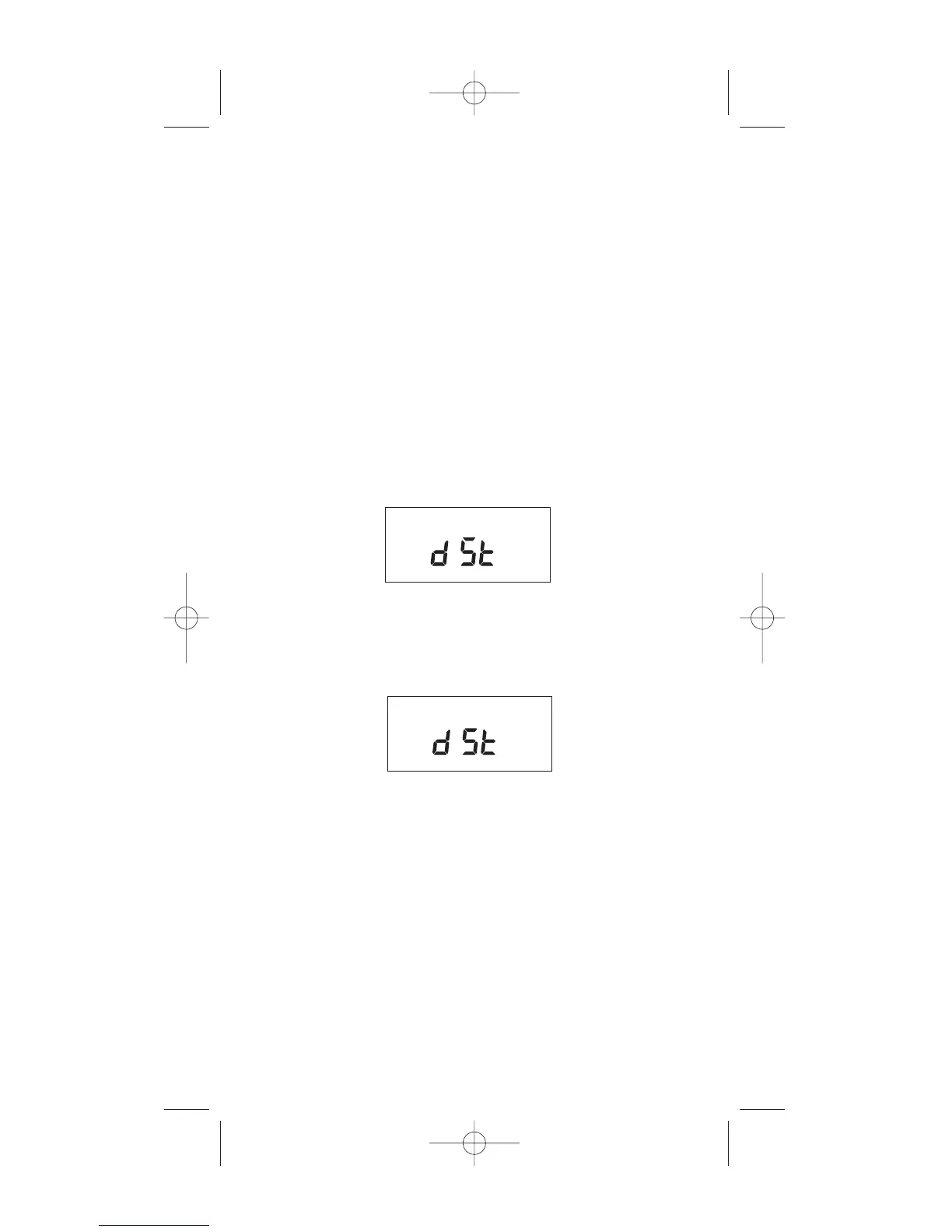
After setting or modifying the date, display will
show:
ON
OFF
For standard USA daylight savings (DSt), press MODE
then go to step 4.0. For dates other than standard USA
dates, press MONTH and go to step 3.1. If daylight
saving time (DSt) is NOT required, press DEL display
will show:
Press ENTER then go to step 4.0.
OFF



 To Next Page