6.1 TIME ON AND ASTRONOMIC OFF
Press MODE until “sch01” appears. Press ENTER
until a blank schedule appears then press CH1/CH2
to select channel 1 or 2. Press HOUR, MIN and
EVENT to set desired ON time. Press DAY to select
desired days and then press ENTER.
ASTRO OFF:
Set astronomic OFF per sections 5.0 and 5.1
6.2 TO DELETE ASTRONOMIC SETTINGS
a. To delete selected channel
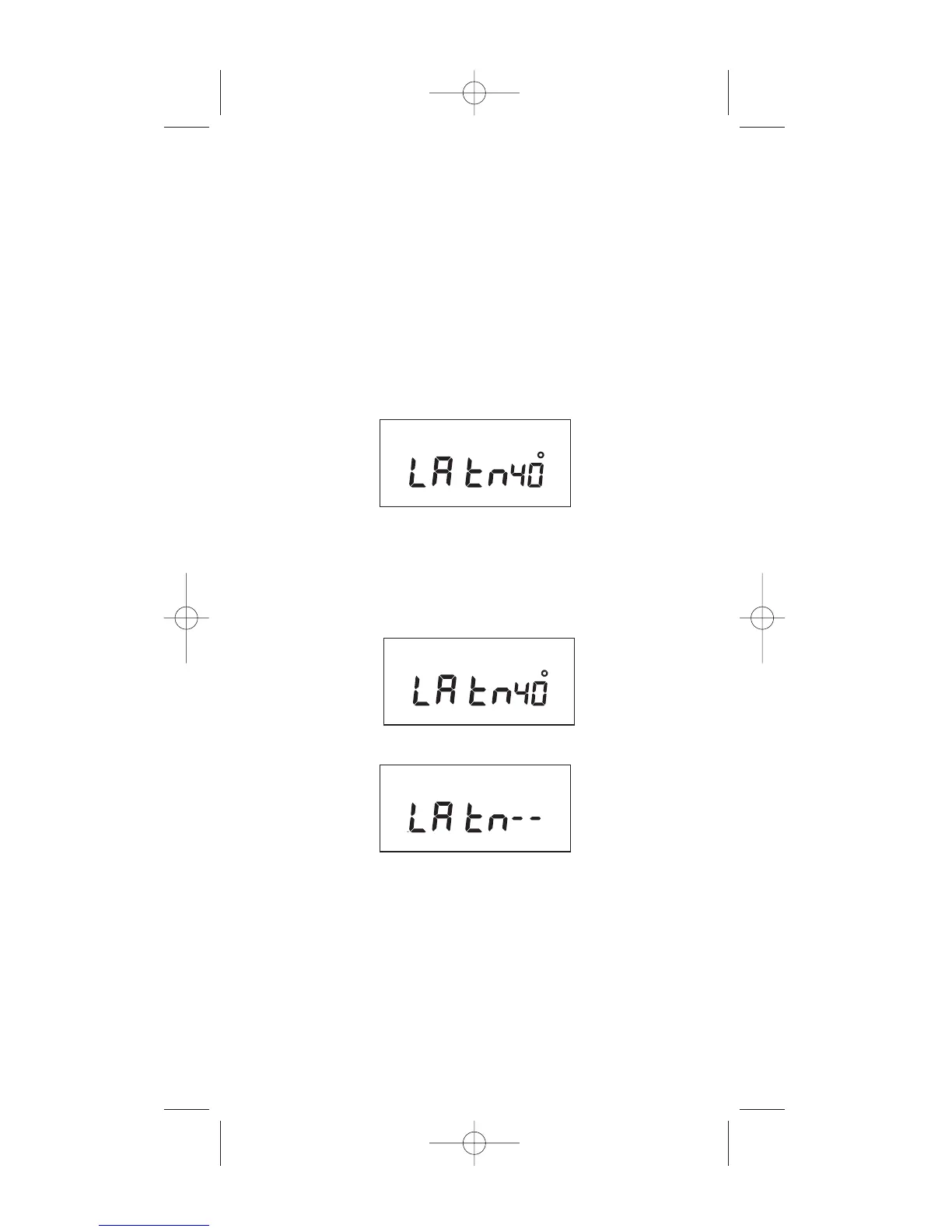
Press MODE until the display shows:
Press CH1/CH2 to select desired channel and press
ENTER. Press DEL and then ENTER to delete all
unwanted entries.
b. To delete the astro schedule for both channels
press MODE until the display shows:
Press DEL and ENTER. The display will show:
Press the MODE key to return to the AUTO mode.
7
MO TU WE TH FR SA SU ASTRO
CH1 MOM AM PM OFFSET CH2
MO TU WE TH FR SA SU ASTRO
CH1 MOM AM PM OFFSET CH2
MO TU WE TH FR SA SU ASTRO


 To Next Page