4.0 SCHEDULE SET MODE
Press MODE until display shows:
Press CH1/CH2 to select channel 1 or 2.
4
CH1 MOM AM PM OFFSET CH2
CLK DATE AUTO MAN
3.1 TO MODIFY STANDARD USA
DAYLIGHT SAVINGS DATES
MO TU WE TH FR SA SU ASTRO
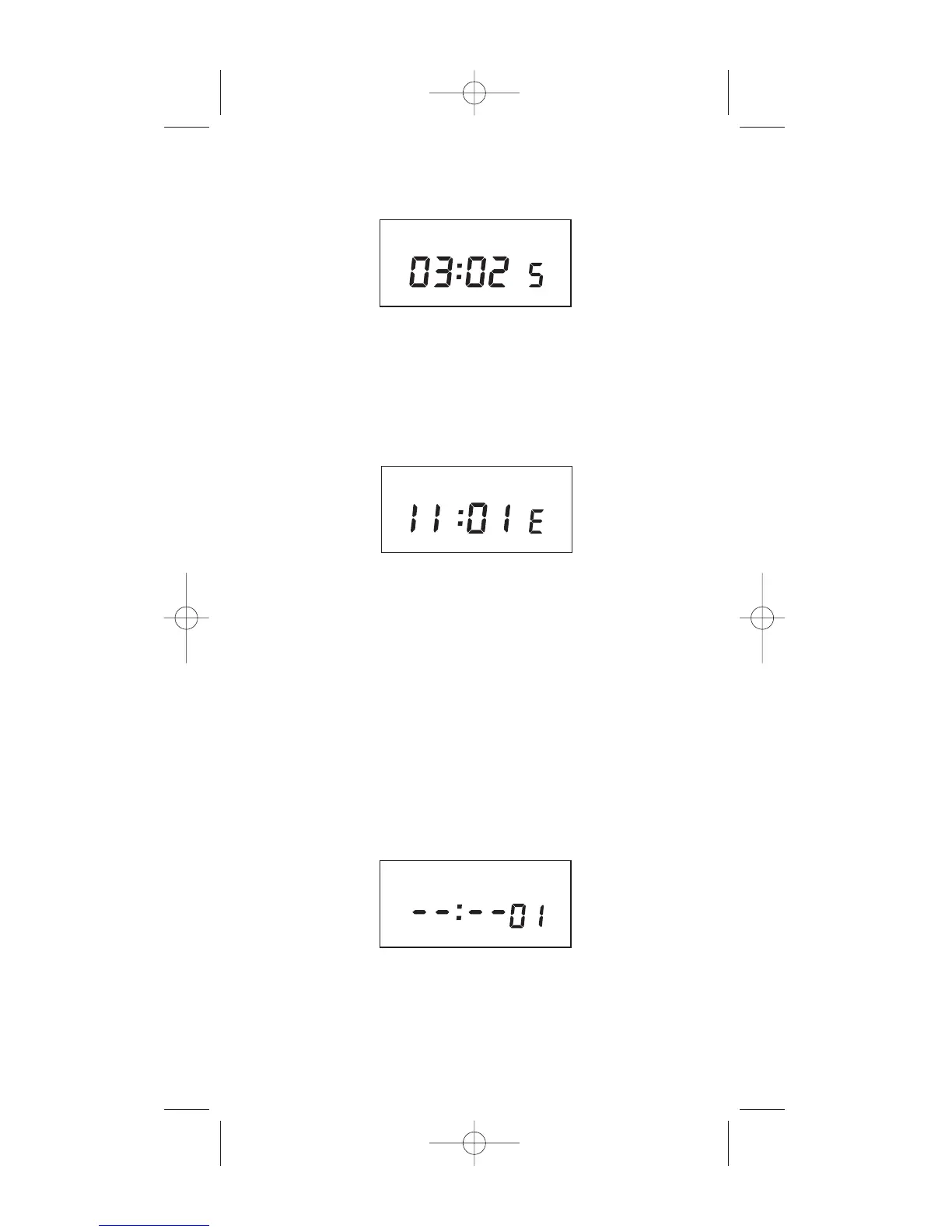
Press MONTH and DATE, to modify S (starting) DST
settings. NOTE: DATE will choose the week of the month
to be assigned. Choices are 01 (1st), 02 (2nd), 03 (3rd)
or L (Last) week of the month. The default day in SU
(Sunday). Pressing DAY changes default day. EXAMPLE:
04:01 SU S represents the first Sunday in April.
Press ENTER and the display will show:
MO TU WE TH FR SA SU ASTRO
Press MONTH and DATE, to modify E (ending) DST
settings. NOTE: DATE will choose the week of the
month to be assigned. Choices are 01 (Ist), 02 (2nd),
03 (3rd) or L (Last) week of the month. The default day
is SU (Sunday). Pressing DAY changes default day.
EXAMPLE: 10:L SU E represents last Sunday in
October.
Press ENTER and the display will show the modified
DSt starting date.
Press MODE to go to step 4.0.
SCH



 To Next Page