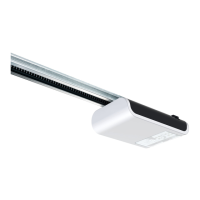
Restore the factory settings
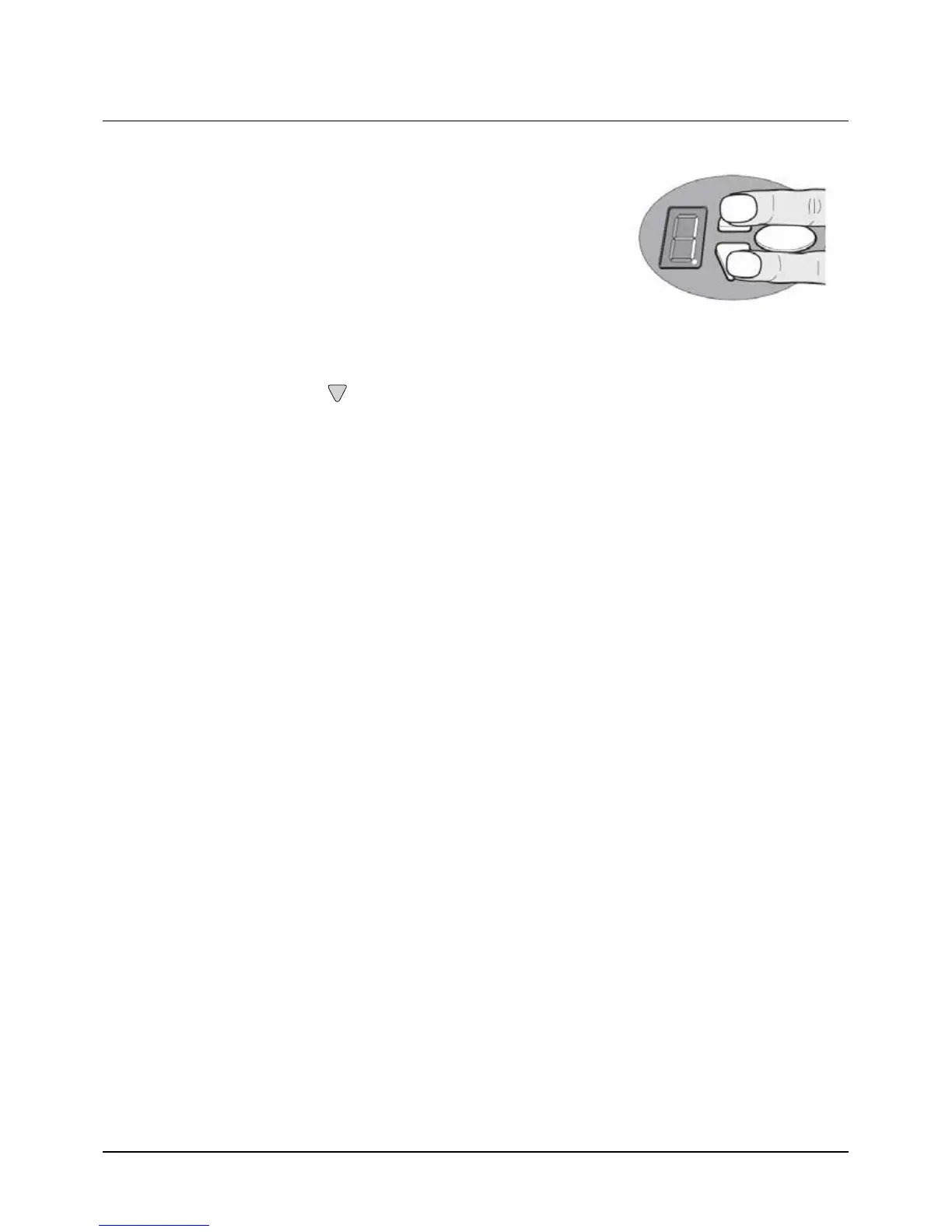
1. Press the OPEN and CLOSE buttons at the same time.
2. Press the buttons for approximately 3 seconds after you put the power
plug into the electrical socket.
Cycle counter
The cycle counter stores the number of OPEN/CLOSE actions powered by the drive.
To read the meter, hold the button in for 3 seconds until you see a number.
The digital display shows the numbers starting from the highest to the lowest decimal place consecutively. At the
end, a horizontal line appears on the display, for example: 3456 movements, 3 4 5 6 -


 To Next Page