EasyManua.ls Logo

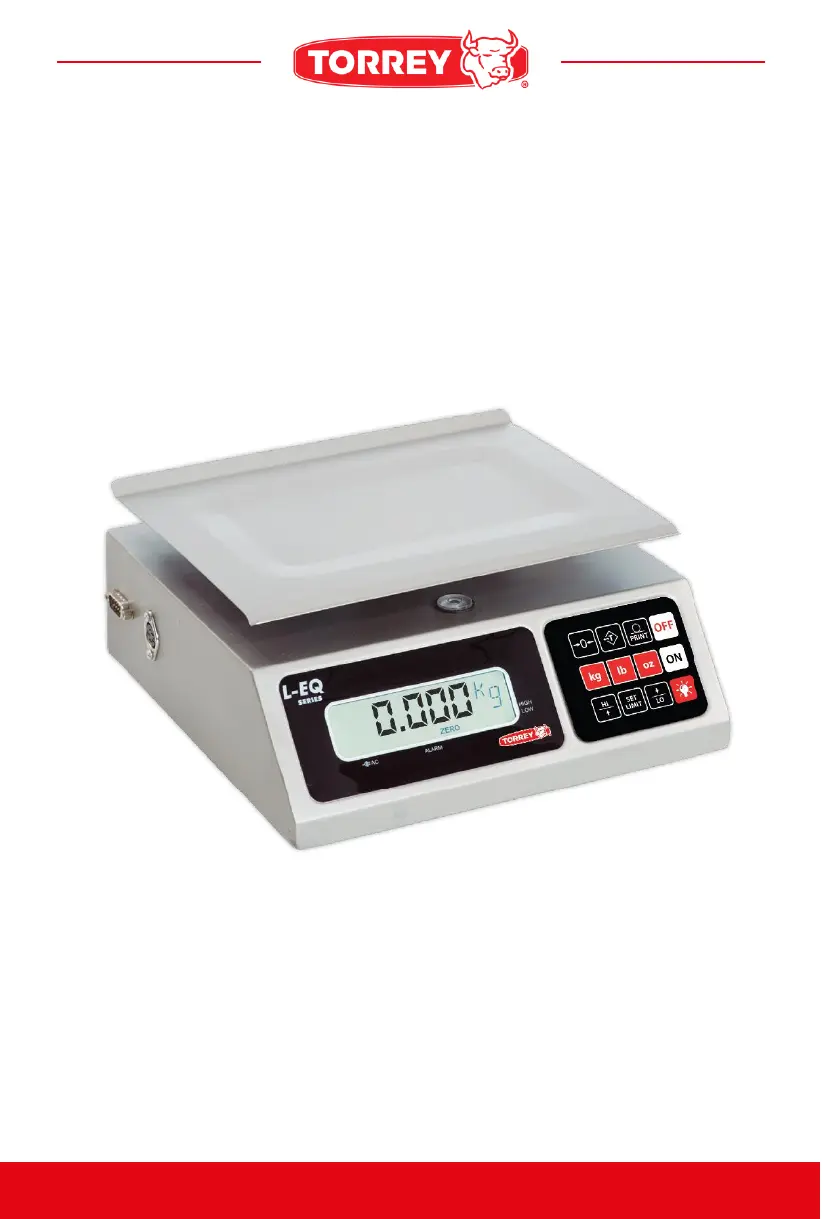
Torrey L-EQ 10/20-HS - User Manual

Torrey L-EQ 10/20-HS
19 pages
Print Icon
To Next Page IconTo Next Page
Loading...
REV 0
CODE: 13100907
OWNER’S MANUAL
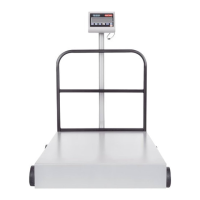
PORTIONING SCALE
BEFORE OPERATING THIS SCALE, PLEASE READ THIS MANUAL THOROUGHLY.
L-EQ HS Series

Questions and Answers

Summary

Important Warnings

Keyboard Functions

ON;OFF Keys

Controls the power state of the scale.

PRINT Key

Sends displayed weight data to a connected PC.

TARE Function

Activates the TARE function to zero out container weight.

ZERO Function

Activates the ZERO function to set the scale to zero.

Unit Selection Keys (kg;lb;oz)

Allows weighing and conversion between kilograms, pounds, and ounces.

Alarm Limit Adjustment (HI;LO)

Adjusts the high and low weight limits for the alarm function.

SET LIMIT Key

Activates and sets the weight alarm limits.

How to Operate

How to Weigh a Product

Turn on the scale, place the product, and the weight will be shown.

How to Use Tare Function

Press TARE to eliminate container weight before weighing the product.

How to Use Unit Keys (kg;lb;oz)

Weigh and convert between kilograms, pounds, or ounces.

How to Use the Print Key

Send displayed data to a PC via RS232 connection.

How to Use Reference Zero

Press ZERO to reset display to zero if it shows weight without product.

PC Communication

Using Scale Software

Other Important Messages

Troubleshooting Guide

Technical Specifications

Summary

Important Warnings

Keyboard Functions

ON;OFF Keys

Controls the power state of the scale.

PRINT Key

Sends displayed weight data to a connected PC.

TARE Function

Activates the TARE function to zero out container weight.

ZERO Function

Activates the ZERO function to set the scale to zero.

Unit Selection Keys (kg;lb;oz)

Allows weighing and conversion between kilograms, pounds, and ounces.

Alarm Limit Adjustment (HI;LO)

Adjusts the high and low weight limits for the alarm function.

SET LIMIT Key

Activates and sets the weight alarm limits.

How to Operate

How to Weigh a Product

Turn on the scale, place the product, and the weight will be shown.

How to Use Tare Function

Press TARE to eliminate container weight before weighing the product.

How to Use Unit Keys (kg;lb;oz)

Weigh and convert between kilograms, pounds, or ounces.

How to Use the Print Key

Send displayed data to a PC via RS232 connection.

How to Use Reference Zero

Press ZERO to reset display to zero if it shows weight without product.

PC Communication

Using Scale Software

Other Important Messages

Troubleshooting Guide

Technical Specifications

Torrey L-EQ 10/20-HS Specifications

General IconGeneral
BrandTorrey
ModelL-EQ 10/20-HS
CategoryScales
LanguageEnglish

Related product manuals