Viewing Info Banner, Electronic Programme Guide
Viewing Info Banner
• Press“INFO - ” button. The information screen will
appear giving details of the channel and programme
currently being viewed.
• Whenever you change channel, the TV displays the
broadcast picture along with an information banner at
the bottom of the screen. This will remain on the screen
for a few seconds.
• If the selected channel is locked, you must enter the
correct four numeric code to view the channel. “Enter
PIN” will be displayed on the screen in such a case:
• Enter the 4-digit PIN number to continue.
Note: Factory set default PIN code is 0000.
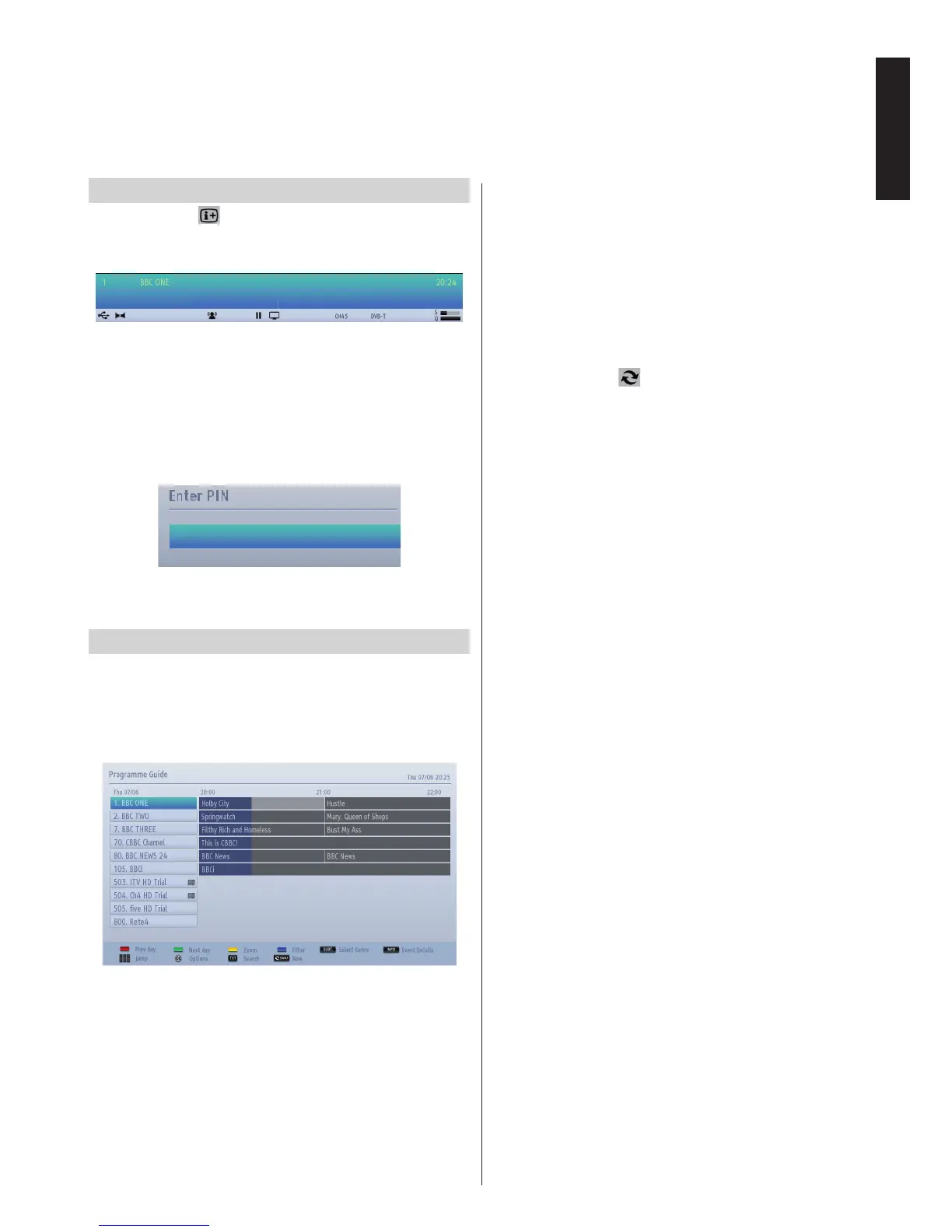
Electronic Programme Guide
• Select the on-screen guide by pressing GUIDE
button, the guide screen will appear highlighting
details of the channel and programme currently
being viewed. This may take a few moments to
appear.
• For details of other programmes currently available,
press navigation buttons to scroll up and down or
scroll left/right through the list. As channels are
selected, details of the programme currently being
broadcast will appear.
• Press RED button to view the previous day.
• Press GREEN button to view the next day.
• Press YELLOW button for zooming to a programme.
• Press BLUE button to display ltering options.
• Press SUBTITLE button to sort channels by a genre.
• For information on a highlighted programme, press
i button.
• Use numeric buttons for quickly selecting a
broadcast.
• To set the timer for a selected programme, press
OK button to select Options menu.
• Press TEXT button to display searching options.
• Press “SWAP-
” button for displaying current
programmes.



 To Next Page
 Loading...