EasyManua.ls Logo

Toshiba B-850 - User Manual

Toshiba B-850
116 pages
Print Icon
To Next Page IconTo Next Page
Loading...
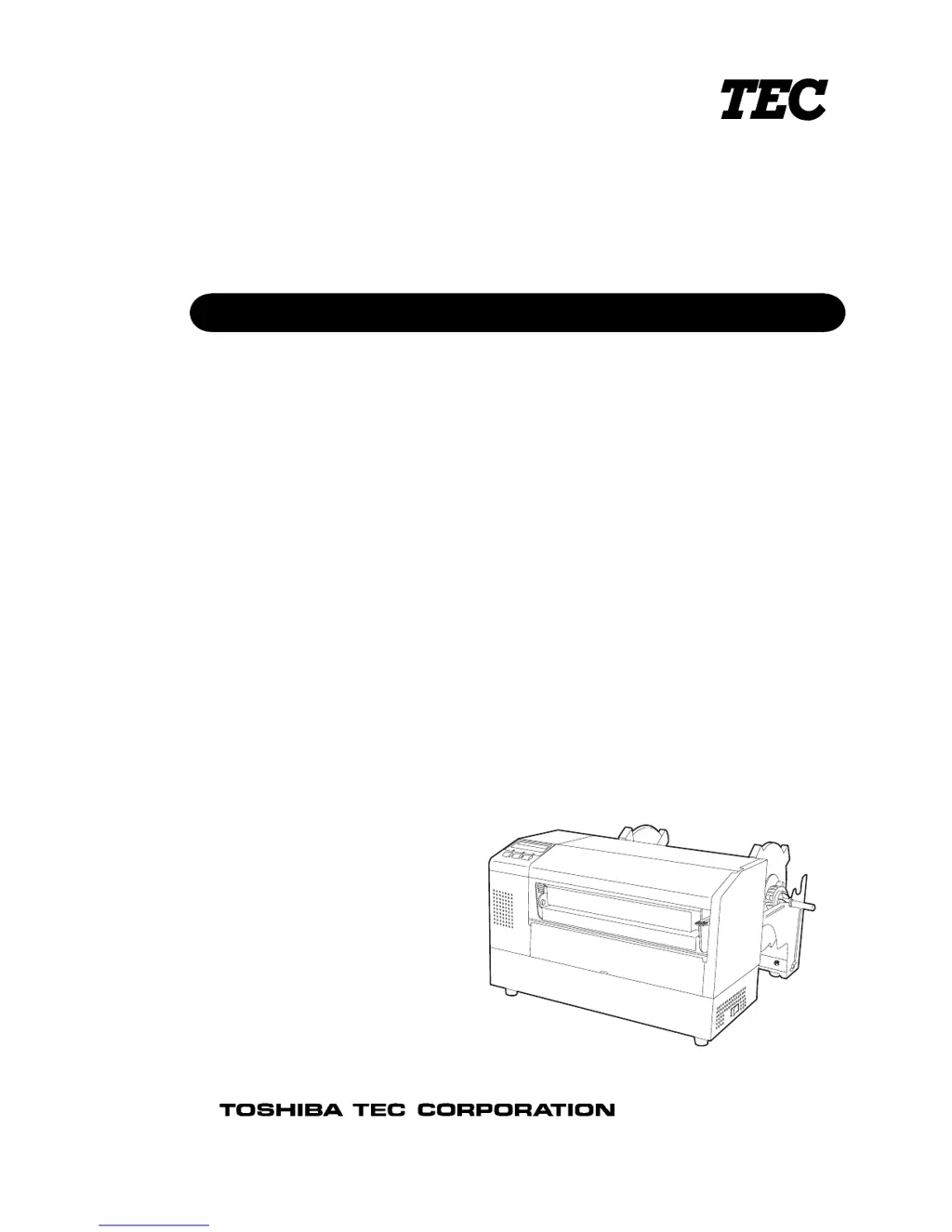
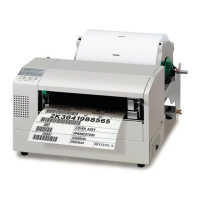
TEC Label/Tag Printer
B-852-TS12-QQ
Owner's Manual

Table of Contents

Questions and Answers

  • C
    cwilliamsAug 18, 2025
    Why does my Toshiba B-850 Label Maker say 'NO PAPER'?
    • K
      Kenneth LopezAug 18, 2025
      If your Toshiba Label Maker indicates 'NO PAPER', it could be due to the following reasons: * The media has run out. Load new media and then press the [RESTART] key. * The media is not loaded properly. Ensure the media is loaded correctly and then press the [RESTART] key. * The media is slack. Take up any slack in the media.
  • M
    Michael HillAug 23, 2025
    What to do if my Toshiba B-850 Label Maker displays 'RIBBON ERROR'?
    • L
      Laura NavarroAug 23, 2025
      If your Toshiba Label Maker shows a 'RIBBON ERROR', it may be because: 1. The ribbon is not fed properly. Remove the ribbon, check its status, and replace it if necessary. If the issue continues, turn off the printer and contact an authorized service representative. 2. The ribbon has run out. Load a new ribbon and then press the [RESTART] key.
  • W
    wilsonrachelAug 26, 2025
    Why won't my Toshiba Label Maker turn on?
    • I
      ilewisAug 26, 2025
      If your Toshiba Label Maker will not turn on, check the following: 1. Ensure the power cord is properly connected by plugging in the power cord. 2. Verify the AC outlet is functioning correctly by testing it with another electric appliance. 3. Check the fuse or circuit breaker to see if it has blown or tripped.
  • I
    igonzalesAug 28, 2025
    How to fix 'COMMS ERROR' on Toshiba Label Maker?
    • T
      Tommy BakerAug 28, 2025
      If you are getting a 'COMMS ERROR' on your Toshiba Label Maker, make sure the interface cable is firmly connected to the computer, and the computer is turned on.
  • D
    Donald WilliamsAug 30, 2025
    What causes 'CUTTER ERROR' on Toshiba B-850 Label Maker?
    • J
      John CordovaAug 30, 2025
      If your Toshiba Label Maker (with Cutter Module installed) displays a 'CUTTER ERROR', it could be due to: 1. Media jammed in the cutter. Remove the jammed media and press the [RESTART] key. If the problem persists, turn off the printer and contact an authorized service representative. 2. The cutter cover is improperly installed. Turn the printer off and check the status of the cutter cover.
  • A
    Amber WilsonSep 2, 2025
    Why is the media not feeding in my Toshiba Label Maker?
    • M
      Matthew SchmidtSep 2, 2025
      If the media is not feeding in your Toshiba Label Maker: 1. Ensure the media is loaded properly. 2. Check the message display for any error conditions and resolve them.
  • T
    Tina PerrySep 5, 2025
    Why is my Toshiba B-850 Label Maker printing nothing on the media?
    • S
      Stephen AllenSep 5, 2025
      If your Toshiba Label Maker is not printing anything on the media, check the following: 1. Make sure the media is loaded properly. 2. Ensure the ribbon is loaded correctly. 3. Verify the print head is installed correctly and the print head block is closed. 4. Confirm that the ribbon and media are matched appropriately.
  • J
    Jonathan SpencerSep 7, 2025
    Why is the printed image blurred on my Toshiba B-850 Label Maker?
    • H
      hrubioSep 7, 2025
      If the printed image from your Toshiba Label Maker is blurred: 1. Select an appropriate ribbon for the media type being used. 2. Clean the print head using the supplied Print Head Cleaner.
  • G
    Gregory VegaSep 9, 2025
    Why is the cutter not working on my Toshiba B-850?
    • M
      Mary SchmittSep 9, 2025
      If the cutter on your Toshiba Label Maker is not cutting: 1. Remove any media jammed in the cutter. 2. Clean the cutter blade.
  • J
    jeffrey83Sep 12, 2025
    How to fix 'HEAD ERROR' on Toshiba B-850 Label Maker?
    • R
      Ronnie JacksonSep 12, 2025
      If the Toshiba Label Maker displays 'HEAD ERROR', replace the print head and then press the [RESTART] key.

Summary

Printer Safety Information

Safety Summary and Warnings

Details general safety precautions, warning symbols, and critical safety instructions for handling the printer.

Printer Product Overview

Introduction, Features, Unpacking, and Accessories

Provides an overview of the printer, its purpose, and initial setup steps including unpacking.

Appearance, Components, and Operation Panel

Illustrates physical layout, identifies key parts, and describes the operation panel.

Printer Setup and Configuration

Setup Precautions and Initial Steps

Outlines critical precautions, general setup procedures, and accessory assembly.

Connections, Power, and Media Loading

Guides on connecting cables, power, and loading media and ribbon.

Sensor Settings, PCMCIA Cards, and Test Print

Adjusting media sensors, inserting optional cards, and performing a test print.

Printer Operation and Software Management

Overview, Modes, and Driver Installation

Explains printer functions, operating modes, and driver installation process.

Printer Properties Configuration

Covers accessing and configuring various printer settings via properties menus.

Driver Management and Properties Summary

Details adding/uninstalling drivers and summarizes available properties tabs.

On-Line Mode and Maintenance Procedures

On-Line Mode Operation Panel and Functions

Explains the operation panel controls and basic functions in on-line mode.

Routine Maintenance and Consumable Handling

Guides on cleaning components and proper care for media and ribbons.

Troubleshooting and Technical Specifications

Error Resolution and Common Problems

Lists and provides solutions for common printer errors, jams, and operational issues.

Printer Specifications and Options

Details technical specs, available add-ons, and consumable compatibility.

Appendices: System Information and Samples

Messages, LEDs, Interface, and System Mode

Explains status indicators, connection types, and diagnostic procedures.

Print Samples and Glossaries

Provides visual examples of print outputs and definitions of key terms.

Toshiba B-850 Specifications

General IconGeneral
BrandToshiba
ModelB-850
CategoryLabel Maker
LanguageEnglish

Related product manuals