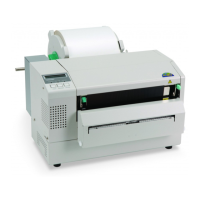
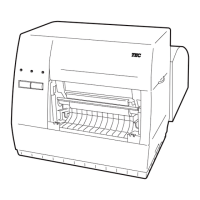
PC
1. Select [Start] - [All Programs] - [TOSHIBA TEC] - [BCP Setting Tool] - [BCP Setting Tool] and click
[BCP Setting Tool].
2. The [Login] screen is displayed when the log-in password has been set.
Enter the password, then click [OK].
When [Cancel] is clicked, the [Login] screen is closed.
The entered password is displayed with hidden characters.
When the password matched, this Product starts.
If a wrong password is entered, the error message is displayed.
3. When this Product is started, the [Printer Setting] screen is displayed.
Select the printer model to be connected and the interface used for communication.


 To Next Page
 Loading...