To Next Page
N
Nathan ParkerNov 21, 2025
What to do if my Toshiba Barcode Reader says 'PAPER JAM'?
- FFrancisco Williams IIINov 21, 2025
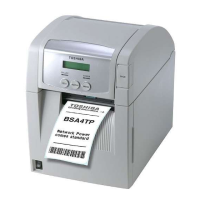
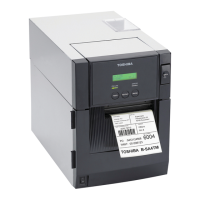
If your Toshiba Barcode Reader displays a 'PAPER JAM' error, it could be due to several reasons: * The media is jammed or not feeding smoothly. * An incorrect Media Sensor is selected. * The Black Mark Sensor is misaligned. * The media size is incorrect. * The Upper and Lower Sensors are misaligned. * The Feed Gap Sensor cannot distinguish between a print area and a label gap. Here are some steps to resolve this: 1. Remove the jammed media and clean the Platen, then reload the media correctly and press the [RESTART] key. 2. Turn the printer off and then on, select the correct Media Sensor, and resend the print job. 3. Adjust the sensor position and press the [RESTART] key. 4. Replace the media with the correct size or select a programmed size that matches the loaded medi...
 General