Editing the disc
72
4
Press SKIP
77
77
7 or SKIP
66
66
6 to select the chapter marks to be
erased.
5
Press ENTER.
The chapter marks are erased and 2 chapters are combined into 1
chapter.
6
To continue erasing the chapter marks, repeat steps 4 and 5.
7
The combining chapters will completed.
• To display the title menu, press RETURN.
• To return to the normal screen, press TITLE MENU.
Changing an original title name
1
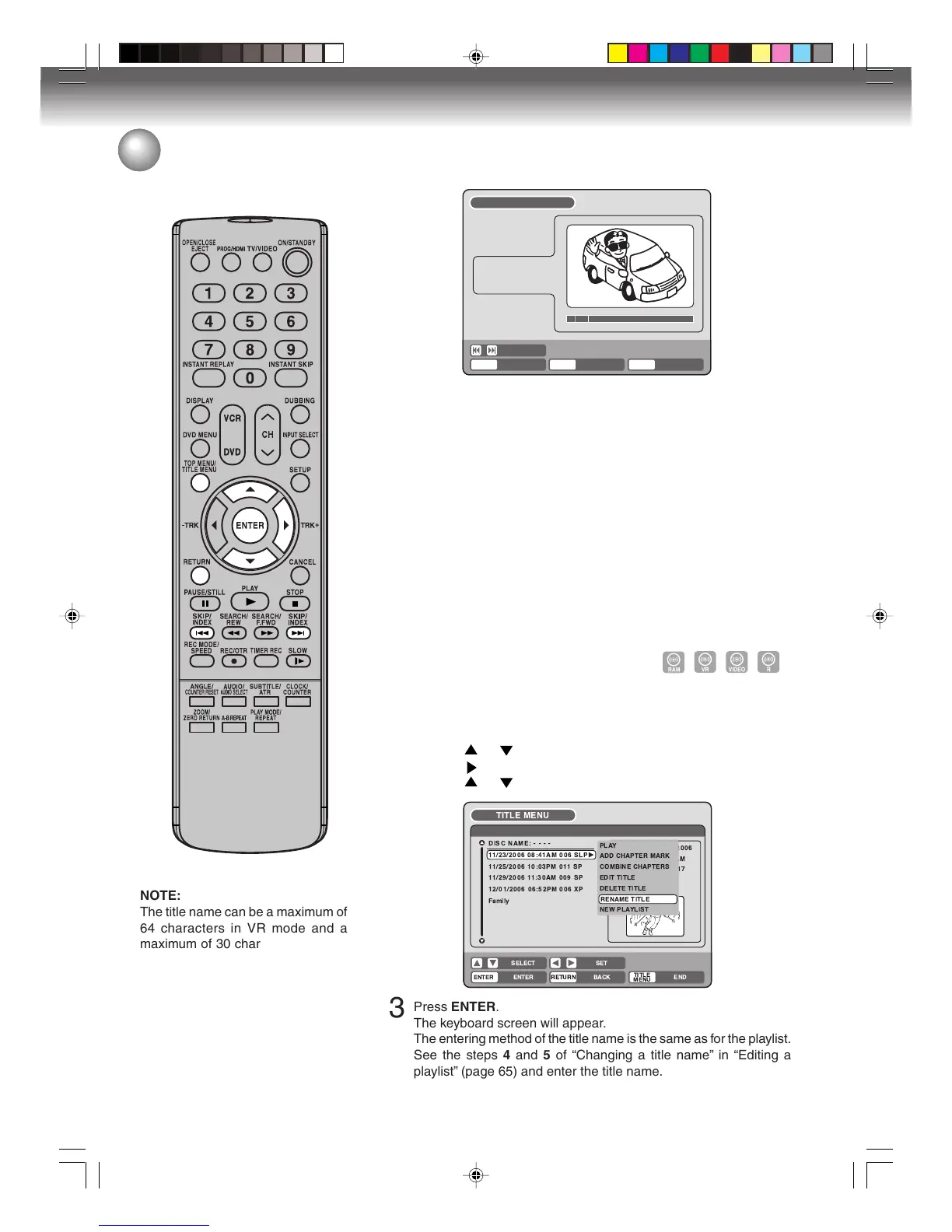
Press TITLE MENU to display the title menu.
2
Select the original title that you want to rename.
• Press
or to select the original title.
• Press to display the editing menu of original title.
• Press or to select “RENAME TITLE”.
Editing an original title
SELECT
ENTER
RETURNENTER BACK END
TITLE
MENU
COMBINE CHAPTERS
NAME
11/25/2003 10:03 PM
CHAPTER
2/4
LENGTH
00:02:03/00:30:17
!"#
%& '
&
(
)
&
( &
* )
3
Press ENTER.
The keyboard screen will appear.
The entering method of the title name is the same as for the playlist.
See the steps 4 and 5 of “Changing a title name” in “Editing a
playlist” (page 65) and enter the title name.
NOTE:
The title name can be a maximum of
64 characters in VR mode and a
maximum of 30 characters in Video
mode.
Long names will be shortened in the
title menu.
2J40101A P72-81 3/4/06, 10:46 AM72



 To Next Page