e-STUDIO162/162D/151/151D OPERATIONAL DESCRIPTIONS 7 - 8
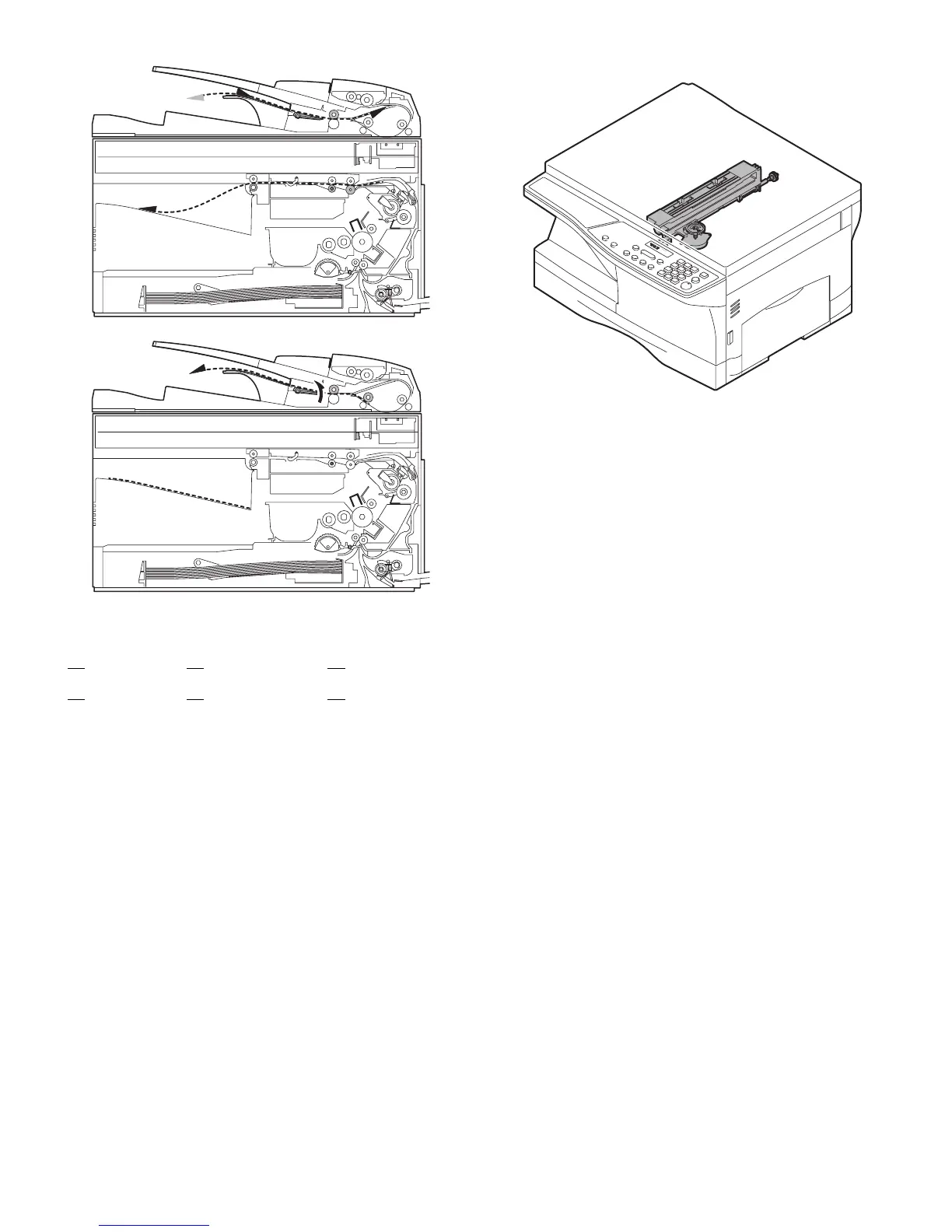
Switchback operation is made after back copying in order to discharge
documents according to the setting.
Set document Documents after discharge,
There are following job modes as well as D-D mode.
S - S (Simplex to Simplex)
S - D (Simplex to Duplex),
Rotation copy mode (The back images are rotated 180°C.)
S - D (Simplex to Duplex), Copy mode without rotation
D - S (Duplex to Simplex)
Rotation copy mode:
The front and the back are in upside down each other.
Copy mode without rotation:
The front and the back are not in upside down.
7. Shifter
Shift width: 2.5cm
The offset function by the shifter is turned ON/OFF by the user pro-
gram.
According to the setting, offset operation is performed for every job.
(Default: ON)
1
with empty feed
4
without empty feed
3
23 4
32 1
41 2
e-STUDIO162_151.book 8 ページ 2004年12月2日 木曜日 午後9時37分



 To Next Page
 Loading...


