4 EDITING FUNCTIONS
Dual Page 123
Dual Page
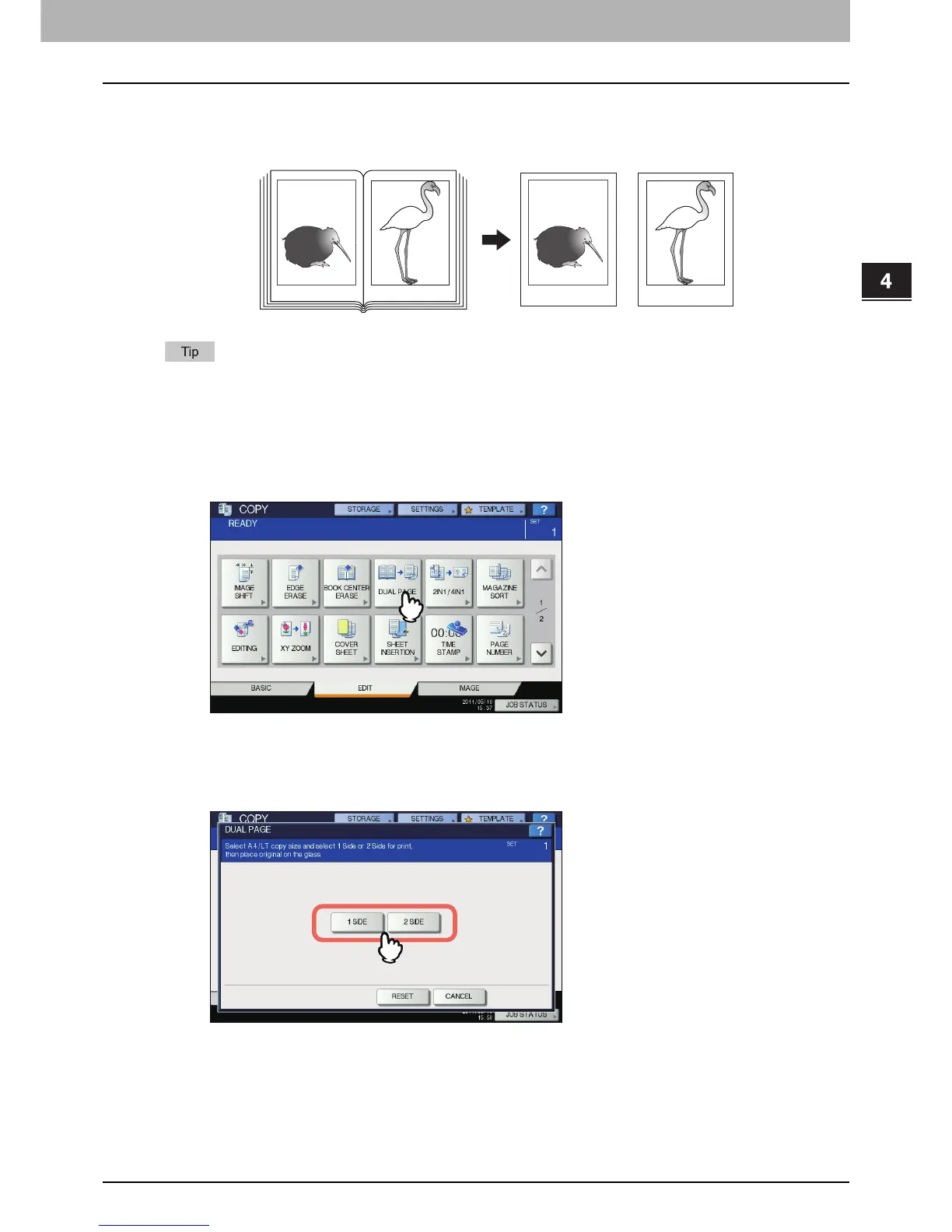
You can copy the 2 facing pages of a book-type original or 2 original sheets placed side by side onto 2
separate sheets of paper or on both sides of 1 sheet of paper. This function is called “dual page”. You do not
have to shift the original on the original glass.
Only A4, B5 and LT sizes are applicable.
1
Place paper in the drawer(s).
2
Press [DUAL PAGE] on the EDIT menu.
3
Press [1 SIDE] or [2 SIDE].
1 SIDE: Copying the 2 facing pages of the original to only 1 side of 2 separate sheets of paper
2 SIDE: Copying the 2 facing pages of the original to 2 sides of 1 sheet of paper
4
Select other copy modes as required.
You can select “image shift” as well.
P.115 “Creating top/bottom margin or left/right margin”
-12- -13- -12-
-13-



 To Next Page
 Loading...






