1 OVERVIEW
18 Downloading Software From TopAccess
Downloading Macintosh PPD files
1
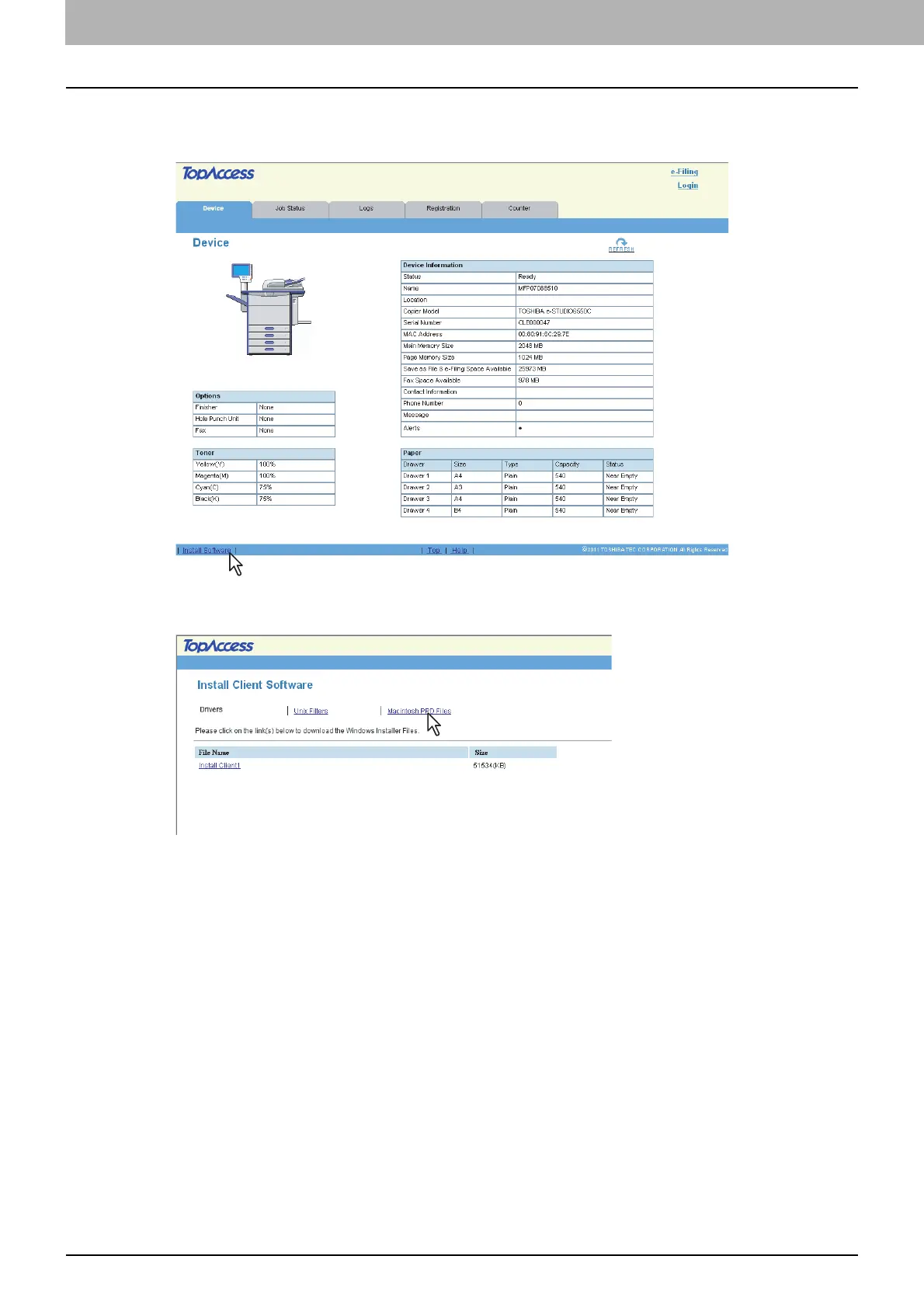
In TopAccess, click the [Install Software] link at the bottom of the screen.
The Install Client Software page opens.
2
Click the [Macintosh PPD Files] link.
The software components list is displayed.



 To Next Page
 Loading...











