6 INSTALLING SCAN DRIVER AND UTILITIES
204 Installing Scan Driver and Utilities
3
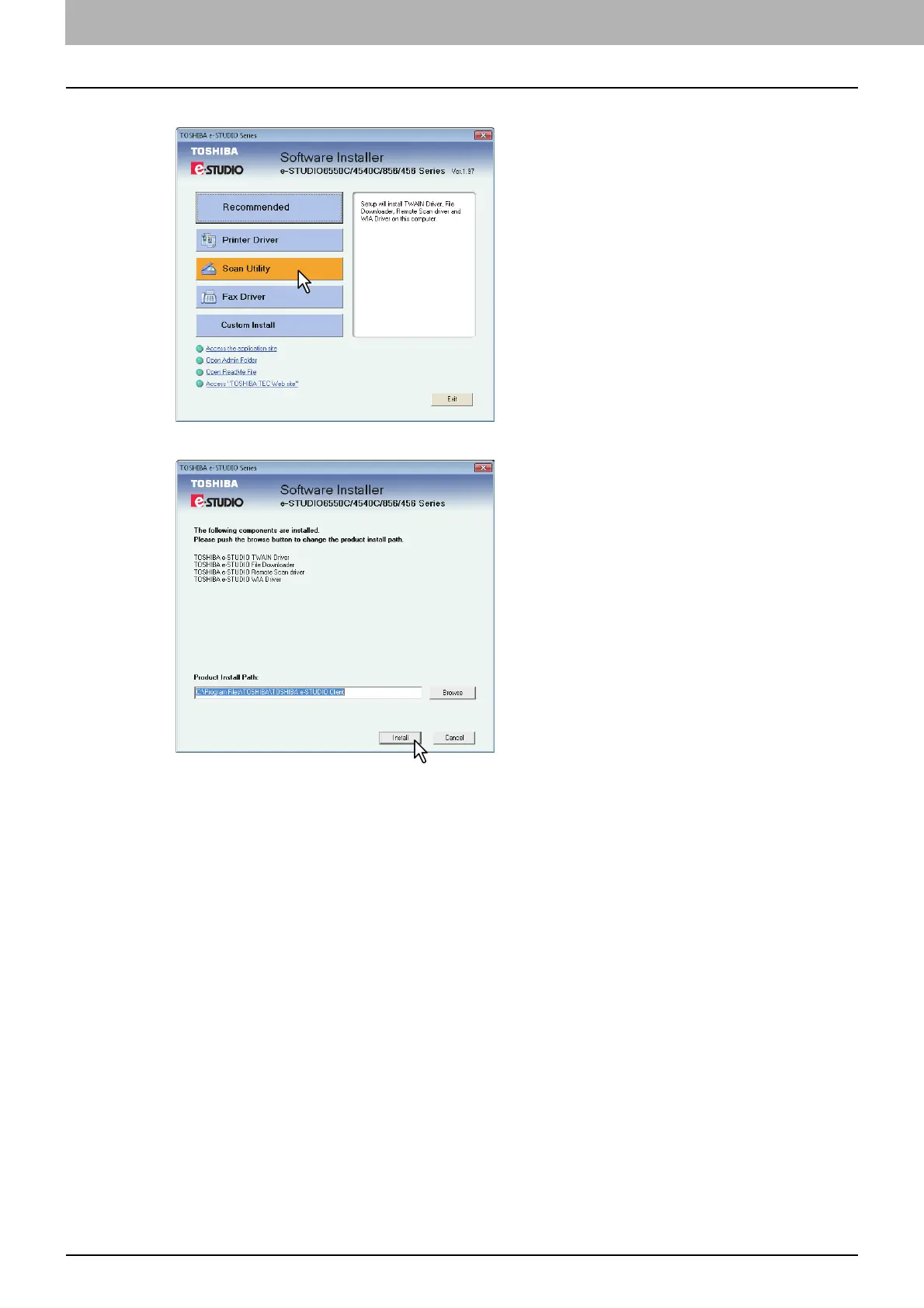
Click [Scan Utility].
4
Confirm the list of the software to install and click [Install].
You can change the folder where these programs are installed. Click [Browse] and, when the
[Browse For Folder] dialog box appears, select a folder and click [OK].
The installation starts.



 To Next Page
 Loading...











