8 INSTALLING e-Filing BACKUP/RESTORE UTILITIES
220 Installing e-Filing Backup/Restore Utilities
5
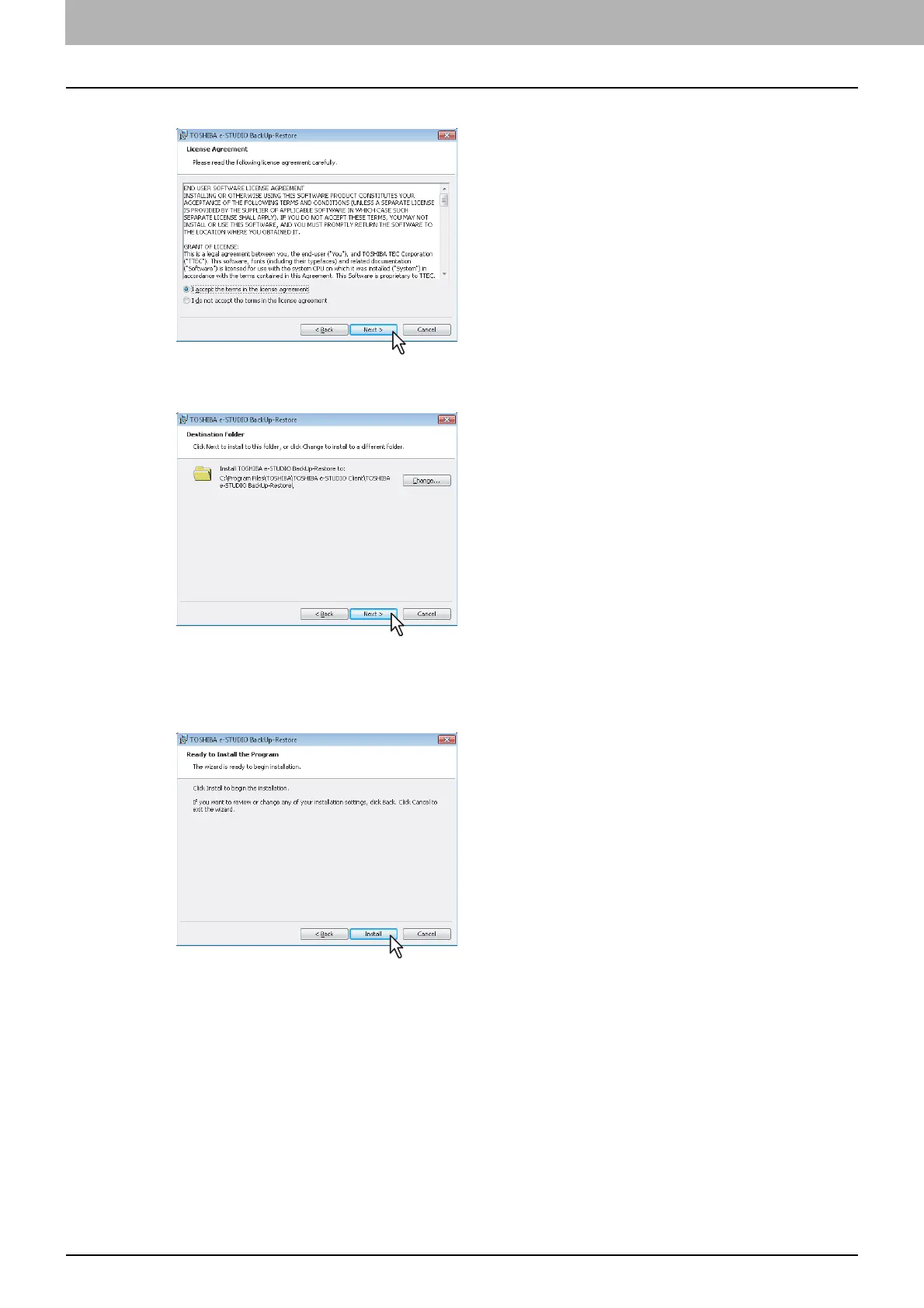
Select “I accept the terms in the license agreement” and click [Next].
The [Destination Folder] dialog box appears.
6
Click [Next].
If you want to change where the programs are installed, click [Change]. In the dialog box appears,
select the folder and click [OK].
[Ready to Install the Program] dialog box appears.
7
Click [Install].
Starts copying files and the InstallShield Wizard Completed screen displayed when copying is
completed.



 To Next Page
 Loading...











