9.INSTALLATION MAINTENANCE
Uninstalling Client Software 225
9 INSTALLATION MAINTENANCE
2
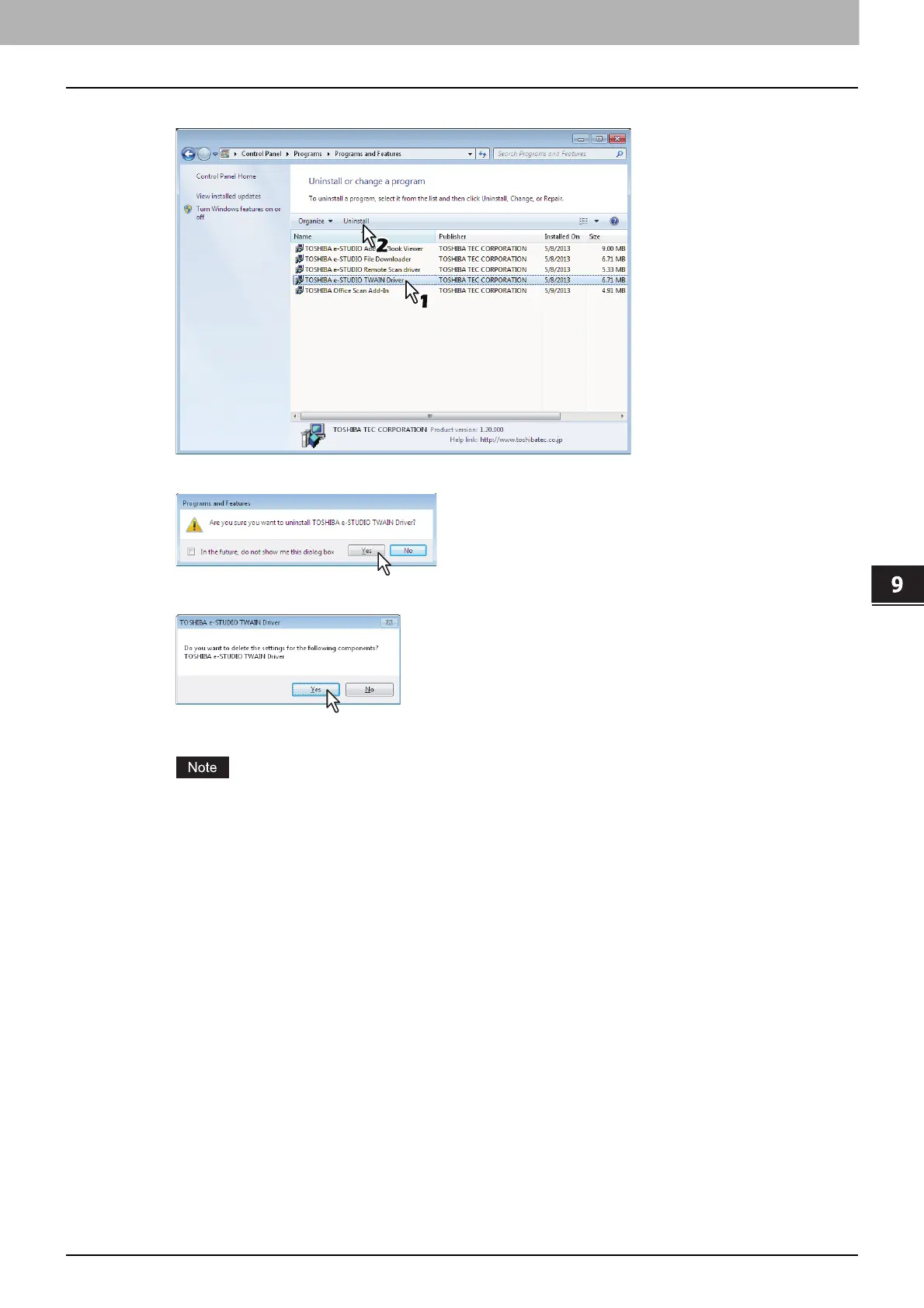
From the list, select the software you want to remove and click [Uninstall].
3
Click [Yes].
4
Click [Yes] to delete the setting files.
Deleting files starts.
If you want to reinstall the client software later, click [No] to have the setting files remain. You can
restore the data and settings when you reinstall the client software.



 To Next Page
 Loading...











