EasyManua.ls Logo

Toshiba MV13Q41 - User Manual

Toshiba MV13Q41
44 pages
Print Icon
To Next Page IconTo Next Page
Loading...
COMBINATION COLOR
TELEVISION AND VIDEO CASSETTE
RECORDER
MV13Q41
MV20Q41
OWNER’S MANUAL
2
11
13
27
32
37
Introduction
Connections
Basic setup
Playback
Recording
Others
©2005 Toshiba Corporation
Before operating the unit, please read this manual thoroughly.
18
TV operation
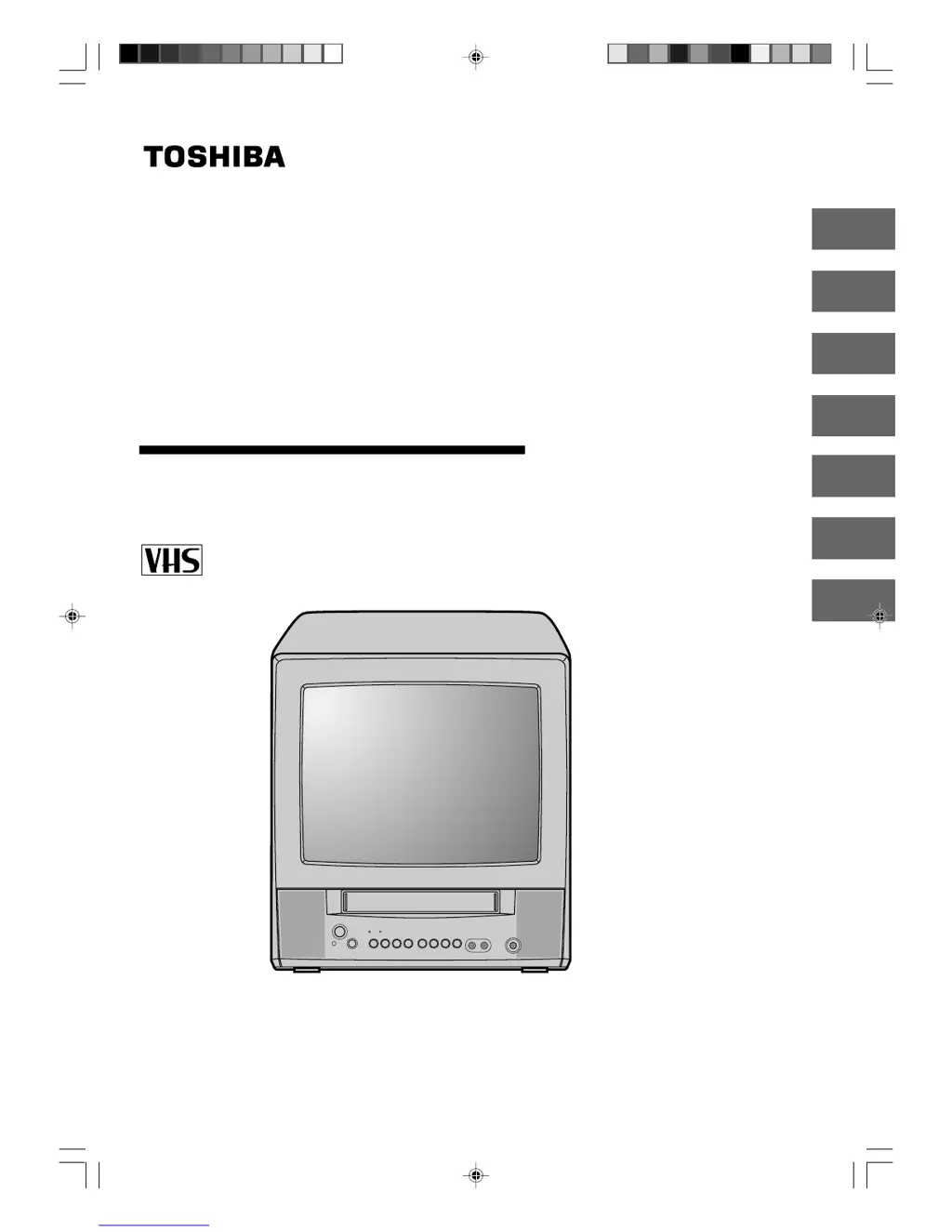
Illustration of MV13Q41
5S20101A [E]Cover 12/16/04, 4:27 PM1

Other manuals for Toshiba MV13Q41

Questions and Answers

Summary

Introduction

Important Safeguards

Crucial safety instructions and warnings for operating the appliance.

Power Source

Information on connecting the unit to an AC power source and electrical safety.

Precautions

Guidance on handling, placement, cleaning, and moisture condensation for proper operation.

Connections

Antenna Connections

Instructions for connecting various types of VHF/UHF antennas to the unit.

Cable TV Connections

Steps for connecting the unit to basic or scrambled cable TV services.

Basic Setup

Starting Setup

Guided initial setup process for language, channel plan, and auto channel memory.

Clock Setting

Details on setting the unit's clock automatically or manually for accurate timing.

Standard and Daylight Saving Time

Setting standard time zones and adjusting for daylight saving time.

Manual Clock Setting

Procedure for manually setting the clock, date, and time for timer recordings.

Setting the Language

Procedure to select the on-screen display language (English, Spanish, or French).

TV;VCR Operation Status

How to display current TV and VCR operational information on screen.

TV Operation

TV Operation Basics

Turning on the unit, adjusting volume, and basic channel selection methods.

Channel and Audio Control

Managing channels, volume, muting, sleep timer, and headphone usage.

Closed Captions

Explanation and operation of the closed captioning feature for displaying text.

Memorizing Channels

Programming the unit to skip unwanted channels for easier channel selection.

Setting the V-Chip

Configuring parental controls using TV and movie ratings and a password.

Setting the ON Timer

Programming the unit to automatically turn on at a set time and channel.

Setting the OFF Timer

Programming the unit to automatically turn off at a set time.

Adjusting Picture Preference

Customizing picture settings like brightness, contrast, color, tint, and sharpness.

Playback

Loading and Unloading Tapes

Instructions for inserting and removing VHS cassette tapes.

Cassette Tape Playback

Steps for playing prerecorded VHS tapes and basic playback controls.

Special Playback Features

Utilizing picture search, still picture, and CM skip for enhanced playback.

Convenient Playback Functions

Using repeat playback and the real-time tape counter for playback convenience.

Zero Return Function

Quickly returning the tape to the starting point or an indexed location.

Video Index Search System

Locating the beginning of recorded programs using index marks.

Recording

Recording a TV Program

Guide to recording live TV programs onto a cassette tape.

One-Touch Timer Recording (OTR)

Simple method for timed recording by pressing the REC button multiple times.

Timer Recording

Detailed steps for programming timed recordings for specific dates and times.

Daily;Weekly Timer Settings

Setting recurring daily/weekly recordings and managing the timer program list.

Duplicating a Video Tape

Connecting to another VCR or Camcorder to copy video tapes.

Others

Reception Disturbances

Identifying and resolving common TV signal interference issues.

Troubleshooting

A guide to diagnose and solve common problems encountered with the unit.

Video Head Cleaning

Procedure for cleaning video heads to improve picture quality and prevent damage.

Specifications

Technical details and specifications of the television and VCR unit.

Limited Warranty

Warranty Terms and Conditions

Details of warranty coverage, limitations, and customer responsibilities.

Obtaining Warranty Service

Instructions on contacting TACP for warranty repairs and service procedures.

Toshiba MV13Q41 Specifications

General IconGeneral
BrandToshiba
ModelMV13Q41
CategoryTV VCR Combo
Screen Size13 inches
Display TypeCRT
TunerNTSC
Aspect Ratio4:3
Audio OutputMono
Remote ControlYes
InputsComposite

Related product manuals