11
Recording
Playback
Editing
Function Setup
Others
Introduction
Introduction
Recording format and disc selection
Disc selection (for the first use of HDD & DVD recorder)
You can use the following 3 types of disc (DVD-RAM, DVD-RW, DVD-R) on this recorder.
Refer to the below to select discs.
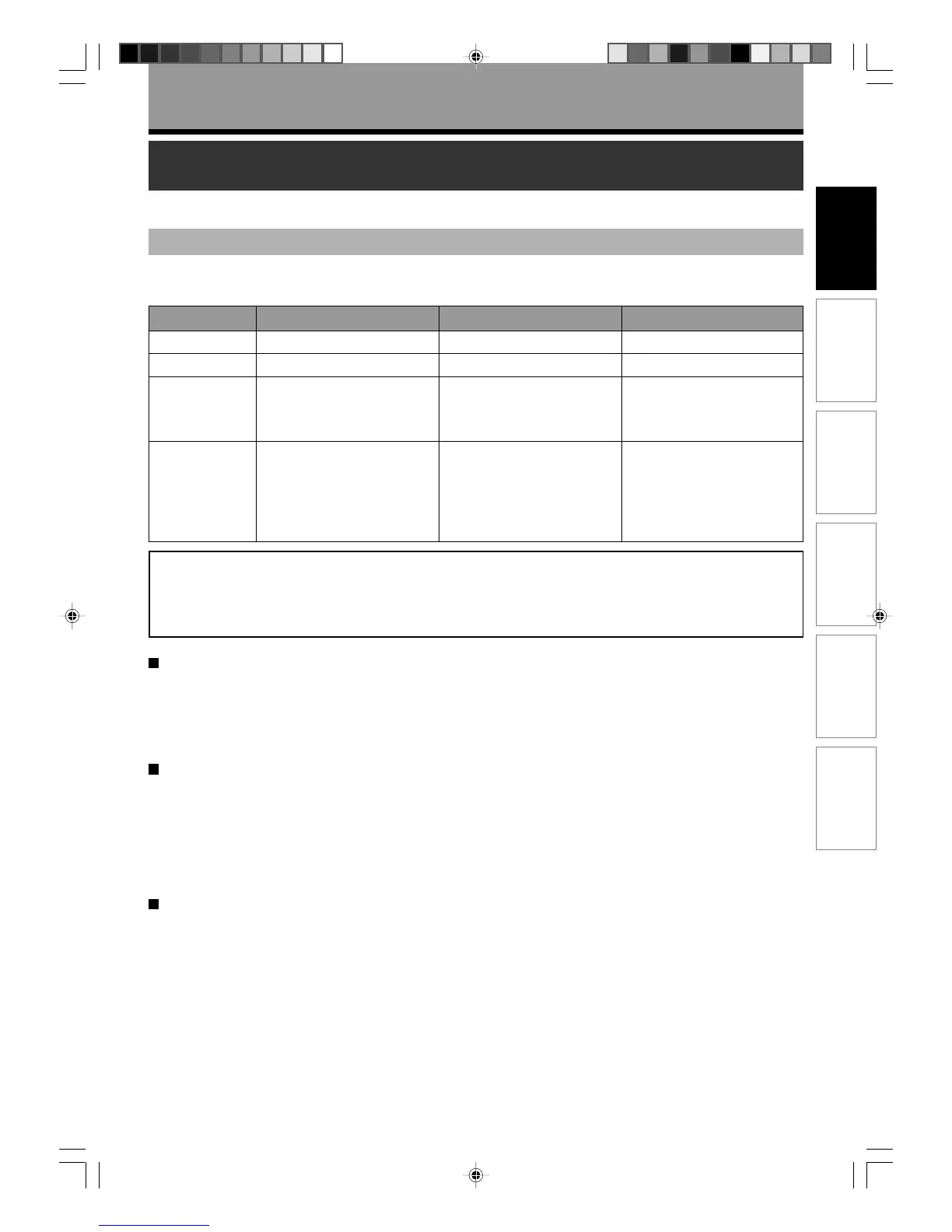
Feature
Disc capacity
Recommended
usage
Feature
Rewritable.
4.7GB/9.4GB
• Recording/editing in VR
mode
• Backup of recorded
contents
Can be played and edited on
devices such as DVD-RAM
compatible DVD recorders.
Cartridge of some types will
protect disc surface from
scratches and dusts.
Rewritable.
4.7GB
• Writing test and creating of
a DVD-Video format disc.
• Backup of recorded
contents
Can be played on devices
such as DVD-RW compatible
DVD players.
Recordable only once.
4.7GB
• Creation of a DVD-Video
format disc.
Can be played on devices
such as DVD-R compatible
DVD players.
Disc DVD-RAM DVD-R DVD-RW
The following disc selection is recommended for the first use.
DVD-RAM / DVD-RW (Video mode) / DVD-R (Video mode)
The following is advanced choice. See the next page.
DVD-RW (VR mode) / DVD-R (VR mode)
To save favourite contents - DVD-RAM
Select DVD-RAM. DVD-RAM with cartridge is recommended, as even a double-sided disc is easy to handle, and the
cartridge gives the disc higher reservability. Recording restrictions are less on DVD-RAM. Copy once contents can
be recorded onto CPRM compatible DVD-RAM.
Please note that DVD-RAM may not be played on other DVD devices such as DVD players. Before playing DVD-
RAM on other DVD device, confirm that it is compatible with DVD-RAM.
To play on other DVD devices such as DVD players - DVD-R (Video mode)
Select DVD-R (Video mode), as the compatibility is wider.
If you start using a disc without initializing, it records contents in Video mode, which is compatible with other DVD
devices such as DVD players.
DVD-R can record only once. Erasing recorded contents is not possible. To play a recorded disc on other DVD
devices, finalize it on this recorder.
DVD-R (Video mode) has many recording restrictions, such as prohibition to recording copy once contents. Even a
CPRM compatible DVD-R cannot record copy once contents if it is used in Video mode.
To try copying before to DVD-R or to play on other DVD devices such as DVD players - DVD-RW (Video
mode)
Select DVD-RW (Video mode). You can try copying to test edited contents whether they can be copied to DVD-R.
Erasing recorded contents to record others is possible. Also, you can play a recoded disc on other DVD devices
such as DVD players.
It may be impossible to play on some DVD devices.
Be sure to initialize a disc in Video mode before using. To play a recoded disc on other DVD devices, finalize it on
this recorder. Recording restrictions of copy once contents are the same as DVD-R’s.
RD-85DT_Ope_E_p002-013 3/30/06, 11:4511



 To Next Page
 Loading...










