English - 9 -
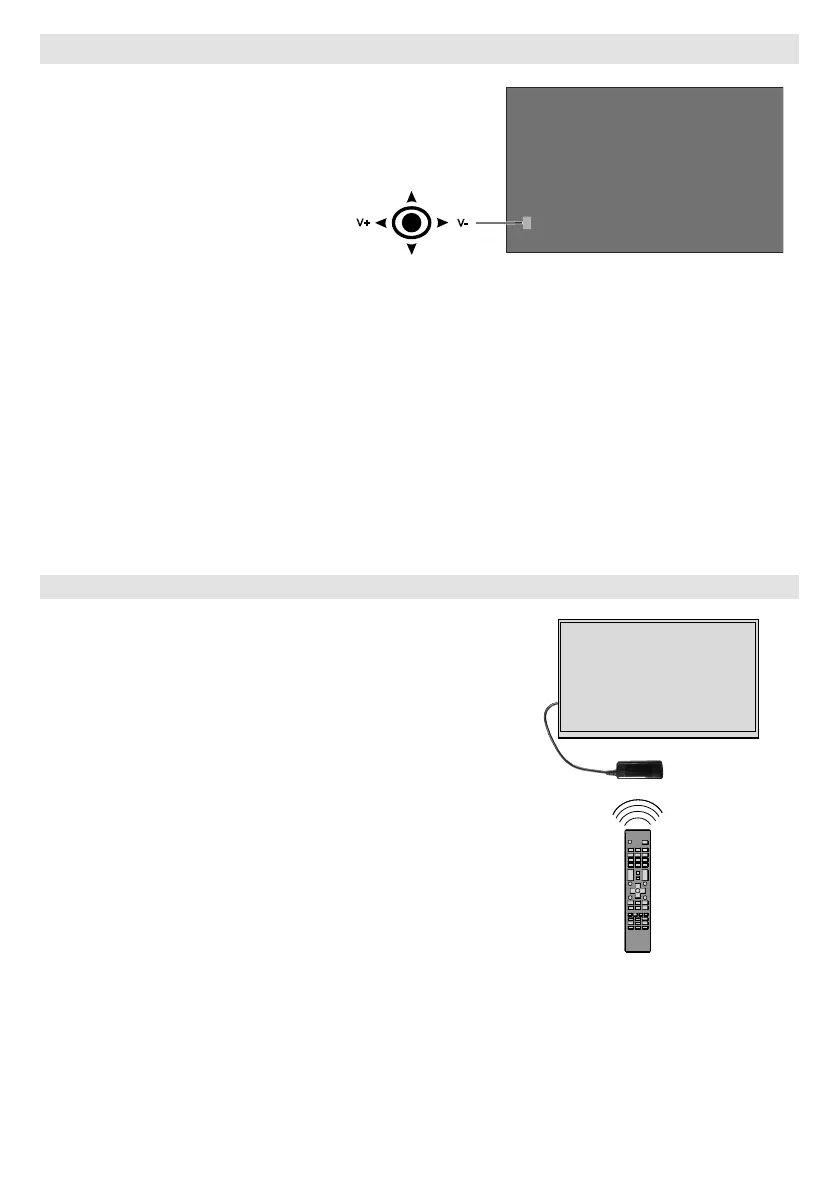
To turn on the Display: Press the
will turn on.
To turn the Display off: Press the
centre of the joystick in and hold it
will turn into standby mode.
To change source: Press the
list will appear on the screen. Scroll
through the available sources by
pushing the joystick up or down.
To change volume: Increase the
volume by pushing the joystick right.
Decrease the volume by pushing
the joystick left.
Note: Main menu OSD cannot be displayed via joystick.
Connecting the IR Receiver



 To Next Page