English - 10 -
Turning the Display On/Off
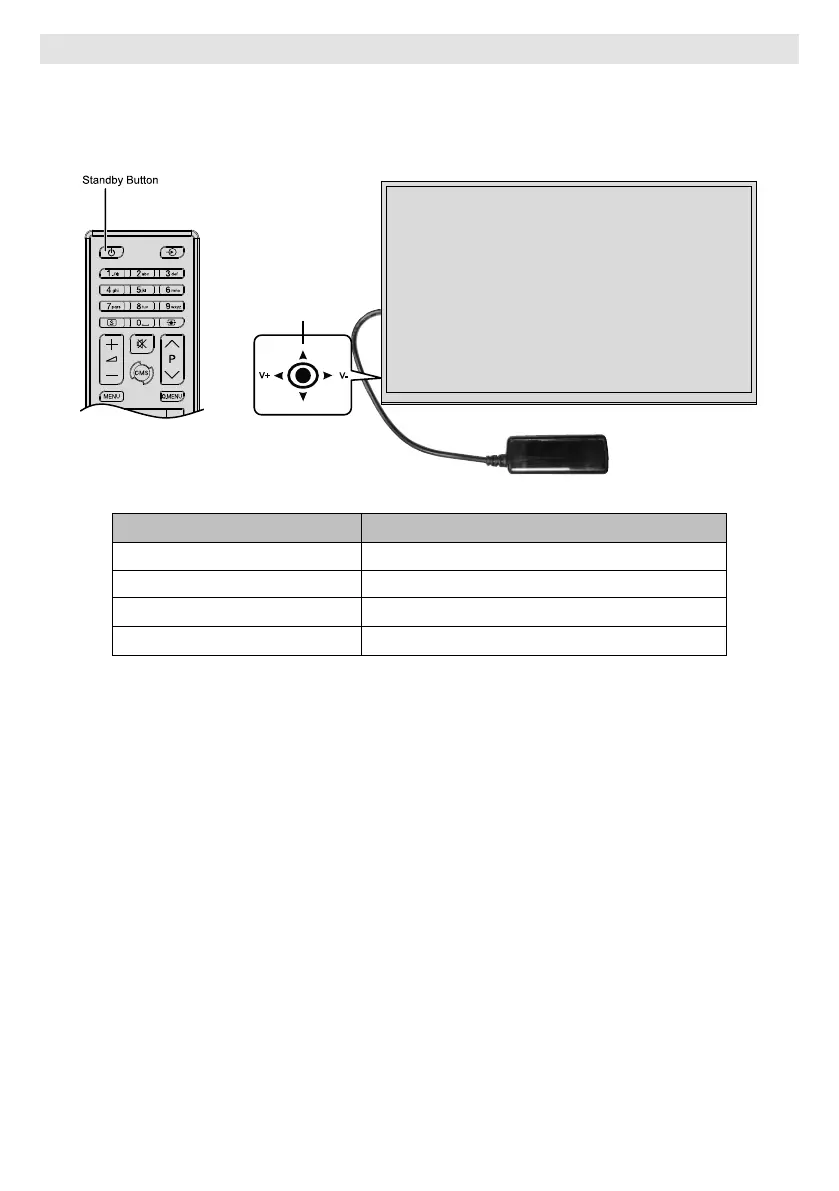
Press the Standby button on the remote or press the centre of the joystick in located on rear left side of the
Display to switch it on from standby . Press the centre of the joystick in and hold it down for a few seconds or
press the Standby button on the remote to switch display into standby mode.
Joyst�ck
V+
V-
LED Status Status of the monitor
Power led not lit Power on
Power led lit Power off (Standby mode)
Scheduler active
Power up / down and Sw update



 To Next Page