EasyManua.ls Logo

Toshiba TDDP2012ES2 - User Manual

Toshiba TDDP2012ES2
16 pages
Print Icon
To Next Page IconTo Next Page
Loading...
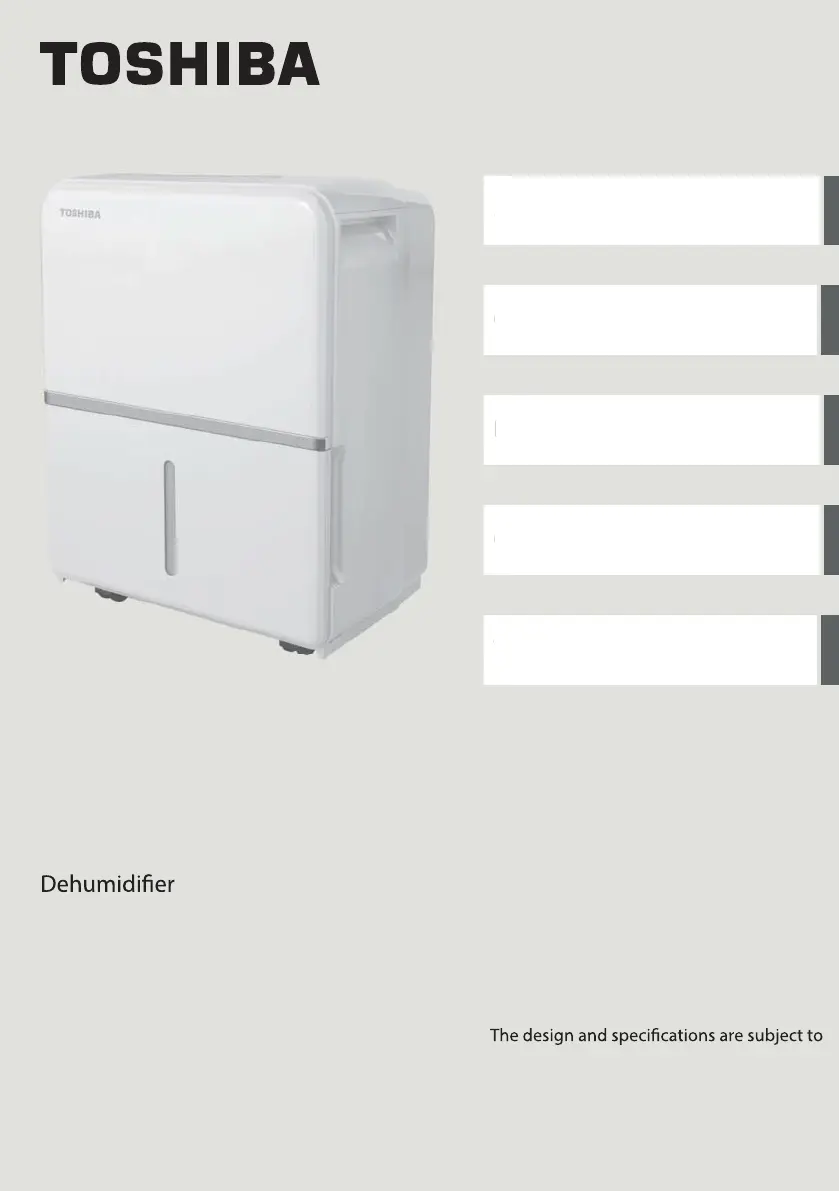
USER MANUAL
Safety Precautions
Operating Instructions
Installation Instructions
Care and Cleaning
Troubleshooting Tips
TDDP2012ES2
TDDP3512ES2
TDDP5012ES2
TDDP5012ES2P
Warning notices: Before using this product,
please read this manual carefully and keep
it for future reference.
change without prior notice for product
improvement. Consult with your dealer or
the manufacturer for details.
moc.elytsefilabihsot-su9102 - 10 - B noisrev
S
a
O
I
n
C
a
Tr

Questions and Answers

  • A
    armstrongelizabethAug 5, 2025
    How to fix a loud Toshiba TDDP2012ES2?
    • K
      Kenneth DominguezAug 5, 2025
      A loud noise during operation of your Toshiba Dehumidifier can be due to several reasons. The air filter may be dirty and needs cleaning. The unit might be tilted instead of upright, or the floor surface may not be level.
  • M
    Michelle MiddletonAug 11, 2025
    What to do if there is water on the floor near my Toshiba Dehumidifier?
    • K
      Kimberly JonesAug 11, 2025
      If you see water on the floor near your Toshiba Dehumidifier, check if the hose to connector or the hose connection is loose. Also, if you intend to use the bucket to collect water, ensure the back drain plug is properly in place.
  • A
    arnoldtiffanyAug 18, 2025
    Why is my Toshiba Dehumidifier not drying the air properly?
    • T
      turnernatashaAug 18, 2025
      If your Toshiba Dehumidifier isn't drying the air effectively, it may not have been running long enough. Ensure that curtains, blinds, or furniture aren't blocking the unit's front or back. Also, the humidity control might be set too high. Check that all doors, windows, and other openings are securely closed. The room temperature might be too low (below 41°F or 5°C), or there could be a water vapor source in the room.
  • T
    Tina LawrenceAug 23, 2025
    Why does frost appear on the coils of my Toshiba TDDP2012ES2?
    • L
      Lauren JacksonAug 25, 2025
      Frost appearing on the coils of your Toshiba Dehumidifier is normal. The unit has an auto-defrost feature.
  • V
    vjimenezAug 29, 2025
    What to do if my Toshiba TDDP2012ES2 Dehumidifier does not start?
    • R
      Rhonda HawkinsAug 30, 2025
      If your Toshiba Dehumidifier isn't starting, ensure it's firmly plugged into the wall outlet and check your house's fuse or circuit breaker box. Also, the dehumidifier might have reached its preset level, or the bucket could be full. Lastly, make sure the water bucket is correctly positioned.

Summary

Safety Precautions

Safety Symbols and General Warnings

Explains safety symbols and lists initial warnings for electrical safety and operation.

Operational and Handling Precautions

Details safe usage, placement, and handling advice to prevent injury and damage.

Electrical and Flammable Material Safety

Focuses on proper electrical grounding, avoiding extension cords, and keeping away from flammables.

Operating Instructions

Product Overview and Accessories

Identifies the dehumidifier's components and lists included accessories.

Control Panel and Button Functions

Explains control panel indicators, buttons, and their specific operations.

Advanced Controls and Features

Details TURBO, TIMER, Humidity settings, Power, LED display, error codes, and operational features.

Timer Settings and Bucket Water Removal

Guides on setting timers and safely removing collected water using the bucket.

Continuous and Pump Draining Methods

Explains how to set up continuous drainage and pump drainage for water removal.

Pump Draining Notes and Troubleshooting

Provides important notes and troubleshooting for pump-assisted water drainage.

Installation Instructions

Unit Positioning and Airflow Requirements

Details optimal placement, clearance, and environmental conditions for installation.

Care and Cleaning

Cleaning the Grill and Casing

Instructions for cleaning the exterior surfaces and air intake/outlet.

Cleaning the Water Bucket

Guidance on how to clean the water collection bucket to prevent mold.

Cleaning the Air Filter

Steps for removing, washing, and re-installing the air filter for optimal performance.

Long-Term Storage Preparation

Steps for preparing the unit for storage, including drying and cleaning.

Troubleshooting Tips

Unit Does Not Start Issues

Solutions for problems related to the unit failing to start.

Dehumidification Performance Issues

Troubleshooting steps for when the dehumidifier is not drying air effectively.

Noise and Frost Related Problems

Addresses loud noise during operation and frost appearing on coils.

Water Leaks and Error Codes

Solutions for water on the floor and display of error codes (ES, AS, P2, Eb).

Toshiba TDDP2012ES2 Specifications

General IconGeneral
Operating Temperature41°F - 90°F
Control TypeElectronic
RefrigerantR134a
Power Consumption240W
Special FeaturesAuto Restart
Drainage OptionContinuous Drain
Tank Capacity4.5 liters

Related product manuals