EasyManua.ls Logo

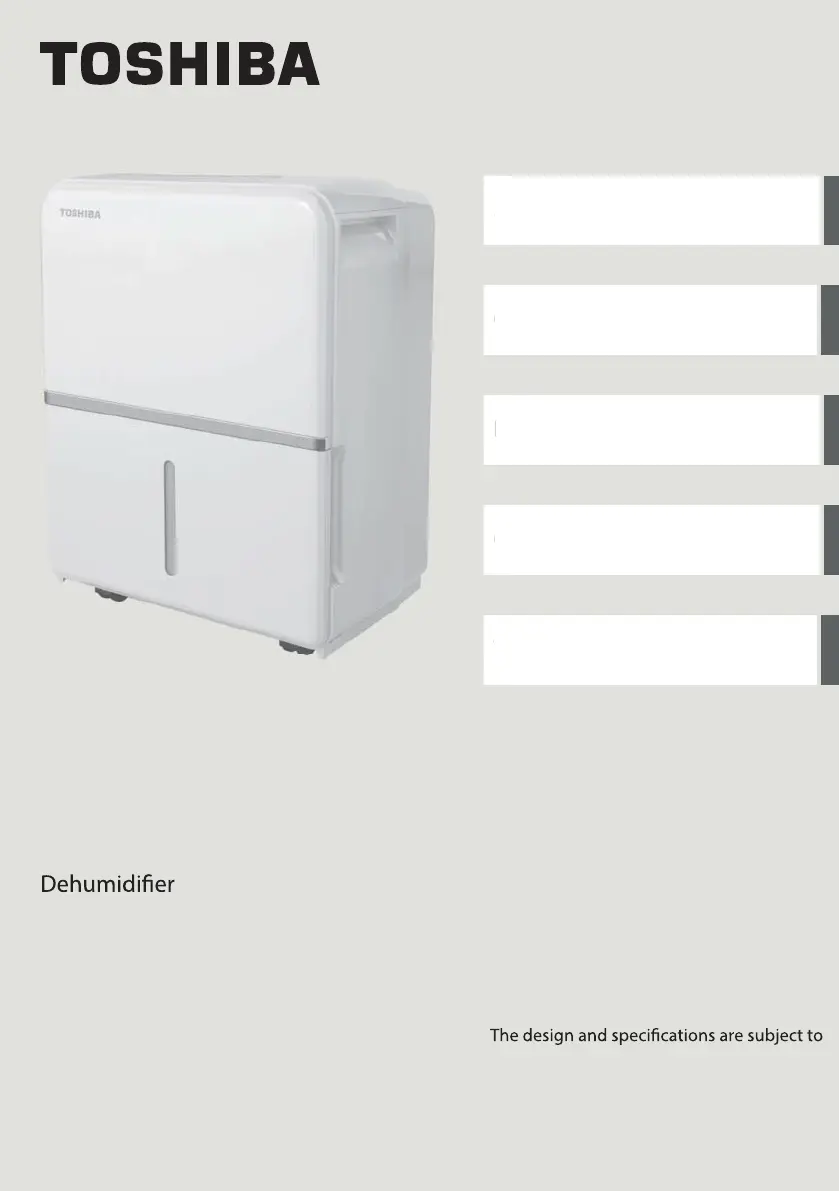
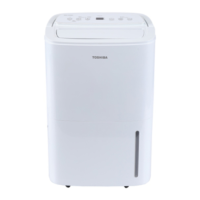
Toshiba TDDP2213ES2C - User Manual

Toshiba TDDP2213ES2C
28 pages
Print Icon
To Next Page IconTo Next Page
Loading...
USER MANUAL
Safety Precautions
Operating Instructions
Installation Instructions
Care and Cleaning
Troubleshooting Tips
Warning notices: Before using this product,
please read this manual carefully and keep
it for future reference.
change without prior notice for product
improvement. Consult with your dealer or
the manufacturer for details.
moc.elytsefilabihsot-su9102 - 10 - B noisrev
S
a
O
I
n
C
a
T
r
TDDP2213ES2C
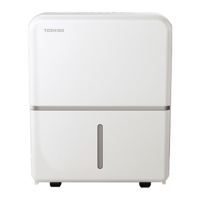
TDDP5013ES2C

Questions and Answers

  • T
    Tiffany JacksonAug 5, 2025
    How to fix a loud Toshiba TDDP2213ES2C?
    • P
      pbowmanAug 5, 2025
      A loud noise during operation of your Toshiba Dehumidifier can be due to several reasons. The air filter may be dirty and needs cleaning. The unit might be tilted instead of upright, or the floor surface may not be level.
  • C
    Cassandra MillerAug 11, 2025
    What to do if there is water on the floor near my Toshiba TDDP2213ES2C?
    • A
      Anthony JonesAug 11, 2025
      If you see water on the floor near your Toshiba Dehumidifier, check if the hose to connector or the hose connection is loose. Also, if you intend to use the bucket to collect water, ensure the back drain plug is properly in place.
  • M
    Michael GrimesAug 17, 2025
    Why is my Toshiba Dehumidifier not drying the air properly?
    • T
      Theresa SantiagoAug 17, 2025
      If your Toshiba Dehumidifier isn't drying the air effectively, it may not have been running long enough. Ensure that curtains, blinds, or furniture aren't blocking the unit's front or back. Also, the humidity control might be set too high. Check that all doors, windows, and other openings are securely closed. The room temperature might be too low (below 41°F or 5°C), or there could be a water vapor source in the room.
  • M
    Melissa MorrisonAug 23, 2025
    Why does frost appear on the coils of my Toshiba TDDP2213ES2C?
    • W
      William SmithAug 25, 2025
      Frost appearing on the coils of your Toshiba Dehumidifier is normal. The unit has an auto-defrost feature.
  • T
    Tanya OliverAug 29, 2025
    What to do if my Toshiba TDDP2213ES2C does not start?
    • A
      Ariel JonesAug 29, 2025
      If your Toshiba Dehumidifier isn't starting, ensure it's firmly plugged into the wall outlet and check your house's fuse or circuit breaker box. Also, the dehumidifier might have reached its preset level, or the bucket could be full. Lastly, make sure the water bucket is correctly positioned.

Summary

Safety Precautions

Electrical Safety Information

Provides critical electrical safety guidelines and grounding requirements.

General Safety Warnings

Details general safety precautions related to flammables and electrical hazards.

Operating Instructions

Product Overview

Details the front and rear components and accessories of the dehumidifier.

Control Panel Features

Explains the function of each button and indicator light on the control panel.

Control Button Functions

Describes the function of individual control buttons like COMFORT, FILTER, and CONT.

LED Display and Error Codes

Explains the LED display, error codes, and protection codes for troubleshooting.

Timer Settings

Details how to set the timer for automatic unit ON and OFF operations.

Removing Collected Water

Explains how to remove collected water using the bucket or continuous draining.

Installation Instructions

Unit Positioning and Environment

Provides guidance on optimal placement and environmental conditions for the dehumidifier.

Care and Cleaning

Cleaning the Grill and Case

Instructions for cleaning the exterior surfaces and air intake/outlet grills.

Cleaning the Water Bucket

Guidance on how to clean the water bucket to prevent mold and bacteria growth.

Cleaning the Air Filter

Steps for removing, washing, and re-installing the air filter.

Long-Term Storage

Procedures for storing the dehumidifier properly when not in use.

Troubleshooting Tips

Toshiba TDDP2213ES2C Specifications

General IconGeneral
BrandToshiba
ModelTDDP2213ES2C
CategoryDehumidifier
LanguageEnglish

Related product manuals