EasyManua.ls Logo

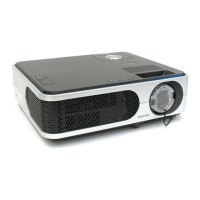
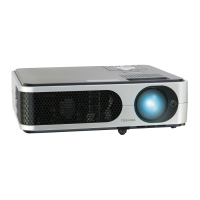
Toshiba TLP-X150 - User Manual

Toshiba TLP-X150
35 pages
Print Icon
To Next Page IconTo Next Page
Loading...
Before UsingPreparationsOperationsMaintenanceOthers
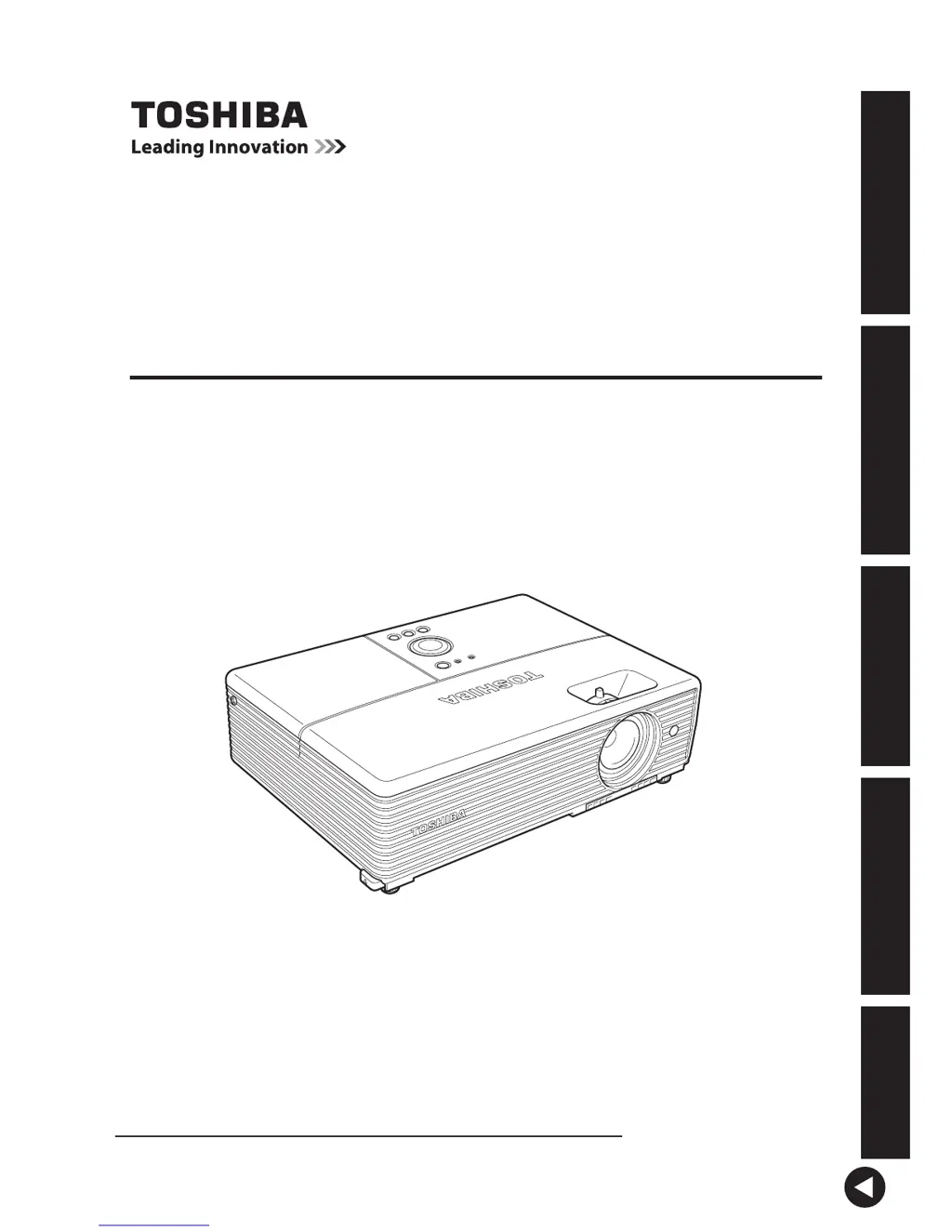
TLP-X150
DATA PROJECTOR
OWNER’S MANUAL
In the spaces provided below, record the Model and Serial No. located at the bottom of
your projector.
Model No. Serial No.
Retain this information for future reference.

Table of Contents

Other manuals for Toshiba TLP-X150

Questions and Answers

  • M
    michelematthewsAug 18, 2025
    How to fix no picture on my Toshiba TLP-X150?
    • C
      Christopher BoyleAug 18, 2025
      If your Toshiba Projector displays no picture, verify the following: Ensure the input source is correctly selected if [Auto input search] is [Off]. Check if the mute function is enabled. Confirm that the brightness setting is not minimized. Verify that all connections are correctly set up and that all connected devices are functioning properly.
  • N
    Nicole McdowellAug 20, 2025
    How to troubleshoot no power on Toshiba TLP-X150 Projector?
    • R
      Richard CooperAug 20, 2025
      If your Toshiba Projector has no power, check if the power cord is properly plugged into both the outlet and the projector. Also, ensure that the outer lamp cover is correctly attached. If these steps don't resolve the issue, unplug the power cord and contact your dealer.
  • T
    Theresa BurnsAug 23, 2025
    What to do if there is no audio on Toshiba Projector?
    • A
      Abigail OrtizAug 23, 2025
      If you're experiencing no audio with your Toshiba Projector, first check if the mute function is on. Next, verify that the volume setting is not minimized. Also, ensure that all connections are correctly set up and that all connected devices are functioning properly.
  • C
    Christopher BrownAug 26, 2025
    Why won't the lamp turn on in my Toshiba TLP-X150?
    • D
      Dr. Michael SchroederAug 26, 2025
      If the lamp in your Toshiba Projector won't turn on, it might be due to a high lamp temperature, the end of the lamp's lifetime, or a projector malfunction. Try unplugging the power cord, waiting a short while, and then turning the power back on. If a lamp burns out, replace it with a new one.
  • C
    connor02Aug 27, 2025
    Why does my Toshiba TLP-X150 power out during use?
    • V
      Veronica CampbellAug 27, 2025
      If your Toshiba Projector loses power during use, it could be due to internal overheating or a high outside temperature. Ensure that the projector is placed so that the air intake and exhaust are not blocked. You can also try unplugging the power cord, waiting a short while, and then turning the power back on. If the problem persists it may be due to a problem with the internal cooling fan. In that case, unplug the power cord, and contact your dealer. If the issue persists after these steps, unplug the power cord and wait for a short while before turning it back on. If the problem remains, unplug the power cord and contact your dealer.
  • N
    njensenAug 30, 2025
    How to brighten a dark image on Toshiba Projector?
    • D
      Dr. Jerry WilsonAug 30, 2025
      If the image on your Toshiba Projector is dark, check if the brightness or contrast adjustments are off. Also, consider whether the lamp is nearing the end of its service life.
  • J
    Jo HernandezSep 1, 2025
    What to do if Toshiba TLP-X150 picture is not displayed correctly?
    • M
      Mary HollandSep 1, 2025
      If the picture on your Toshiba Projector is not displayed correctly, verify that the input signal is supported by the projector. Also, check for any sources generating an abnormal video signal, such as a video tape.
  • R
    Rebecca WarnerSep 4, 2025
    Why does Toshiba TLP-X150 power off during use?
    • S
      Steven RiveraSep 4, 2025
      If your Toshiba Projector powers off during use, consider whether the ambient temperature is high or if the air intake or air exhaust is blocked.
  • S
    Stephanie RiggsSep 7, 2025
    How to fix a blurred picture on Toshiba TLP-X150?
    • O
      ohicksSep 7, 2025
      To fix a blurred picture or a picture that is partly out of focus on your Toshiba Projector, check if the lens is dirty and clean it if necessary. Ensure the lens focus is optimally adjusted. Verify that the projection distance is within the projector’s supported range. Check if the projector’s screen placement angle is tilted too far. Finally, make sure the sharpness or sampling phase adjustments are correctly set.
  • W
    wilsongeorgeSep 9, 2025
    How to adjust colors on Toshiba TLP-X150 Projector with bad shading?
    • C
      cgreenSep 9, 2025
      If the colors are too light or there is bad shading on your Toshiba Projector, check if the color, R-level, G-level, or B-level adjustments are off. Also, inspect the screen to see if it is dirty. Verify that the blackboard mode is set properly, and consider whether the lamp is nearing the end of its service life.

Toshiba TLP-X150 Specifications

General IconGeneral
BrandToshiba
ModelTLP-X150
CategoryProjector
LanguageEnglish

Related product manuals