E6581692
- 10 -
3. Parameters
3.1. Command and Freq. Reference setting
Set up the inverter parameters as follows when command via CiA 402 profile. From CANopen network, the
drive parameters can be commanded directory. The latest commanded parameters are activated when
same run command / frequency reference command.
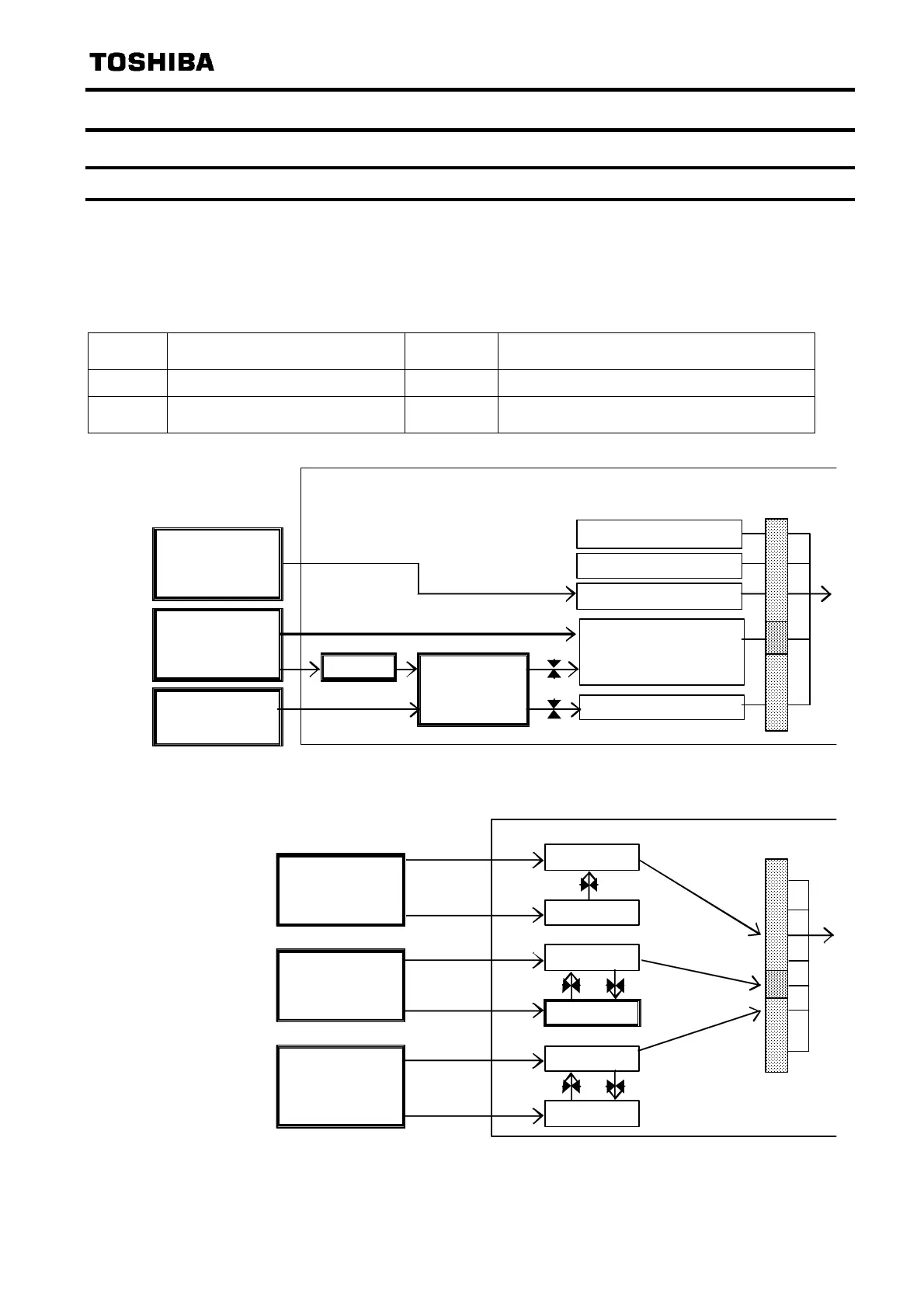
Refer to the below table and the figurer and the capture “2.5 Command & Setpoint selection
(Local/Remote)”.
P No. Parameter function
Default
Value
Note
cmod
Command mode selection 1 3: CANopen communication
fmod
Frequency setting mode
selection 1
0 6: CANopen communication
cmod
Control terminal.
Oper ati on panel.
Serial Comm. (FA00)
0
1
2
3
4
CANopen
Network option
CiA 402
State machine
Network option (FA06)
CANopen
®
(FA04)
6040
RS485
communication
Figure 1 Command source
fmod
0
・
・
4
5
6
7
CANopen
N etw or k optio n
FA 01( Hz)
FA13(min
)
FA 05( Hz)
6042
min
-
FA 07( Hz)
C906(min
-
)
RS485
communication
Figure 2 Frequency reference command source



 To Next Page
 Loading...








