E6581299
- 5 -
2. Exterior features
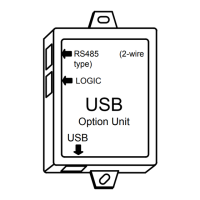
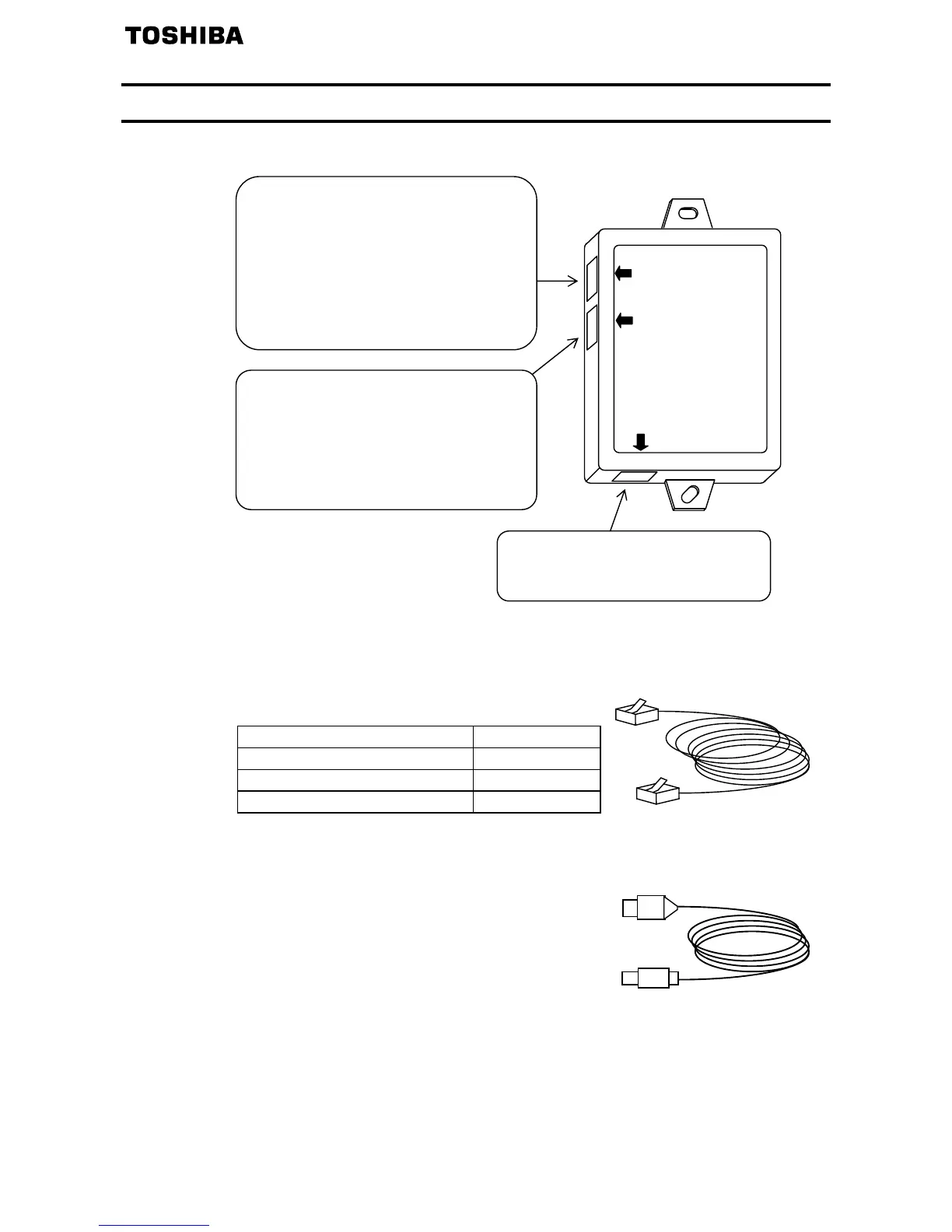
(1) Here are the names and functions of the exterior components of the USB001Z unit.
(2) Interconnect cables (No cables are included with this converter unit.)
- Inverter side (Point of connection: Either
or in the above figure)
Use one of the optionally available Toshiba-specified cables listed below.
Inverter-to-unit interconnect cable Cable length
CAB0011 1.2m
CAB0013 3.6m
CAB0015 4.8m
- USB device side (Point of connection:
in the above figure)
Use a commercially available USB cable.
(Compliant with USB 1.1/2.0, A-B connection type)
Recommended cable length: 1 m or less
RS485 (2-wire type) communication port
Used to connect to the RS485 (2-wire
type) port on the inverter
Applicable model: VF-nC3,
VF-S15,
VF-FS1,
VF-AS1,
VF-PS1
and other models
Common serial communication port
Used to connect to the common serial
port on the inverter
Applicable model: VF-S11, VF-nC1
VF-S9, VF-A7
VF-P7
and other models
USB communication port
Used to connect to a USB port on the
PC
RS485(2wire type)
USB
LOGIC
USB
O


 To Next Page
 Loading...