E6581299
- 7 -
3.1. Windows XP
* In this example, Windows XP SP3 is used.
(1) Turn on your computer and start Windows XP.
Note: Log on to Windows XP as a computer administrator.
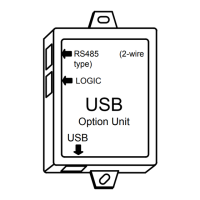
(2) Connect the USB001Z unit to the computer with a USB cable.
* At this time, do not connect the USB001Z unit to the inverter.
The message “Found New hardware” appears on the screen of your computer monitor,
and the “Found New Hardware Wizard” appears after a short while, as shown in the
figure below.
Click the checkbox for “No, not this time” in the window, make sure a check mark is put in
the checkbox, and then click [Next].


 To Next Page
 Loading...