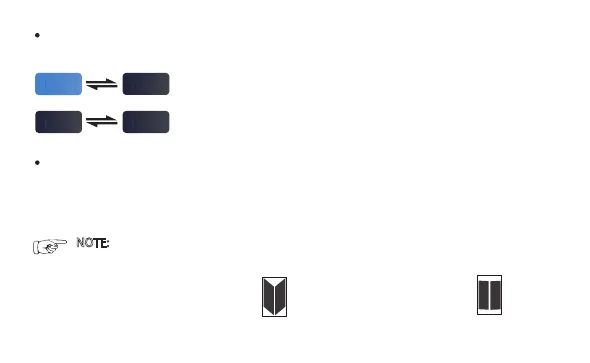
Selflock enable: the button change color when being clicked.
Selflock disable: the button does not change color when being clicked.
Selflock: when enable self-lock, the PWM signal will keep giving the certain pulse width,
won't back to the middle point(1.5mS).
Contact Channel: map the button to the channel of the receiver ( CH2, CH4~CH8).
- On/Off: for the PWM signal, the middle point is 1.5mS, you can define a wider(plus) or
narrower(minus) pulse width as on/off signal.
30
NOTE: for XBOAT730 and Cboat, the button of K1(L.BBOX ) and K2(R.BBOX) can not be
selflock.
To open the left or right bait-box,
click L.BBOX or R.BBOX button.
To close the bait-box, Click
CLS.BX button
k4
M.lights
k4
M.lights
k4
M.lights
k4
M.lights


 To Next Page