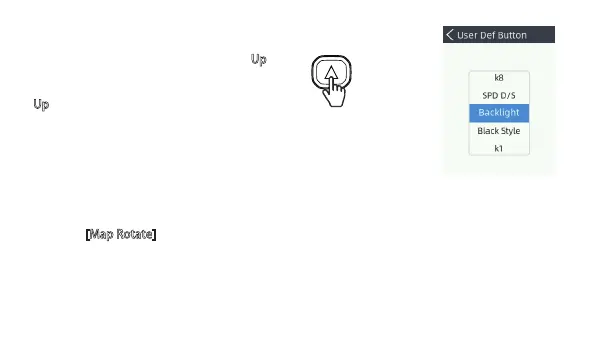
For example, if you choose Backlight, then the
Up
key will be defined as a shortcut key to adjust
backlight.
If enable [Ma
p Rotate], system will use the operator facing direction instead of North-up.
33
User Def Button
Used to define shortcut function for the Up key.
Map Rotate
For XR310, there is no compass in handheld side, however the system can identify the facing
direction of the operator after an autopilot mission started.
Set & Reset
Used to restore original factory setting.


 To Next Page