How to make the SW-Channel Def.?
CH1: to correct the running direction of rudder.
CH3: to correct the running direction of motor.
32
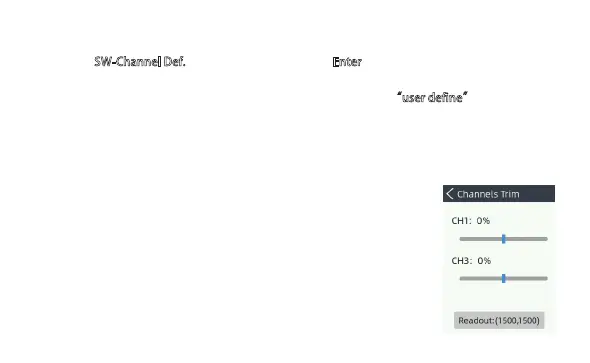
Channels Trim
Used to adjust the middle point of each servo, which is
especially useful when this middle point cannot be
mechanically fine adjusted.
a ) Choose SW-Channel Def.
from menu list, then press Enter key to confirm selection.
b) Slect the Button (K1-K6) which you hope to define.
c) Select a name from the default setting for the button (or select “user define” to edit
__a new name )
d) Select a Channes (CH1-CH8)to match the button.
Now the button was successfully defined.


 To Next Page