P resetting A Station
1. Select “Favourites”.
2. Tune in the desired station.
3. Select one of the station selector
buttons (1-6) and hold it until a beep
is heard.
• The station’s frequency (AM/FM) or
name (FM/DAB) will be displayed in
the screen button.
• To change the preset station to a
different one, follow the same
procedure.
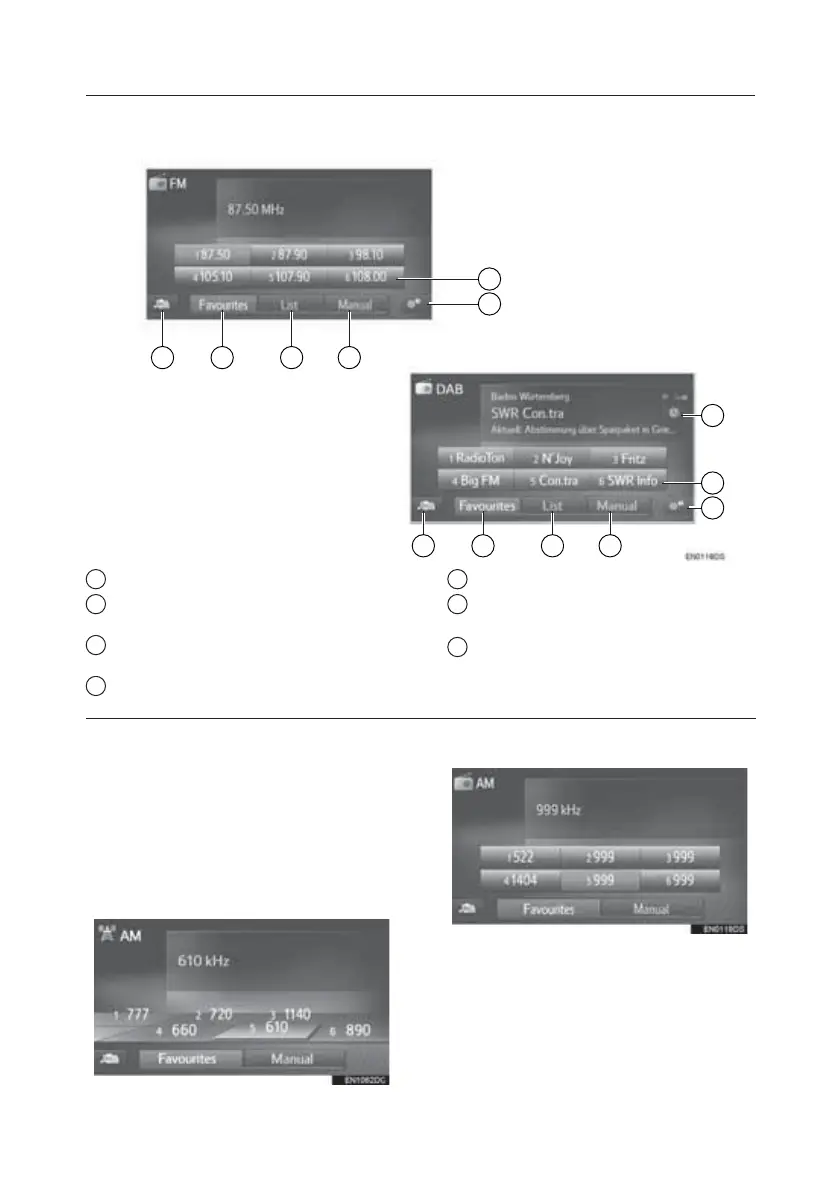
Toyota Touch 2 with Go (With Navigation)
1
2
6 5 4 3
1
7
2
6 5 4 3
1 Select to tune to preset stations.
2 Select to display the radio options
screen.
3 Select to display the manual tuning
screen.
4 Select to display the station list.
5 Select to display the preset station.
6 Select to display the audio source
selection screen.
7 Select to display the time shift
operation screen.
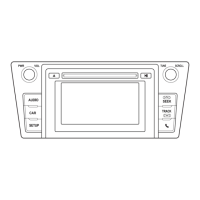
Toyota Touch 2
Toyota Touch 2 with Go
TOUCH-SCREEN MULTIMEDIA
7







 To Next Page