01
Overview
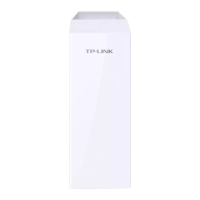
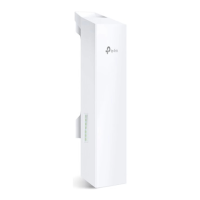
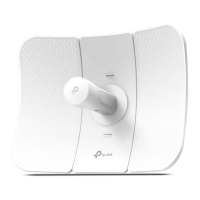
TP-Link's Pharos series outdoor CPEs are dedicated to outdoor wireless
network solutions. This guide is applicable to products including CPE205,
CPE210, CPE220, and CPE510.
• Package Contents
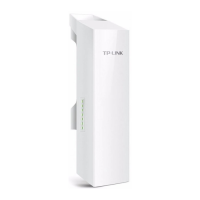
Pharos CPE
Passive PoE
Adapter
Pole Mounting
Straps
Mounting Bracket
Plastic Wall Anchors (Qty.2)
Self-tapping Screws (Qty.2)
Installation Guide
Power Cord
• LED Explanation
The following picture takes CPE220 as an example.
AP/AP Router Mode:
All four LEDs remain solid.
Client/Bridge/Repeater/AP Client Router Mode:
That the more LEDs lit will indicate better wireless signal strength.
Flashing: A device is connected to this port, and is active.
On: The CPE is powered on.
On: A device is connected to this port, but there is no activity.






 To Next Page